ป้ายกำกับ: click tracking

  • Free Custom URL Shortener for Marketing Campaigns

    Free Custom URL Shortener for Marketing Campaigns

    A free custom URL shortener can make marketing campaigns easier to manage, easier to track, and easier to remember. While many people think URL shorteners are mainly for reducing character count, marketers often use them for a different reason: control. A custom short link allows you to create cleaner URLs, organize campaigns, and understand where traffic comes from without forcing users to click complicated links full of tracking parameters.

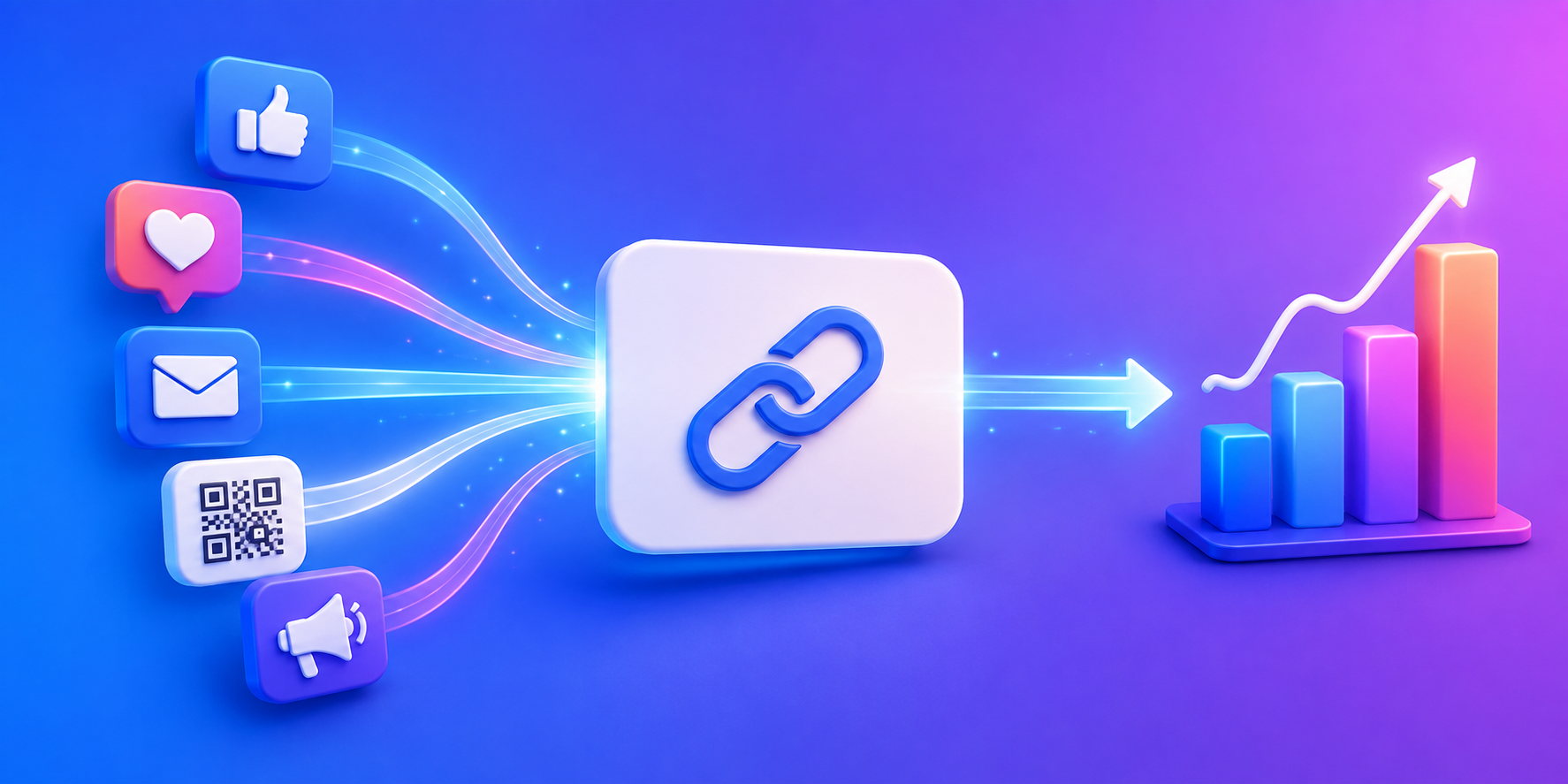
    Whether you’re running social media promotions, email campaigns, influencer partnerships, QR code campaigns, or product launches, custom short links can make your marketing look more professional while providing useful analytics behind the scenes.

    Why Generic URLs Make Campaigns Harder to Manage

    Marketing campaigns often rely on URLs that were never designed to be shared publicly. Product pages, landing pages, signup forms, and ecommerce links frequently contain long tracking strings, referral IDs, and campaign parameters. While these details are useful for analytics platforms, they create URLs that are difficult to read and difficult to remember.

    A custom short link solves this by replacing the complicated URL with something simple and recognizable. Instead of sharing a long campaign URL, you can create a link that clearly communicates its purpose.

    Long URLCustom Short Link
    website.com/pricing?utm_source=instagram&utm_campaign=summer_launchitlink.to/pricing
    website.com/event-registration?id=48382itlink.to/event
    website.com/download-app?campaign=tiktokitlink.to/app

    The destination stays the same, but the experience improves.

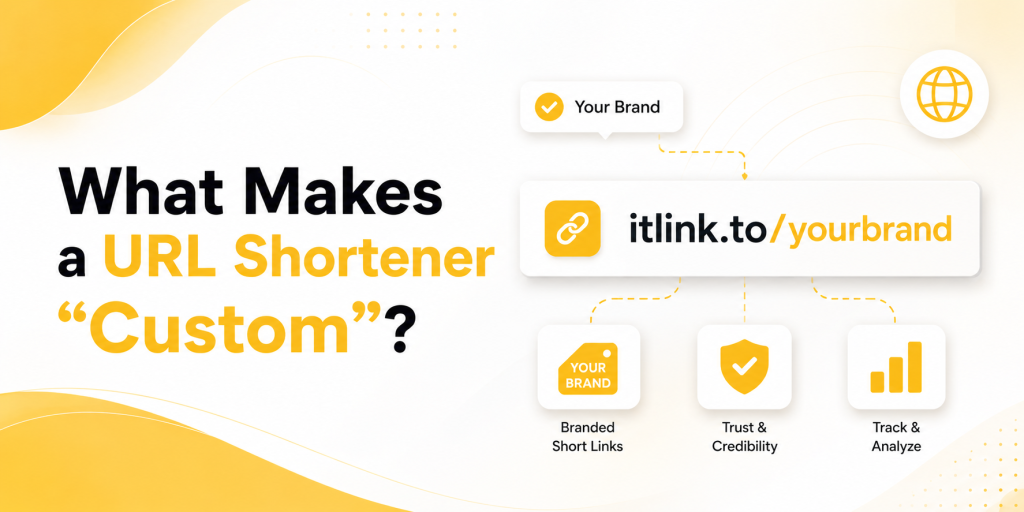
    What Makes a URL Shortener “Custom”?

    A custom URL shortener allows you to choose the alias at the end of the link rather than accepting a random string of characters. Instead of a link like:

    itlink.to/a8j3k2

    You can create:

    itlink.to/summer-sale

    or

    itlink.to/app-launch

    This makes the link easier to understand before someone clicks it. It also creates consistency across campaigns and helps people remember the URL when they see it again later.

    Marketing Campaigns Benefit From Better Naming

    Custom aliases are not just about branding. They also make campaign management easier.

    Imagine running campaigns across Instagram, TikTok, LinkedIn, YouTube, newsletters, and influencer partnerships. If every link uses random characters, reporting quickly becomes confusing. If every link uses meaningful names, your analytics become easier to understand.

    CampaignExample Alias
    Instagram Bioinstagram
    TikTok Profiletiktok
    Product Launchlaunch
    Black Friday Saleblack-friday
    Webinar Registrationwebinar
    Influencer Campaigncreator-jane

    Good naming conventions save time when reviewing campaign results later.

    Why Custom Short Links Work Better on Social Media

    Social media users make decisions quickly. A clear link creates confidence. A random link creates uncertainty.

    When someone sees a custom URL such as:

    itlink.to/free-guide

    they immediately understand what to expect.

    When they see:

    itlink.to/a8j3k2

    they learn nothing.

    This may seem minor, but social media is filled with small moments that influence whether people click or continue scrolling.

    Create Different Links for Different Traffic Sources

    One of the biggest advantages of a custom URL shortener is campaign separation.

    Instead of using one link everywhere, marketers can create unique links for each traffic source while sending visitors to the same destination.

    Traffic SourceCustom Link
    Instagramitlink.to/instagram
    TikTokitlink.to/tiktok
    YouTubeitlink.to/youtube
    Newsletteritlink.to/email
    QR Codeitlink.to/event

    This approach creates cleaner reporting because you can immediately see where clicks originate.

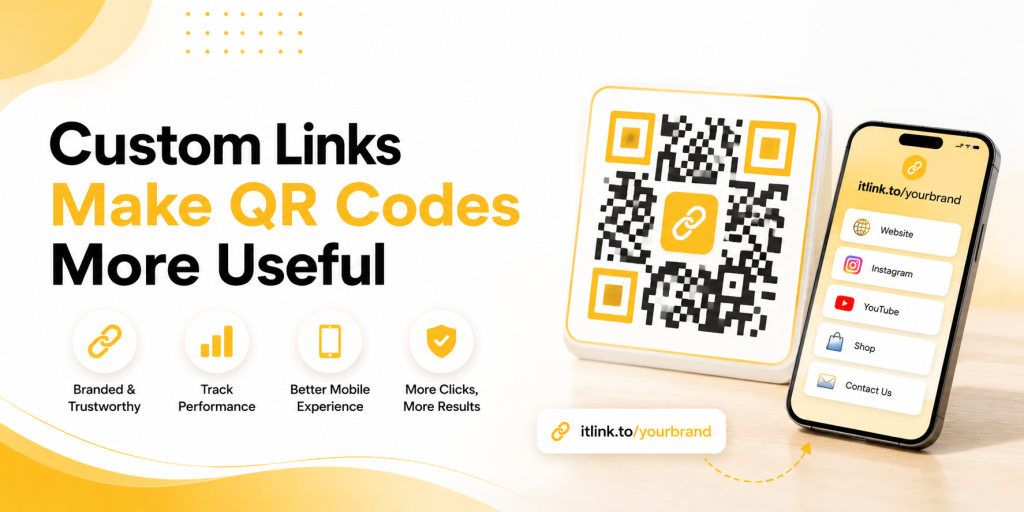
    Custom Links Make QR Codes More Useful

    QR codes are often used in offline marketing campaigns. They appear on packaging, flyers, posters, event booths, menus, business cards, and product displays.

    A custom short URL behind the QR code makes the destination easier to recognize and easier to update later if needed. Instead of printing a QR code that points directly to a temporary page, marketers can use a short link and change the destination whenever necessary.

    This flexibility becomes valuable when campaigns evolve after launch.

    Why Click Tracking Matters More Than Ever

    Creating a shorter URL is useful. Understanding what happens after someone clicks is even more valuable.

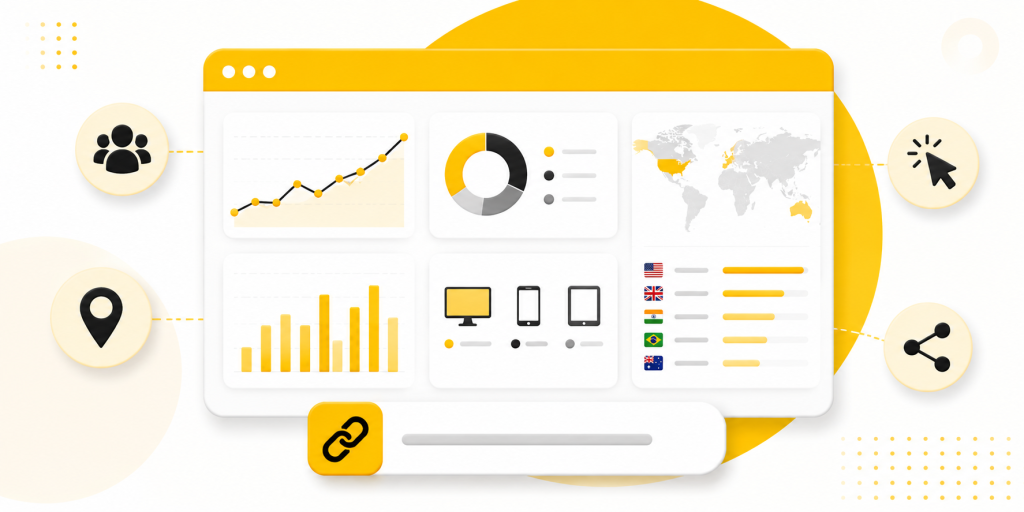
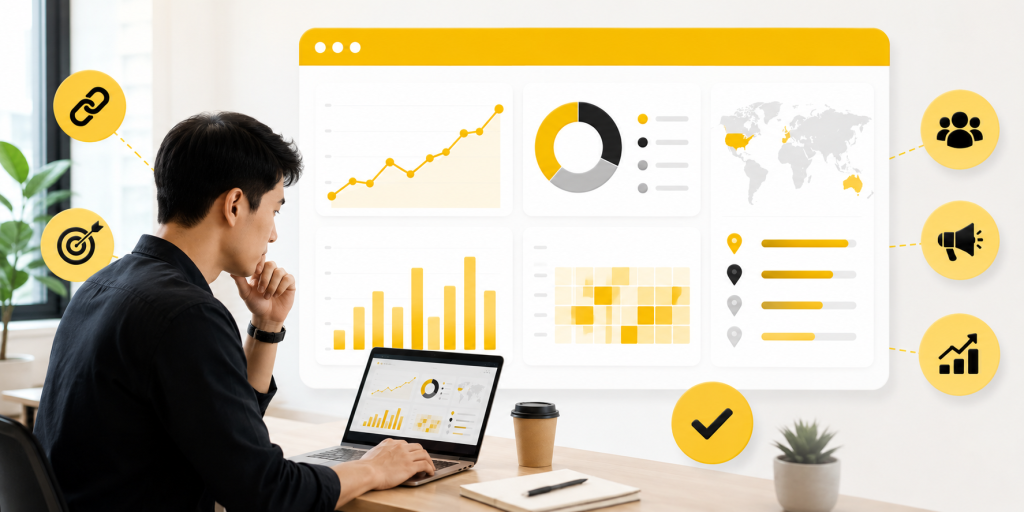
    A good custom URL shortener should provide visibility into campaign performance.

    Useful metrics include:

    • Total clicks
    • Unique clicks
    • Countries
    • Devices
    • Referrers
    • Campaign-specific traffic

    These insights help marketers identify which channels deserve more attention and which campaigns need improvement.

    Free Tools Lower the Barrier to Better Marketing

    Many small businesses, startups, creators, and ecommerce brands delay link tracking because they assume it requires expensive software.

    In reality, a free custom URL shortener often provides enough visibility to improve campaigns significantly. A few well-organized links can reveal more about campaign performance than many marketers expect.

    This makes custom short links one of the simplest upgrades available to almost any marketing workflow.

    How itlink.to Helps Marketers Create Custom Links

    itlink.to allows users to create free custom short links using aliases that match their campaigns. Instead of sharing long URLs, marketers can create clean, memorable links that are easier to manage and easier to track.

    Because each campaign can use its own alias, businesses can separate traffic sources, compare performance, and organize reporting more effectively. Users can also access click analytics, making it easier to understand which campaigns generate interest.

    For marketers who need more than short links, itlink.to also offers HubLink for link in bio pages and OneRoute for smart app download links.

    Build Campaigns Around Links People Can Remember

    The best marketing links are not necessarily the shortest. They are the clearest.

    A free custom URL shortener helps transform complicated URLs into simple, memorable links that support both branding and analytics. Instead of sharing random strings of characters, you can create URLs that reflect the purpose of the campaign while making reporting easier.

    Whether you’re running social campaigns, email promotions, influencer partnerships, QR code campaigns, or product launches, custom short links can help bring more organization to your marketing efforts.

    References

  • Free Link Tracking Tool for Marketing Campaigns

    Free Link Tracking Tool for Marketing Campaigns

    A free link tracking tool helps marketers answer one of the most important campaign questions: which links are actually working? Not which page received traffic. Not which platform looked busy. Not which post got likes. The real question is which link made someone interested enough to click.

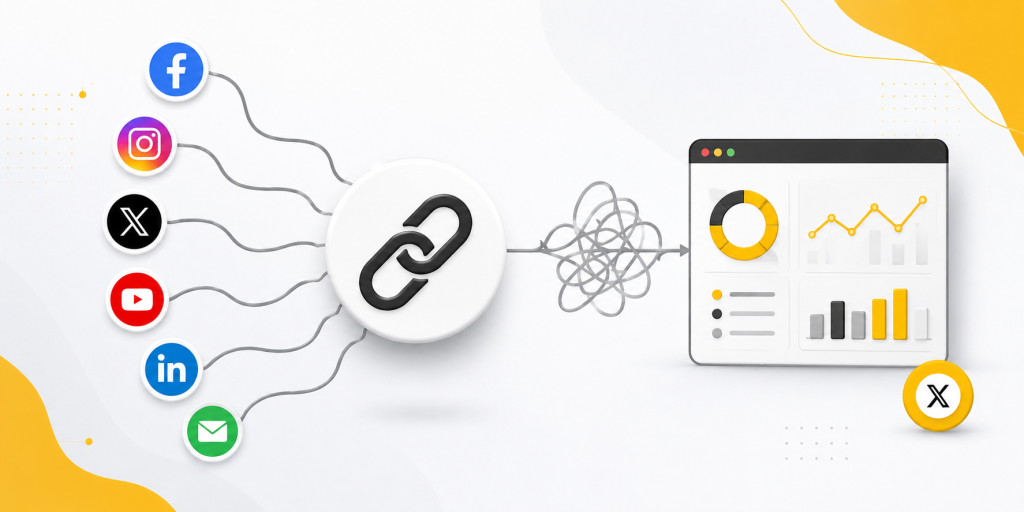
    This matters because many marketing reports look clear at first, but become confusing when you look closer. A campaign may get traffic from email, LinkedIn, Instagram, paid ads, QR codes, partners, and creators at the same time. If every channel uses the same destination link, your report cannot clearly show what created the result.

    A free link tracking tool solves this by giving each campaign placement its own measurable link. Instead of guessing whether a newsletter, ad, QR code, or social post worked, you can compare click performance directly. This helps you improve campaigns faster, spend budget more carefully, and avoid repeating weak marketing ideas.

    Your campaign report is often wrong before anyone visits the website

    Most marketers check analytics after traffic reaches the website. That is useful, but it does not show the full campaign story. A user made a decision before landing on your page. They saw a link somewhere and decided whether it looked worth clicking.

    That click may have started from a newsletter button, a LinkedIn post, a TikTok bio, a QR code on a flyer, a partner article, or a paid ad. If all of those placements use the same URL, your analytics may show traffic, but the source story becomes incomplete.

    This creates a reporting problem. The campaign looks like it generated traffic, but you cannot clearly say which link created attention. You may think the campaign worked because total visits increased. In reality, one channel may have carried the whole campaign while the others did almost nothing.

    Link tracking fixes this earlier in the journey. It measures the click before the visitor reaches the destination. That gives your team a cleaner view of channel performance and campaign interest.

    Free link tracking tool for cleaner campaign attribution

    A free link tracking tool is useful because it separates campaign performance by link, not just by landing page. This is important when several channels send traffic to the same destination.

    For example, your team may promote one landing page through five channels. Email may use one tracked link. LinkedIn may use another. A QR code may use a third. An influencer may use a fourth. Paid ads may use a fifth. All links can point to the same page, but each one produces separate click data.

    This makes attribution easier to understand. You can see which placement attracted attention, which channel underperformed, and which message deserves another test. You are no longer relying only on one combined traffic number.

    The goal is not to create complicated reports. The goal is to make campaign data easier to trust. When each important placement has its own link, your team can review performance without guessing where clicks came from.

    The mistake of using one link across every channel

    One of the biggest campaign tracking mistakes is using the same link everywhere. It feels simple at first. One destination, one link, one campaign. But this simplicity creates weak reporting.

    Imagine you promote a new offer through email, Instagram, LinkedIn, a paid ad, and a QR code. If every channel uses the same link, your total click number may look fine. But you will not know which channel created those clicks. That means you cannot confidently improve the next campaign.

    This can lead to bad decisions. You may keep posting on a channel that did not drive clicks. You may reduce budget from a channel that quietly performed well. You may assume a message was strong when only one placement created interest.

    A better approach is to create a separate tracked link for each meaningful channel. The destination can stay the same, but the link data should be separate. This gives you a clearer view of campaign performance without changing the landing page.

    What link tracking can show before conversion data is ready

    Conversion data is important, but it is not always available quickly. Some campaigns need time before users sign up, book a demo, buy, or download an app. Link tracking gives you earlier signals.

    A click does not prove success, but it shows interest. If a campaign gets very few clicks, the problem may be the message, offer, channel, audience, or placement. If a link gets many clicks but few conversions, the landing page or offer may need work.

    This distinction is useful. Without link-level data, teams often blame the wrong part of the campaign. They may rewrite the landing page when the real problem was that no one clicked the post. Or they may change the ad creative when the real problem was a weak signup page.

    Link tracking helps separate attention problems from conversion problems. First, did people click? Then, did they continue after landing? These are different questions, and they need different fixes.

    Campaign links worth tracking separately

    Not every link needs its own report. The best links to track are the ones that help you make better campaign decisions. Focus on links tied to channels, audiences, messages, or placements you may want to compare.

    • Email newsletter link: Track clicks from each email campaign or CTA.
    • Social post link: Compare LinkedIn, Instagram, X, Facebook, TikTok, or Threads.
    • QR code link: Measure offline interest from events, flyers, packaging, menus, or posters.
    • Influencer link: Give each creator a separate tracked link.
    • Partner link: Track each newsletter, blog post, community, or affiliate mention.
    • Paid ad link: Separate campaigns, ad groups, creatives, or offers.
    • Webinar link: Compare registration clicks from email, social, ads, and partners.
    • App campaign link: Track app download interest from different channels and devices.

    The rule is simple. If you will use the data to compare performance, create a separate tracked link. If the data will not change any decision, do not overcomplicate it.

    Why clicks can be useful and misleading at the same time

    Clicks are helpful, but they can be misleading when viewed alone. A campaign with many clicks may still perform poorly if those visitors do not take action. A campaign with fewer clicks may be more valuable if those visitors convert at a higher rate.

    For example, a viral social post may drive many curious clicks but few signups. A small partner newsletter may drive fewer clicks but stronger leads. If your team only celebrates total clicks, you may reward the wrong campaign.

    This is why link tracking should be read together with landing page data. Use link tracking to understand where attention came from. Use website analytics to understand what happened after the click. Use conversion data to judge business impact.

    The best marketing reports do not stop at “this link got clicks.” They ask better questions. Did the right audience click? Did those users continue? Did the channel bring meaningful traffic? Should we repeat this campaign, change the message, or stop using that placement?

    UTM tracking and short links should work together

    UTM parameters are useful because they help analytics tools identify campaign traffic. They can show source, medium, campaign name, content, and other details. The problem is that UTM links often look long and messy when shared publicly.

    A campaign URL with full UTM tracking may be useful for analytics, but poor for user experience. It can look confusing in social posts, emails, SMS messages, and printed materials. Users do not need to see the tracking structure. They only need a clear link that feels safe to click.

    This is where tracked short links help. The public link can stay clean, while the final destination still includes UTM parameters. Your users see a simple link. Your analytics still receive campaign data.

    This setup gives marketers the best of both sides. Short tracked links improve clarity before the click. UTM parameters improve reporting after the click. Together, they create a cleaner campaign workflow.

    How to organize links so reports stay readable

    Link tracking only works well when links are organized. If every team member names links differently, the data becomes messy again. A simple naming system can prevent this.

    Use link names that describe the campaign and channel. For example, a launch campaign could use separate links for /launch-email, /launch-linkedin, /launch-qr, and /launch-partner. This makes the report easier to understand later.

    Keep evergreen links separate from campaign links. Evergreen links are used often, such as /demo, /pricing, /app, or /contact. Campaign links are tied to a specific promotion, event, launch, or test. Mixing both together makes your link library harder to manage.

    Also assign ownership. Someone should know why the link exists, where it points, and whether it should be updated later. This is especially important for QR codes, old emails, and partner campaigns because those links can continue receiving clicks long after the campaign ends.

    Good link organization is not about being strict. It is about making future reports easier to read.

    Where a free link tracking tool fits in the marketing workflow

    A free link tracking tool should fit between campaign planning and campaign reporting. Before launching, create links for the channels you want to measure. During the campaign, watch early click signals. After the campaign, compare link performance with website and conversion data.

    This workflow helps teams move from vague reporting to clearer decisions. Instead of saying, “The campaign got traffic,” you can say, “Email drove the most clicks, LinkedIn had the strongest early response, the QR code was weak, and the partner link brought fewer but higher-quality visitors.”

    For small teams, this can make campaign review much more practical. You do not need a complex analytics setup to start learning. You need clean tracked links that answer real campaign questions.

    For teams that want to create cleaner marketing links, track clicks, and manage campaign destinations more easily, itlink.to can be used as a practical link tracking option for campaign workflows: https://itlink.to/#hub-link

    The main value is not only shortening the link. It is making every campaign link easier to measure and easier to improve.

    Free link tracking tool conclusion for smarter campaign decisions

    A free link tracking tool helps marketers stop guessing which campaign links are working. It gives each important channel, placement, or message its own measurable link, so your team can compare performance with more confidence.

    The strongest campaign reports start before the website visit. They show where the click came from, which link created interest, and which placements deserve more attention. This makes it easier to find weak channels, improve messages, and avoid wasting budget on campaigns that only look successful on the surface.

    Clicks are not the full story, but they are an important first signal. When you combine link tracking with UTM data, website analytics, and conversion results, your campaign reports become much clearer.

    A good campaign should not end with “we got traffic.” It should end with a better understanding of what worked, what failed, and what to test next.

    References

  • How to Track Clicks on a Short URL

    How to Track Clicks on a Short URL

    A short URL is easy to share, but the real value starts after someone clicks. If you know how to track clicks on a short URL, you can see which campaigns get attention, which channels bring useful visitors, and which links are not worth promoting anymore.

    The mistake many teams make is treating click count as the whole story. A link with 5,000 clicks may look successful, but those clicks may come from bots, the wrong country, repeat visitors, or people who leave immediately. Good click tracking helps you look past the big number and understand what is really happening.

    Start With the Question You Want the Link to Answer

    Before creating a short URL, decide what you want to learn from it. A short link for an Instagram bio should answer a different question than a short link on a QR code, email campaign, influencer post, or paid ad.

    For example, an Instagram bio link might answer, “Are profile visitors clicking through to our offer?” A QR code might answer, “Did people at this event scan the poster?” An influencer link might answer, “Did this creator send real traffic or just views?”

    When the goal is clear, the tracking setup becomes easier. You know what to name the link, where to place it, and which numbers matter.

    How to Track Clicks on a Short URL

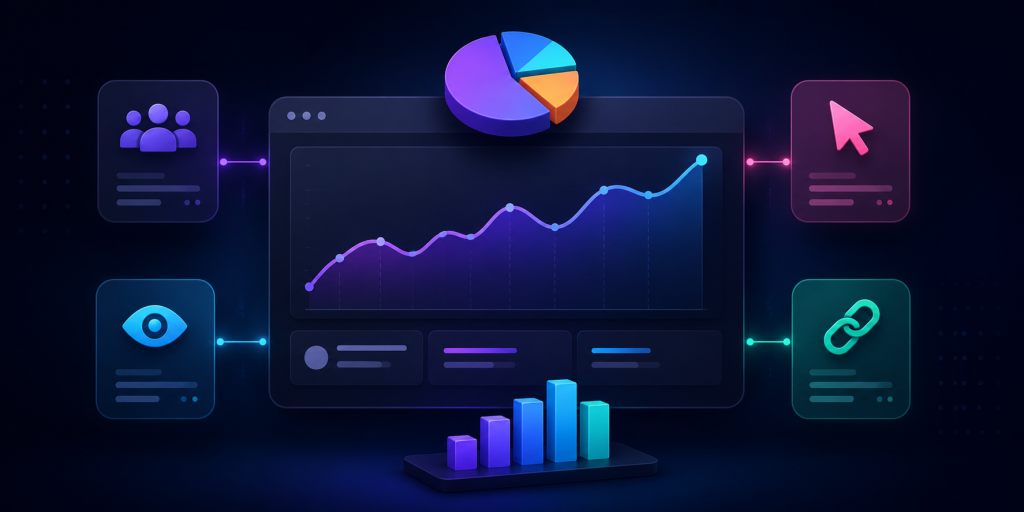
    To track clicks on a short URL, create the link with a URL shortener that includes analytics. After the link is shared, the tool records click activity and shows you data such as total clicks, unique clicks, device type, country, referrer, and time of click.

    The basic process is simple. Add your destination URL, create a short link, share it in your campaign, then review the click analytics. If you are running multiple campaigns, create separate tracked short URLs for each one.

    This matters because one shared link across every platform creates unclear data. If Instagram, TikTok, email, and QR codes all use the same short URL, you may know the total clicks, but you will not know which channel caused them.

    Total Clicks Are Useful, But Not Enough

    Total clicks are the easiest number to understand. They show how many times the short URL was clicked. But total clicks can be misleading if you look at them alone.

    A link may get many clicks because one person opened it repeatedly. It may get traffic from bots or preview crawlers. It may spike because a social app scanned the link before showing a preview. It may also get low-quality clicks from the wrong audience.

    That does not mean click count is useless. It is a starting point. But you should compare it with unique clicks, referrers, devices, locations, and conversion behavior before deciding whether the campaign worked.

    Track Each Channel Separately

    If you want useful data, avoid using one short URL everywhere. Create different links for different channels, even if they all point to the same destination.

    For example, create one short link for Instagram bio, one for TikTok profile, one for newsletter, one for QR posters, and one for each creator campaign. This gives you cleaner reporting.

    A practical naming structure might look like this: campaign name, channel, placement, and date. You do not need a complicated system. You just need enough detail so you can understand the report later without guessing.

    What Short URL Analytics Can Tell You

    Good short URL tracking can reveal patterns that are easy to miss.

    You may learn that:

    • Instagram gets more clicks, but email brings more serious visitors
    • QR codes perform well at events but poorly on printed flyers
    • Android users click more than iPhone users for a certain campaign
    • Most clicks happen within the first 24 hours after posting
    • A creator sends traffic, but most visitors never reach the final offer
    • One country is driving clicks even though the campaign targets another market

    These insights help you adjust campaigns while they are still active, not after the budget is gone.

    Use UTM Parameters for Deeper Tracking

    Short URL analytics tells you what happened at the link level. UTM parameters help your website analytics understand where visitors came from after they arrive.

    For example, you can add UTM tags for source, medium, campaign, and content. A short URL can hide the long UTM link, so users see a clean URL while your analytics still receives campaign data.

    This is useful when you want to connect short link clicks with website behavior. You can compare clicks from the short URL tool with sessions, signups, purchases, app downloads, or form submissions inside your analytics platform.

    Watch for Click Data That Looks Too Perfect

    Not every click is a real person with real intent. Some clicks come from bots, security scanners, messaging app previews, social media crawlers, or internal team testing.

    A sudden burst of clicks from one location, clicks with no follow-up behavior, or unusually high activity right after sending an email may need a closer look. The same applies when click numbers in your short URL tool do not match website analytics.

    The goal is not to remove every strange click. That is rarely possible. The goal is to avoid making big decisions from one surface-level number.

    Short Links Work Better When the Destination Matches the Click

    Tracking is only useful if the destination makes sense. If someone clicks a short URL from an Instagram Story about a discount, they should not land on a generic homepage. If they scan a QR code at an event, they should not have to search for the page mentioned on the poster.

    A good short URL connects the promise of the campaign to the right destination. That could be a product page, app download page, booking form, link in bio page, event page, or limited-time offer.

    This also makes your analytics easier to read. If the link and destination are aligned, weak performance is easier to diagnose.

    A Simple Click Tracking Setup for Real Campaigns

    For a real campaign, start with one clear destination and create separate short URLs by placement. Add UTMs when the traffic goes to your website. Use clear names so you can compare results later.

    For example, if you are launching a mobile app, you might create separate short links for Instagram bio, TikTok bio, creator posts, email newsletter, and QR posters. Each link can send users to the same download page, but the analytics will show which placement created the most interest.

    With itlink.to, you can create trackable short links for campaigns and keep your URLs clean while still understanding how people click. This is useful when you want one simple link for users but better reporting for your marketing team.

    Turn Short URL Clicks Into Better Decisions

    When you track clicks on a short URL properly, you stop guessing. You can see which channels deserve more attention, which campaigns need better messaging, and which links are getting clicks without real follow-through.

    The key is to create links with a purpose. Separate your channels, use UTMs when needed, check more than total clicks, and compare link data with real business outcomes.

    Start with one campaign. Create a clean short URL, track the clicks, review the data, and improve the next campaign based on what people actually did.

    References

  • Best Free Linktree Alternative for Creators Who Need Analytics

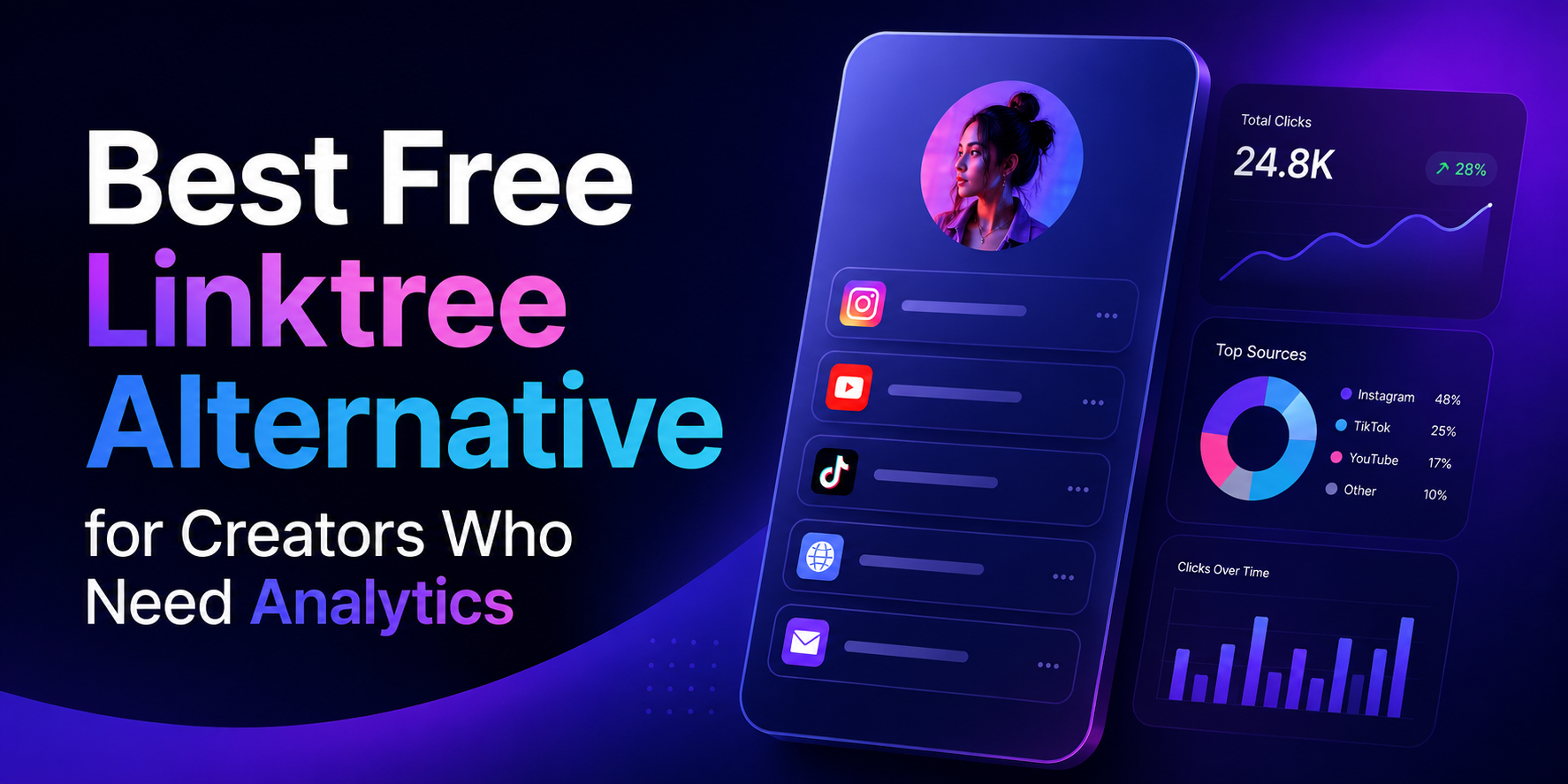
    Best Free Linktree Alternative for Creators Who Need Analytics

    Your bio link is the most valuable piece of digital real estate you control. Every platform, Instagram, TikTok, YouTube, even your email signature, funnels attention toward that single URL. It’s the one place where a curious follower can become a subscriber, a customer, or a fan of something beyond the algorithm’s reach. Which makes it genuinely strange that most creators treat the analytics behind it as an afterthought.

    The problem isn’t a shortage of tools. Link-in-bio platforms have multiplied for years. The problem is that the most important data, who clicked what, where they came from, what device they used, is consistently buried behind a monthly paywall. You get a visitor count on the free plan. Everything that would actually help you make a decision costs extra.

    For creators building real businesses, that’s not a minor inconvenience. It’s a structural blind spot that compounds quietly over time.

    Why a Visitor Count Tells You Almost Nothing

    Picture a realistic scenario: you publish a post on the same day you launch a digital product, release a podcast episode, and promote an affiliate deal. Your bio link pulls in 4,000 visits over 48 hours. That number looks good in a screenshot. It tells you almost nothing useful.

    Did visitors click your product page, or did they go straight to the podcast and skip the sale entirely? Was the affiliate link completely ignored? If you drove that traffic through three different platforms, which one actually converted? Without button-level click data, you cannot answer any of these questions with confidence. You’re left making your next content decision based on feel rather than evidence.

    This is the core failure of surface-level analytics. A single vanity metric gives you the illusion of insight while hiding every data point that would actually change your behavior. Creators who fix this problem improve faster because every piece of content becomes a feedback loop. Creators who don’t keep running the same experiments, hoping something eventually sticks.

    What Paywalled Analytics Actually Cost You

    The pricing model most link-in-bio platforms use is straightforward: get you in for free, then lock the useful features behind a subscription once you’re dependent on the tool. Entry-level paid tiers typically run between $18 and $36 per month. That might sound manageable in isolation, but creators rarely use just one platform. Stack a bio link subscription on top of an email tool, a scheduling app, and a course platform and you’re looking at several hundred dollars a month in software overhead before you’ve earned a dollar.

    More importantly, the features being paywalled aren’t advanced enterprise capabilities. Knowing which button your audience clicked is not a sophisticated request. Seeing a geographic breakdown of your traffic is not a premium insight. These are basic operational data points that any creator making decisions about their business should have access to by default. When platforms treat them as upsells, they’re not offering a premium experience. They’re charging you to see information about your own audience that you already earned.

    The Five Analytics That Actually Drive Decisions

    When evaluating any free Linktree alternative, most creators focus on design flexibility or the number of links allowed. Both are largely irrelevant if the tracking underneath is weak. These are the five data points that materially change how you run your creator business.

    • Button-level click tracking. Aggregate page views are decorative. What you need is a per-link breakdown showing exactly which buttons are being clicked and which are being ignored. This tells you which offers resonate, which calls to action are failing, and where to focus your next promotion.
    • Unique versus total clicks. Total click counts can be inflated by a small number of people clicking repeatedly. Unique click counts show you how many individual people engaged with a specific link, which is the number that actually reflects genuine audience interest.
    • Traffic source attribution. There is a meaningful difference between a click that originated inside the Instagram app and one that came from a YouTube comment, a newsletter, or an external blog post. Source data tells you which platforms are earning their time investment and which ones are producing impressions without conversions.
    • Geographic data. City and country level breakdowns affect pricing decisions, event planning, brand partnership pitches, and publish timing. If a significant portion of your audience is concentrated in a specific region, that information should be actively shaping your strategy.
    • Device and browser reporting. If 80% of your clicks are coming from mobile in-app browsers, your external pages need to load instantly on a small screen. Device data lets you stop designing for how you browse and start designing for how your audience actually behaves.

    The Technical Mistakes That Break Your Tracking

    Choosing the wrong platform doesn’t just limit your visibility. It can actively corrupt the data you’re collecting elsewhere.

    The first issue is redirect stripping. Some bio link platforms mask outbound URLs or strip tracking headers when they forward a user to your destination. The result is that your website analytics logs that visit as direct traffic rather than attributing it to social media. Your social channels look less effective than they are, your attribution model breaks, and any return on investment calculation you run becomes unreliable.

    The second is link shortener chaining. Routing a bio tool redirect through an additional URL shortener creates two sequential redirects before a user reaches your page. Beyond the delay in load time, this frequently breaks UTM parameters and can trigger security warnings in mobile browsers, particularly on iOS. Always link directly to your final destination URL without intermediary shorteners.

    How to Use Your Data Once You Have It

    Access to analytics is only the first step. The creators who pull ahead are the ones who build a consistent habit around reviewing and acting on that data.

    Every two weeks, pull your click data and remove any link that hasn’t generated meaningful engagement in the past 30 days. A focused page with four strong links consistently outperforms a crowded page with twelve because too many options produce decision paralysis. Your audience is more likely to click something when the choice is clear.

    After each significant post or campaign, trace where the traffic spike originated before you lose the context. If a specific platform drove a disproportionate share of clicks, weight your next content batch accordingly. If a traffic source you invested heavily in produced nothing, that’s equally useful information.

    Reorder your links based on performance data, not instinct. Most visitors won’t scroll far, so your highest-converting link belongs at the top. If your second link is consistently outperforming your first, swap them and monitor the change. Small structural adjustments validated by data produce compounding improvements over time.

    What to Look for in a Free Platform

    The market for link-in-bio tools has expanded considerably, which means the quality range is wide.

    Data retention is the most underrated factor. Some platforms on free tiers delete or hide historical data after seven days. Others give you full access going back to the day you created your account. Comparing your current month against the same period last quarter is only possible if that data still exists.

    UTM parameter integrity is non-negotiable if you run any external analytics. Confirm that the platform passes your tracking tags through cleanly on redirect rather than dropping them. Most won’t tell you they strip parameters so you have to test it yourself by clicking a tagged link and checking whether the parameters appear in your destination analytics.

    Transparency around redirects is worth checking as well. Platforms that use masked redirects sometimes create issues with browser security warnings and can affect how link previews render when shared.

    Why Creators Are Switching to itlink.to

    Most creators who move to a platform with real analytics describe the same first week: the data is disorienting because it reveals how much guesswork was previously involved. Links you assumed were performing well turn out to have single-digit click rates. Traffic sources you deprioritized turn out to be driving the majority of your conversions. The picture that emerges rarely matches the assumptions you were working from.

    That recalibration is valuable precisely because it’s uncomfortable. It means your next decisions are grounded in what your audience actually does rather than what you assumed they would do.

    itlink.to gives you button-level click tracking, geographic breakdowns, traffic source attribution, and device reporting on its free plan without requiring a credit card. If you’re currently making content and business decisions without that visibility, setting up a page takes a few minutes and the difference in clarity is immediate.

    Start tracking what your audience actually clicks. Build your free page at itlink.to.

    References

  • Why Your Short Link Shows Clicks But No Conversions

    Why Your Short Link Shows Clicks But No Conversions

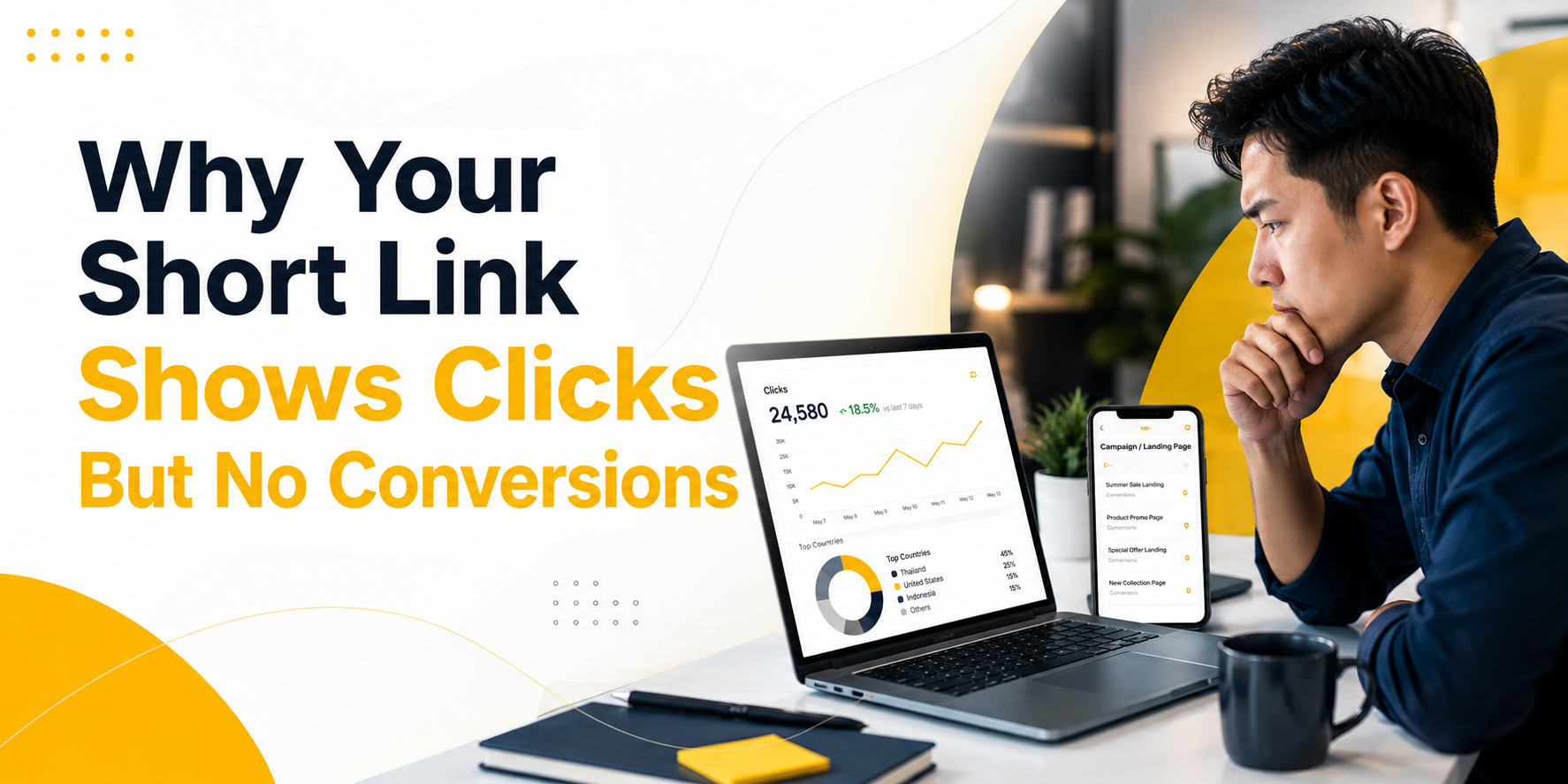
    Seeing clicks but no conversions can be confusing. Your short link shows activity. People are clicking your QR code, tapping your Instagram bio link, opening your email campaign, or visiting your app download link. But the result you wanted does not happen. No signup. No sale. No app install. No form submission. No booking.

    This does not always mean the campaign failed. It usually means you need to find where the journey breaks.

    A short link measures the first step: the click. A conversion measures the result you actually care about. Between those two points, many things can go wrong. The link may send users to the wrong page. The page may not match the promise. The tracking may be missing. The conversion event may not fire. Or the campaign may be getting clicks from people who are curious but not ready to act.

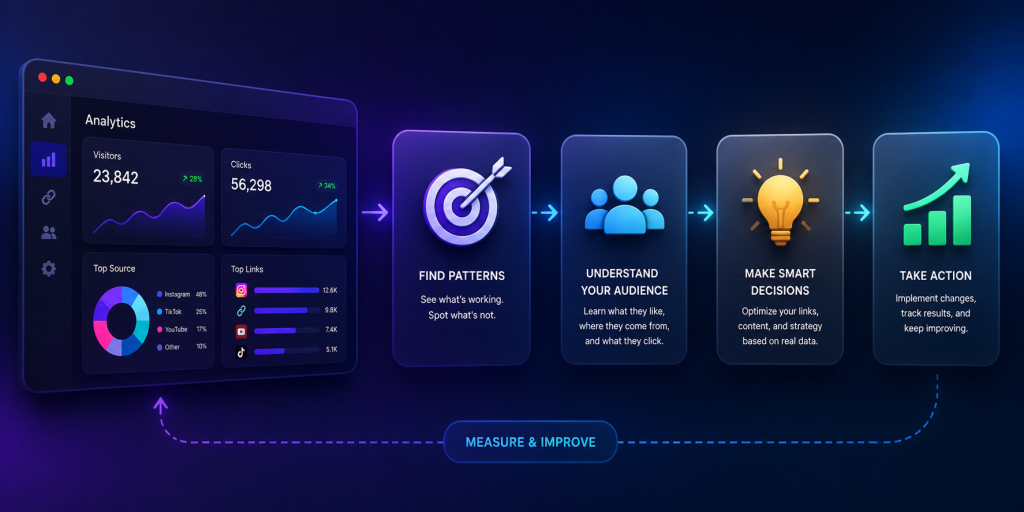
    That is why short link analytics is useful. Before you judge conversions, you should first confirm whether people are actually clicking, what devices they use, where they come from, and whether the campaign is sending traffic to the right place. With a free short link tracking tool like itlink.to, you can start checking that click data without needing an expensive analytics setup.

    Clicks But No Conversions Means the Journey Needs to Be Checked

    A click is not the same as a result. A click only means someone opened your link. A conversion means they completed the action you wanted them to take.

    For example, if 1,000 people click your short link and 20 people sign up, the campaign has 1,000 clicks and 20 conversions. If 1,000 people click and nobody signs up, you have clicks but no conversions.

    The mistake is assuming the problem is always the landing page or the audience. Sometimes that is true, but not always. The issue may happen before users even reach the page. A redirect may break. UTM parameters may disappear. Android users may be sent to the wrong destination. A QR code may be scanned by bots or preview tools. Your analytics may simply not be recording the conversion properly.

    The practical way to think about it is this: your campaign has stages. First, someone sees the link. Then they click. Then they land somewhere. Then they decide whether to act. If the final result is missing, you need to check each stage instead of guessing.

    First, Confirm That People Are Actually Clicking

    Before you investigate why people are not buying, signing up, or downloading, confirm one basic thing: are people actually clicking the link?

    This is where short link tracking helps. If you use a normal long URL, you may not clearly know how many people opened it from a flyer, social profile, QR code, or influencer post. You may only see vague traffic later inside Google Analytics or another platform.

    A short link gives you a clearer first signal. You can see whether the campaign is getting clicks at all.

    For example, imagine you print a QR code on a poster for an app launch. You expect people to scan it, but the app install number is zero. Without click tracking, you do not know whether people ignored the poster, scanned the QR code but dropped off, or installed the app but tracking failed.

    With itlink.to Short Link, which includes free short link tracking, you can first check whether the QR code is receiving clicks. If there are almost no clicks, the problem may be the poster placement, QR code size, message, or visibility. If there are many clicks but no installs, the problem is probably after the click.

    That small difference matters. It tells you where to look next.

    The Problem May Happen Before the Click

    Sometimes there are no conversions because the campaign never gets enough real attention. The short link may show only a few clicks, which means the problem is not the landing page yet. The problem is that not enough people are opening the link.

    This can happen when a QR code is too small, placed too low, printed in a low-contrast design, or shown without a clear reason to scan. It can also happen when a social bio link is hidden behind weak profile copy, or when an email CTA does not make the benefit clear.

    For example, “Learn More” is often weaker than “Download the Free Travel Checklist.” One creates vague curiosity. The other tells users exactly what they get.

    If your short link analytics shows low clicks, focus on the campaign message and placement first. Make the CTA clearer. Put the link in a more visible place. Improve the QR code design. Use a stronger reason to click.

    At this stage, conversion optimization is not the priority. You need more qualified clicks before you can judge what happens after the click.

    The Problem May Happen During the Redirect

    A short link usually redirects users from a clean, short URL to the final destination. That redirect should feel instant and invisible. But if something breaks during that step, conversions can disappear.

    The link may send users to the wrong page. UTM parameters may be removed. A mobile user may be sent to a desktop page. An old campaign link may still point to an outdated offer. A QR code may open a page that looks fine on desktop but broken on mobile.

    This is especially important for app campaigns. If an iPhone user clicks your app download link but lands on a generic website instead of the App Store, many users will drop off. If an Android user lands on an App Store page, the journey is broken immediately.

    This is also where link testing matters. Always test the short link from the same place your users will use it. Open the Instagram bio link inside Instagram. Scan the QR code with a real phone. Tap the email link from an actual inbox. Test iPhone, Android, and desktop if your audience uses all three.

    If the redirect is wrong, no amount of landing page improvement will fix the conversion issue.

    The Problem May Happen After the Landing Page Opens

    If people click the link and land on the correct page, but still do not act, the issue is likely after the click.

    This is where the landing page, offer, page speed, trust signals, and CTA become important. The page may be too slow. The signup form may ask for too much information. The app download button may be hard to find. The headline may not match the campaign message. The user may not understand what to do next.

    For example, if your Instagram post says “Get early access to our app,” the landing page should immediately support that promise. It should not open a generic homepage with many unrelated sections. The user clicked for one reason. The page should continue that same reason.

    This is also where mobile experience matters. Many short link campaigns happen on mobile: QR scans, social bios, SMS, influencer links, app download campaigns, and email clicks. If the page looks good on desktop but feels slow or confusing on mobile, conversions will suffer.

    Short link analytics cannot fix the landing page for you. But it helps confirm that the click happened, so you can stop guessing and inspect the page experience more seriously.

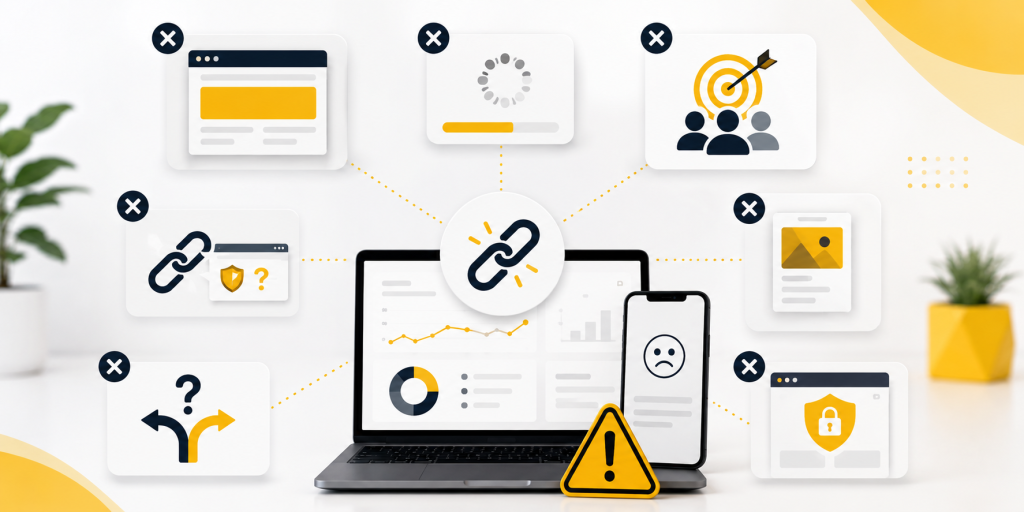
    Common Reasons Short Links Get Clicks But No Conversions

    There are many possible reasons your short link shows clicks but your business result is missing. The key is to separate tracking problems from marketing problems.

    Common causes include:

    • The link gets clicks, but the destination page is wrong.
    • The page opens, but the CTA is unclear or hidden.
    • The campaign promise does not match the landing page.
    • UTM parameters are missing or inconsistent.
    • Conversion tracking is not installed correctly.
    • The user converts later through another channel.
    • Email scanners or social preview tools inflate click numbers.
    • The page loads slowly on mobile.
    • The final action happens on a third-party platform you cannot fully track.
    • App Store or Google Play installs are not connected to your campaign report.

    This is why the first step is not to panic. The first step is to diagnose.

    If the link has no clicks, fix visibility and messaging. If the link has clicks but no sessions, check redirects, bots, and analytics. If the link has clicks and sessions but no conversions, check the landing page, offer, and conversion event.

    UTM Tracking Can Make the Data Clearer

    UTM parameters help analytics tools understand where traffic came from. They are especially useful when you use short links across different campaigns.

    For example, you may create one short link for an Instagram bio, another for a QR code, another for an email campaign, and another for an influencer. If each link uses clear UTM parameters, you can compare traffic more easily later.

    The problem is that UTM tracking is often messy. One campaign may use instagram, another may use ig, and another may use Instagram. These small differences split your reports. It looks like traffic is coming from many sources when it is really the same channel.

    Another issue is losing UTM parameters during redirects. If the final URL does not receive the UTM tags, your website analytics may not connect the visitor to the campaign. Your short link may show clicks, but your analytics report may show the traffic as direct or unknown.

    A cleaner process is to create the full tracked URL first, test it, then shorten it. After that, click the short link and confirm the final page still contains the tracking parameters.

    This simple step can prevent a lot of confusion later.

    Free Short Link Tracking Helps Small Campaigns Diagnose Faster

    Not every business needs a complex analytics stack to understand basic campaign performance. Sometimes you just need to know whether people clicked, what device they used, and where the traffic came from.

    That is where free short link tracking becomes useful.

    For small businesses, creators, startups, app makers, event teams, and marketers running quick campaigns, itlink.to offers a free way to create short links and check basic click analytics. You can use it to see click activity, device data, browser data, country data, and campaign traffic before you spend time guessing why conversions are missing.

    For example, if you put one link in your Instagram bio and another link on a printed QR code, you can compare which one gets more clicks. If the QR code gets clicks but no signups, the issue may be the landing page or form. If the QR code gets no clicks at all, the issue is probably the offline design or placement.

    This is the real value of short link analytics. It does not promise that every click will become a customer. No tool can promise that. But it gives you visibility into the first part of the journey, which helps you make better decisions.

    Do Not Judge the Campaign Until You Know Where the Drop Happens

    A campaign with clicks but no conversions is not automatically a failed campaign. It is a campaign with an unanswered question.

    Where did users drop off?

    If they never clicked, improve the message and placement. If they clicked but never reached the page, check redirects and tracking. If they reached the page but did not act, improve the page, offer, CTA, and conversion setup.

    This is why short link analytics should be part of campaign tracking. It gives you the first layer of truth before you analyze the rest of the funnel.

    With itlink.to Short Link, you can create free short links, track clicks, and review useful traffic data such as device, browser, country, and referrer. That makes it easier to understand whether your campaign has a traffic problem, a redirect problem, or a conversion problem.

    The better you understand the drop-off point, the faster you can fix the right thing.

    When your short link shows clicks but no conversions, do not stop at the surface number. Clicks tell you that people opened the link. They do not automatically tell you whether the page worked, whether tracking worked, or whether the offer was strong enough.

    Start by checking the journey. Did people click? Did the short link redirect correctly? Did users land on the right page? Did UTM parameters survive? Did the conversion event fire? Did the page clearly ask users to take the next step?

    Once you answer those questions, the problem becomes easier to fix.

    Short link analytics is useful because it gives you visibility before the conversion happens. And with itlink.to, you can start with free short link tracking to understand your clicks, devices, browsers, countries, and campaign traffic without overcomplicating your setup.

    Create a free short link with itlink.to and see where your campaign traffic starts: https://itlink.to/#short-link

    References