ป้ายกำกับ: link tracking

  • Best URL Shortener for Marketing Campaigns

    Best URL Shortener for Marketing Campaigns

    The best URL shortener for marketing campaigns does more than make links look cleaner. It helps you understand where clicks come from, compare campaign performance, and make better decisions with real data. Whether you’re running social media promotions, email campaigns, influencer partnerships, QR code marketing, or app launches, the right short link can tell you far more than a long URL ever could.

    Many marketers still think URL shorteners are mainly for aesthetics. In reality, the best marketers use them as tracking tools. Every campaign creates data, and a short URL can become one of the simplest ways to collect it.

    Why Long URLs Hurt Marketing Campaigns

    Long URLs often contain tracking parameters, campaign identifiers, referral codes, and analytics tags. While useful behind the scenes, they can look intimidating when shared publicly. A long link in a social media post, email, or QR code often appears less trustworthy and is harder to remember.

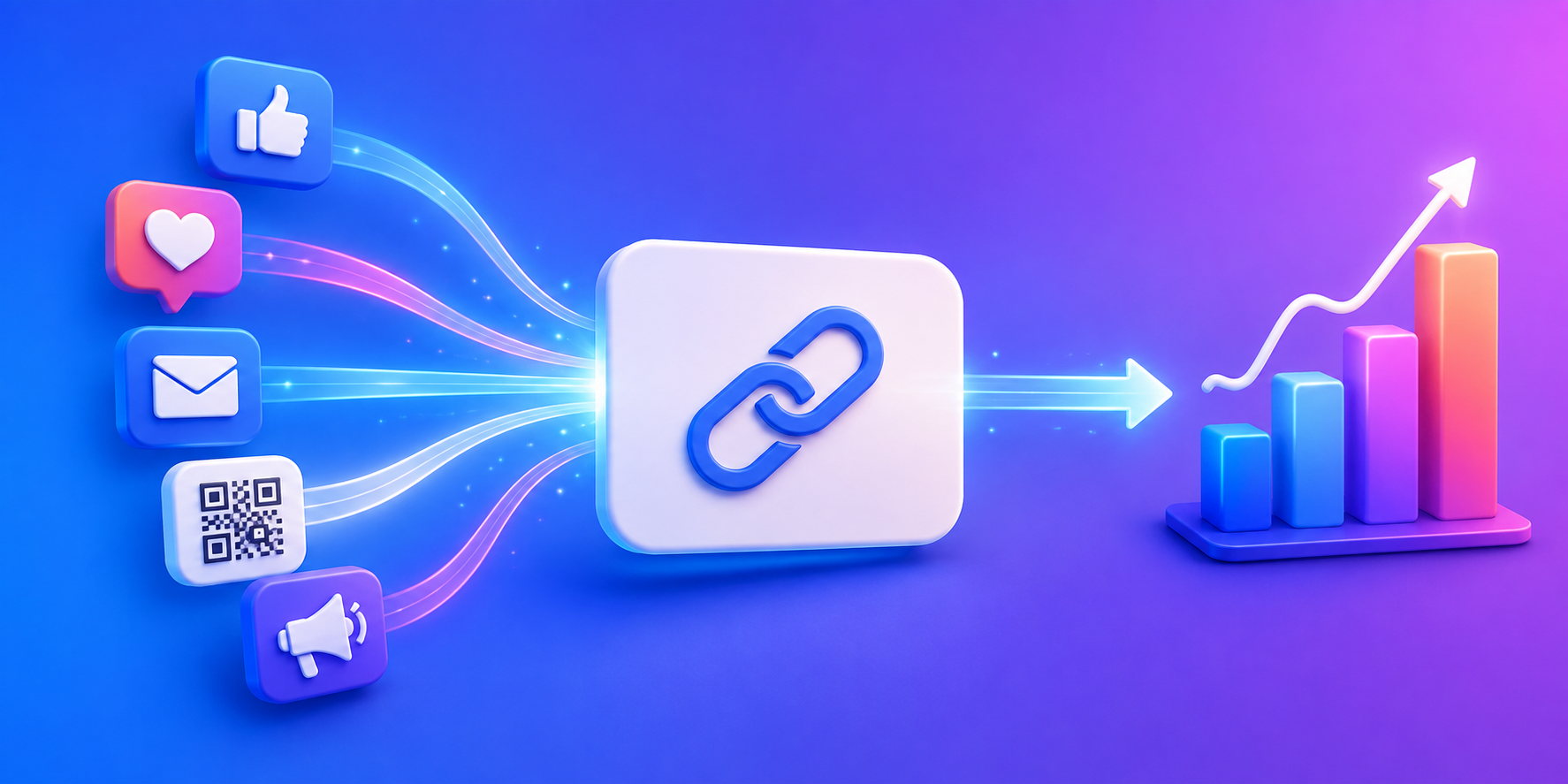
    Short links create a cleaner experience. More importantly, they provide a layer between your campaign and the destination page. That layer gives you valuable analytics about how people interact with your marketing efforts before they even reach your website.

    The Real Job of a Marketing URL Shortener

    Many businesses choose a URL shortener because it makes links shorter. That benefit matters, but it is rarely the reason marketing teams continue using one.

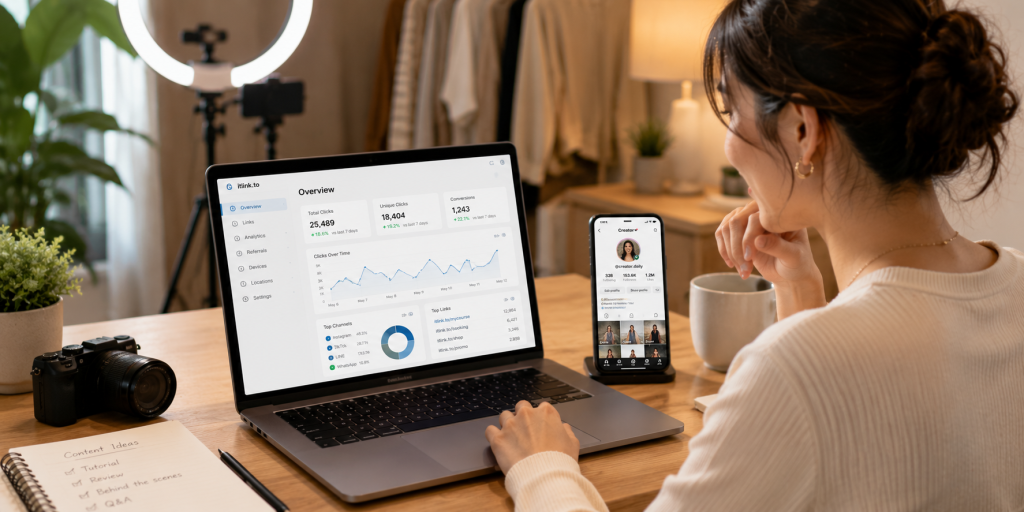
    The real value comes from tracking. A good URL shortener helps answer practical questions. Which social media platform is sending traffic? Which influencer campaign generated the most clicks? Did people actually scan the QR code on your event banner? Did your email campaign outperform your LinkedIn post?

    Without tracking, marketers often rely on assumptions. With tracking, they can make decisions based on actual user behavior.

    What Features Matter Most for Marketing Campaigns

    Not every campaign needs advanced enterprise software. Most marketers need a few core capabilities that help them understand performance without adding complexity.

    FeatureWhy It Matters
    Click TrackingMeasure campaign engagement
    Unique Short LinksSeparate traffic sources
    QR Code SupportConnect offline and online campaigns
    Device ReportingUnderstand visitor devices
    Geographic DataSee where traffic originates
    UTM CompatibilityConnect with analytics platforms
    Fast RedirectsReduce user friction

    The most useful features are often the simplest ones. Clear click data is usually more valuable than complicated dashboards filled with metrics nobody uses.

    Create Different Links for Different Campaigns
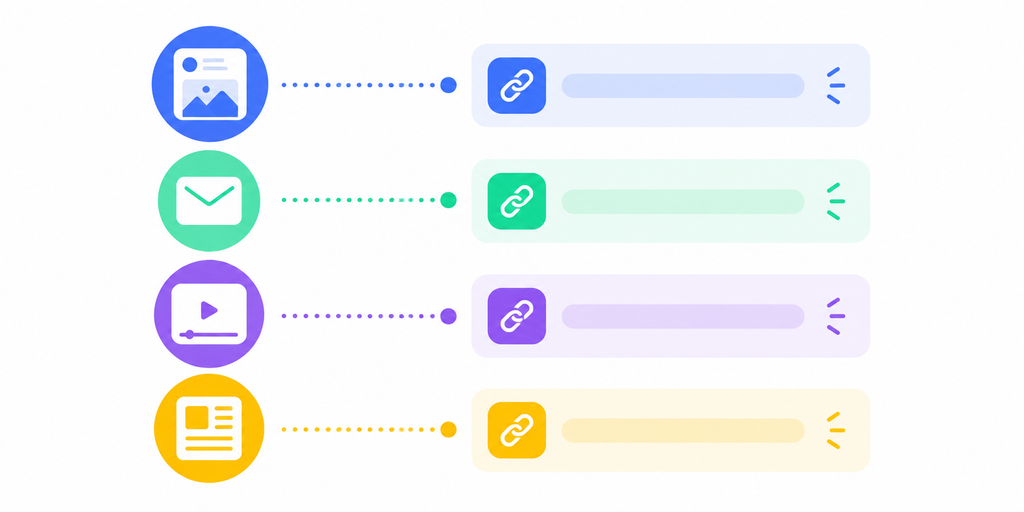
    One of the most common marketing mistakes is using the same URL everywhere. When every campaign uses the same link, all click data gets combined.

    Instead, create separate short links for each channel.

    CampaignExample Link
    Instagram Bioyourlink/instagram
    TikTok Profileyourlink/tiktok
    Newsletteryourlink/email
    QR Codeyourlink/event
    Influencer Campaignyourlink/creator-name

    This simple approach instantly improves reporting. Instead of guessing where traffic came from, you can compare channels directly.

    Why Click Counts Tell a Bigger Story

    Many marketers focus on clicks alone. While click volume is useful, the real insight comes from comparing campaigns against each other.

    Imagine one Instagram campaign generates 5,000 clicks while another generates 800. At first glance, the first campaign looks better. However, if the smaller campaign leads to more purchases, signups, or app downloads, it may actually be more valuable.

    Short link analytics help reveal these patterns. They allow marketers to identify which campaigns create attention and which campaigns create action.

    QR Codes Make Short Links Even More Useful
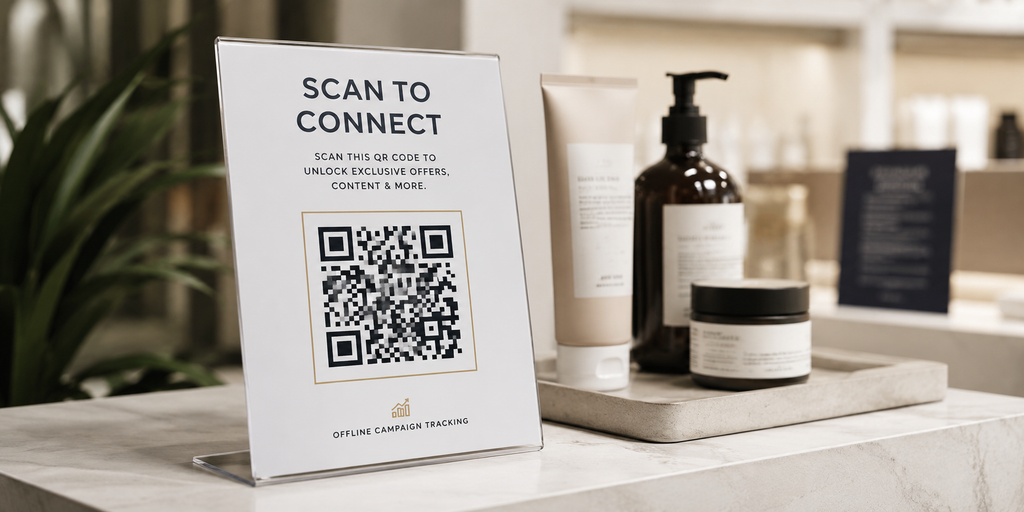
    QR codes have become a major part of modern marketing. They appear on packaging, flyers, posters, business cards, event booths, restaurant menus, and product displays.

    A short URL behind a QR code creates measurable offline marketing. Instead of wondering whether people interacted with a printed campaign, marketers can see exactly how many clicks the QR code generated.

    This turns traditional marketing channels into trackable digital campaigns.

    Free Doesn’t Have to Mean Limited

    Many businesses assume that link tracking requires expensive marketing software. In reality, a simple URL shortener often provides enough data to improve campaign performance significantly.

    For small businesses, creators, startups, app developers, and ecommerce brands, the most important requirement is visibility. They need to know what people click, when they click, and where they came from.

    This is why free tools remain popular. They remove barriers to tracking while still providing actionable insights.

    How itlink.to Helps Marketing Teams Track Campaigns

    itlink.to provides free short links designed for marketers who want simple campaign tracking without unnecessary complexity. Instead of sharing long URLs across multiple channels, you can create dedicated short links for each campaign and measure performance separately.

    For example, you can create one short link for Instagram, another for TikTok, another for email, and another for an influencer partnership. Because each link is unique, it becomes easier to compare results and identify which campaigns are generating interest.

    For businesses running app campaigns, itlink.to also offers OneRoute for smart app store routing. For creators and brands managing multiple destinations, HubLink provides a link-in-bio solution. Together, these tools allow marketers to track traffic while maintaining a clean user experience.

    Choosing the Best URL Shortener for Marketing Campaigns

    The best URL shortener for marketing campaigns is not necessarily the one with the most features. It is the one that helps you answer important questions about your marketing performance.

    Can you see where clicks come from? Can you compare campaigns easily? Can you separate traffic sources? Can you track QR code performance? Can you share links that look professional and are easy to manage?

    If the answer is yes, you have everything needed to make smarter marketing decisions.

    For marketers looking for a free solution, itlink.to offers short links, click tracking, QR code support, HubLink pages, and OneRoute app routing without adding unnecessary complexity. Instead of guessing which campaign worked, you can start measuring what people actually click.

    Create your free short links today and start tracking marketing campaigns with itlink.to:
    https://itlink.to/#short-link

    References

    • Google Analytics Campaign URL Builder: Official tool for appending custom UTM parameters to URLs to track custom marketing campaign performance across channels.
    • Google Analytics Help Center: Comprehensive platform documentation offering guides on configuring traffic source tracking, custom dimensions, and report analysis.
    • Meta Business Help Center: Technical resource hub detailing business profile management, ad setup, and conversion tracking across Facebook and Instagram.
    • HubSpot Marketing Analytics Research: Industry research and benchmarks covering digital marketing metrics, campaign attribution, and channel ROI trends.
  • Free Short Link Generator for Social Media

    Free Short Link Generator for Social Media

    A free short link generator for social media can solve a problem most creators, businesses, and marketers run into every day: ugly links. Social platforms are designed for fast scrolling. When someone sees a long URL filled with tracking parameters, random characters, and campaign codes, it immediately feels harder to trust and harder to click.

    That may seem like a small detail, but social media is full of small decisions. A cleaner link can make your content look more professional, improve sharing, and help you understand which posts are actually generating traffic.

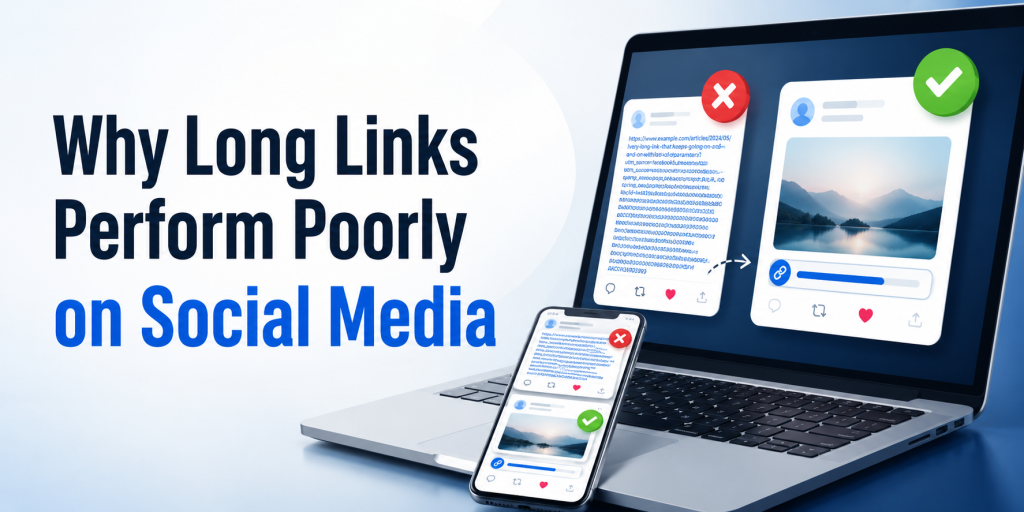
    Why Long Links Perform Poorly on Social Media

    Most marketing links become long because they contain tracking information. UTM parameters, affiliate codes, referral IDs, campaign tags, and analytics settings all add length to a URL. While useful for reporting, they create links that look cluttered in posts, bios, comments, messages, and profiles.

    Compare these examples:

    Link TypeExample
    Long URLwebsite.com/product?utm_source=instagram&utm_campaign=summer-sale&id=28473
    Short URLyour.link/summer-sale

    The destination is the same, but the second version looks cleaner and easier to share.

    Social Media Users Decide Quickly

    Most people do not carefully evaluate every link they see online. They make quick judgments. A confusing URL can create hesitation before the click even happens.

    This is especially important on platforms like Instagram, TikTok, X, Threads, Facebook, LinkedIn, and YouTube. Users are moving quickly between content. Every unnecessary distraction increases the chance that they keep scrolling instead of visiting your page.

    A short link removes visual clutter and makes the call to action feel more direct.

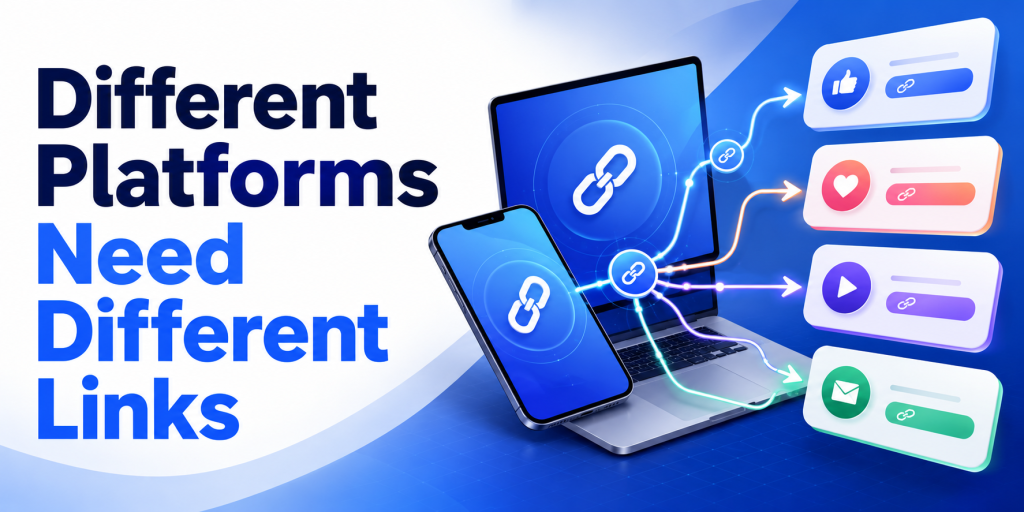
    Different Platforms Need Different Links

    One mistake many marketers make is using the same link everywhere. If Instagram, TikTok, YouTube, Facebook, and LinkedIn all use the same URL, campaign reporting becomes difficult.

    Creating separate short links for each platform makes it easier to understand where traffic originates.

    PlatformExample Link
    Instagramyour.link/instagram
    TikTokyour.link/tiktok
    YouTubeyour.link/youtube
    Facebookyour.link/facebook
    LinkedInyour.link/linkedin

    This simple setup provides cleaner analytics without changing the user experience.

    Short Links Are More Than Just Shorter URLs

    Many people think URL shorteners only make links look better. In reality, the biggest advantage is often tracking.

    A short link acts as a measurement point between the user and the destination page. Instead of only seeing website traffic, you can understand how many people clicked the link itself.

    This becomes useful when comparing campaigns, influencers, social platforms, newsletters, QR codes, and promotional activities.

    Social Media Campaigns Become Easier to Measure

    Imagine promoting the same product on Instagram, TikTok, and YouTube.

    Without separate short links, you may know that the product page received traffic, but you may not know which platform generated it.

    With separate short links, you can compare performance directly.

    CampaignClicks
    Instagram1,850
    TikTok2,420
    YouTube790

    Now you have a clearer understanding of where audience interest is coming from.

    Short Links Work Well With Link in Bio Pages

    Many creators use a link in bio page as their primary social media destination. A short link can still play an important role.

    For example, a creator might use a HubLink page as their main profile URL while creating separate short links for campaigns, sponsors, affiliate promotions, product launches, or content series.

    This creates a cleaner marketing setup while keeping analytics organized.

    QR Codes and Social Media Often Work Together

    Short links are also useful when online and offline campaigns overlap. A QR code on packaging, an event banner, a flyer, or a business card often leads people to a social profile, landing page, or promotion.

    Because short URLs are shorter, they usually create cleaner QR codes. They are easier to manage and easier to update if destinations change in the future.

    This flexibility becomes valuable when campaigns continue generating traffic long after launch.

    Why Free Tools Matter for Creators and Small Businesses

    Not every creator or business has a marketing budget dedicated to analytics software. Many simply need a reliable way to shorten links, track clicks, and organize campaigns.

    A free short link generator lowers the barrier to entry. Instead of investing in complex marketing tools, users can begin tracking social media traffic immediately.

    For many businesses, understanding where clicks come from is enough to make better content and advertising decisions.

    How itlink.to Helps Social Media Marketers

    itlink.to provides a free short link generator designed for creators, businesses, marketers, and app developers. Users can create short URLs, track clicks, and organize campaigns without paying for basic functionality.

    Because each campaign can have its own short link, it becomes easier to compare traffic sources across Instagram, TikTok, YouTube, LinkedIn, Facebook, newsletters, influencer campaigns, and QR codes.

    For users who need more than a simple short link, itlink.to also offers HubLink for link in bio pages and OneRoute for smart app download links.

    Start With One Link and Learn From the Data

    The best reason to use a free short link generator for social media is not that the links look cleaner. It is that they help you understand what people actually click.

    Instead of guessing which platform performs best, you can create separate links, compare results, and improve future campaigns based on real behavior.

    If you post regularly on social media, a short link is one of the simplest tools you can add to your workflow. It takes only a few seconds to create but can provide valuable insights long after the post is published.

    References

  • Free URL Shortener With Click Analytics

    Free URL Shortener With Click Analytics

    A free URL shortener is useful when you need a clean link that is easy to share, easy to remember, and easy to track. Long URLs can look messy in WhatsApp, LINE, Instagram, TikTok, email, flyers, and QR codes. But a short link should do more than simply look nicer. It should also help you understand whether people are actually clicking.

    That is where click analytics becomes important. If you are sharing a product page, booking link, app download page, campaign landing page, or social profile, you should not have to guess whether the link is working. You need a simple way to see activity, compare channels, and improve your next campaign.

    Why a Short Link Alone Is Not Enough

    A short link is useful, but it becomes much more valuable when you can see how people interact with it. Without analytics, you only know that you shared a link. You do not know whether people clicked, where the link performed best, or whether a campaign failed because of the offer, the placement, or the link itself.

    For example, a small business might share the same promotion on Instagram, LINE, and printed flyers. If there is no tracking, the owner may only see final sales or booking numbers. That creates a blind spot. If sales are low, maybe nobody clicked. Maybe people clicked but did not convert. Maybe the link was placed in the wrong channel. Click analytics helps separate these problems.

    This matters because marketing decisions should not be based only on feelings. Even simple click data can show whether a link is getting attention. Once you know that, you can improve the message, design, placement, or destination page.

    Free URL Shortener With Analytics: What to Look For

    A good free URL shortener with analytics should help you create clean short links and understand link performance without making the process complicated. You do not always need an enterprise marketing platform. For many creators, small businesses, startups, and solo marketers, the most important thing is being able to create a short link quickly and check if people clicked.

    The best setup is simple. Paste your long URL, create a short version, share it, then review basic click data. This is enough for everyday campaigns such as social posts, bio links, QR codes, influencer promotions, event materials, and customer messages.

    The key is to choose a shortener that supports real usage, not just link decoration. A pretty short link is helpful, but a trackable short link is more useful because it gives you feedback.

    Practical Places to Use Free Short Links

    Free short links are most useful in places where space, trust, and clarity matter. A long link can break across lines, look suspicious, or distract from the main message. A clean short link is easier to place and easier for people to understand.

    Good places to use short links include:

    • Social media bios, especially Instagram, TikTok, YouTube, and X
    • WhatsApp, LINE, Messenger, and SMS messages
    • QR codes on posters, flyers, packaging, menus, and event booths
    • Email campaigns and newsletters
    • Product launches, booking pages, and app download campaigns
    • Influencer captions, story links, and affiliate-style promotions
    • Offline materials where users need to type or scan a simple URL

    The goal is not just to make the URL shorter. The goal is to make the user journey cleaner. A short link reduces friction before the click, while analytics helps you learn what happens after you share it.

    Example: Tracking Clicks From Instagram, LINE, and QR Codes

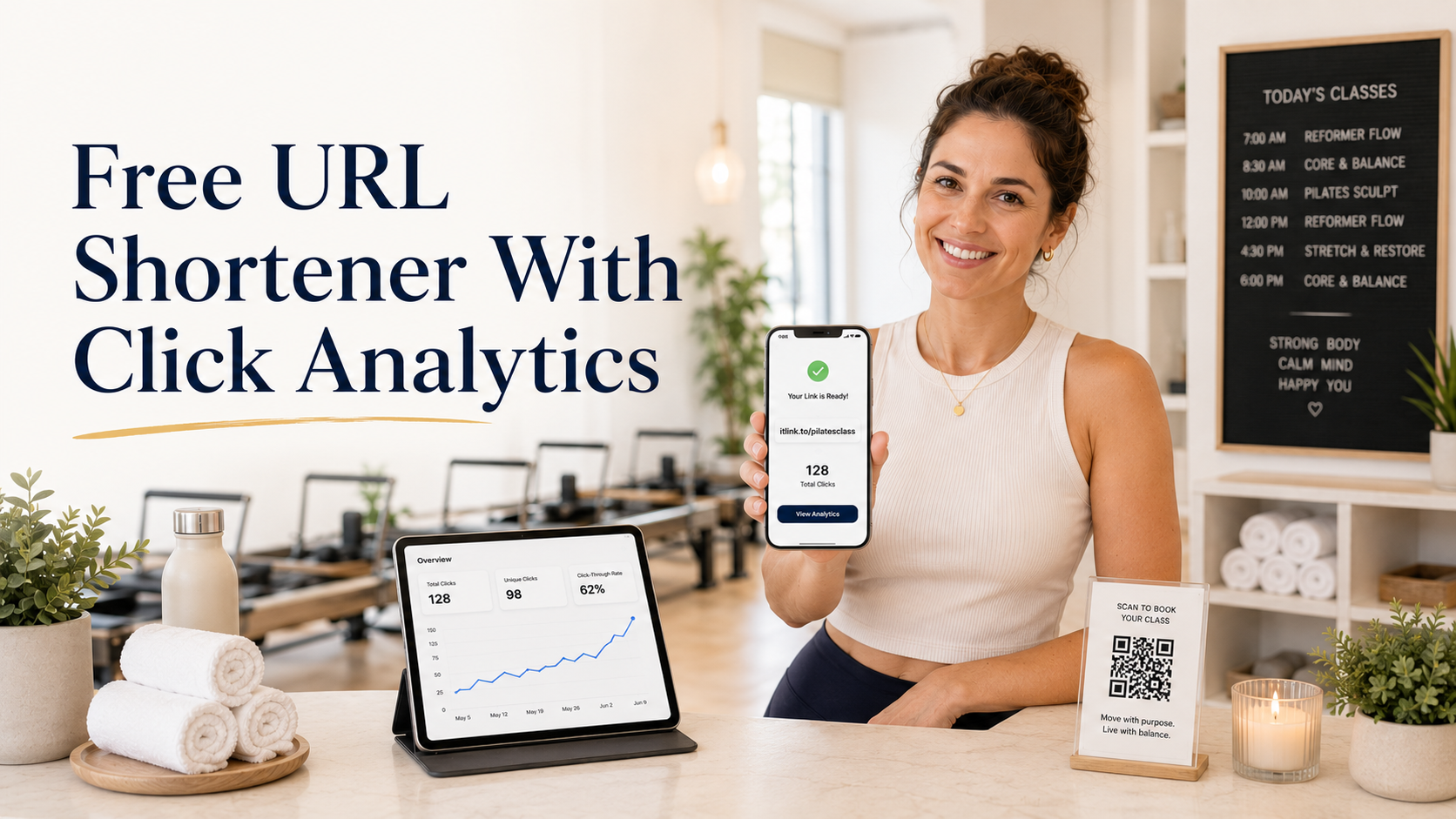
    Imagine you run a small fitness studio. You are promoting a free trial class. You share the booking page in your Instagram bio, send it to leads on LINE, and print a QR code for the front desk.

    If all three channels use the same long booking URL with no tracking, you may only see total bookings. But if you create separate short links for each channel, you can compare performance more clearly.

    For example, one short link can be used for Instagram, one for LINE, and one for the QR code. After a few days, you may notice that LINE gets fewer clicks but more bookings, while Instagram gets many clicks but fewer completed forms. That tells you something useful. Instagram may need a better landing page or stronger offer, while LINE may already have warmer leads.

    This is how simple URL analytics can help you make better decisions without needing a complicated dashboard.

    Common Mistakes When Using Short Links

    Many people create short links quickly but forget to use them strategically. This can make the data confusing or less useful.

    Common mistakes include:

    • Using the same short link everywhere and not knowing which channel drove the clicks
    • Changing the destination too often without noting what changed
    • Sharing a short link without testing it first
    • Using unclear link names that are hard to manage later
    • Looking only at clicks and ignoring whether people actually take action
    • Creating too many links without a simple naming system

    The biggest mistake is treating click analytics as the final answer. Clicks tell you whether people were interested enough to open the link. They do not automatically prove that your offer, landing page, or checkout flow is working. Use clicks as the first signal, then compare them with signups, purchases, bookings, or replies.

    Clicks vs Conversions: Know the Difference

    A click means someone opened your link. A conversion means someone completed the action you wanted, such as booking a call, buying a product, joining a waitlist, downloading an app, or submitting a form.

    This difference is important. If your short link gets many clicks but no conversions, the problem may not be the short link. The problem may be the destination page, the price, the offer, the loading speed, the form length, or a mismatch between your message and the page.

    For example, if your TikTok video says “download the free guide” but the landing page asks people to create an account first, many users may leave. The link did its job by bringing people to the page. The page failed to finish the job.

    A free URL shortener with analytics helps you find the first part of the problem: are people clicking or not? From there, you can investigate the rest of the funnel.

    How to Name and Organize Your Short Links

    Good organization makes URL analytics easier to understand. If every short link has a random name, you may forget what each link was used for. A simple naming habit can save time later.

    Use names that describe the campaign, channel, and purpose. For example, a link for an Instagram bio campaign can use a clear slug related to the offer. A QR code for a fitness event can use a name connected to the event. A link sent through LINE can use a separate version so you can compare it later.

    You do not need a complex system. You only need enough structure to answer simple questions: where did this link appear, what was it promoting, and what result did it create?

    This also helps when you reuse campaigns. If you run monthly promotions, organized short links make it easier to compare this month’s performance with last month’s performance.

    When You Should Use UTM Parameters Too

    Short link analytics is useful, but you may also want UTM parameters when you use tools like Google Analytics. UTM parameters help identify campaign traffic by source, medium, and campaign name. Google’s own Analytics documentation explains that UTM parameters can help show which campaigns referred traffic in acquisition reports.

    A practical workflow is to add UTM parameters to your final destination URL, then shorten that full URL. This gives you a clean link for users while still preserving campaign tracking for your analytics tools.

    For example, you can create a campaign URL for an Instagram promotion, then turn it into a short link before placing it in your bio. Users see a clean link, while your analytics setup can still recognize the campaign source.

    This is especially helpful when you want both simple link-level click analytics and deeper website analytics.

    Why itlink.to Is Useful for Simple Link Tracking

    For many small businesses and creators, the best tool is the one that is simple enough to use consistently. You should not need a complicated setup just to create a clean short link and see whether people clicked.

    With itlink.to, you can create a free short link for everyday campaigns and use it when sharing links across social media, messaging apps, QR codes, and marketing materials. It is a practical option when you want a cleaner URL and basic visibility into link activity without overcomplicating the process.

    This makes it especially useful for creators, local businesses, coaches, salons, online sellers, app teams, and marketers who need fast, trackable links for real campaigns.

    Conclusion: Start With One Trackable Short Link

    A free URL shortener is not just about making a long URL look cleaner. It helps you share links more confidently and understand whether people are actually clicking. That feedback is useful because it tells you where attention is coming from and where your marketing may need improvement.

    Start with one important link. Create a short version, share it in one or two key places, and check the click analytics. Then compare the results with your real business goal, such as bookings, signups, sales, downloads, or replies.

    Create your free short link with itlink.to and start tracking your clicks today: https://itlink.to/#short-link

    References

  • How to Create One Clean Short Link for WhatsApp, LINE, Instagram, and TikTok

    How to Create One Clean Short Link for WhatsApp, LINE, Instagram, and TikTok

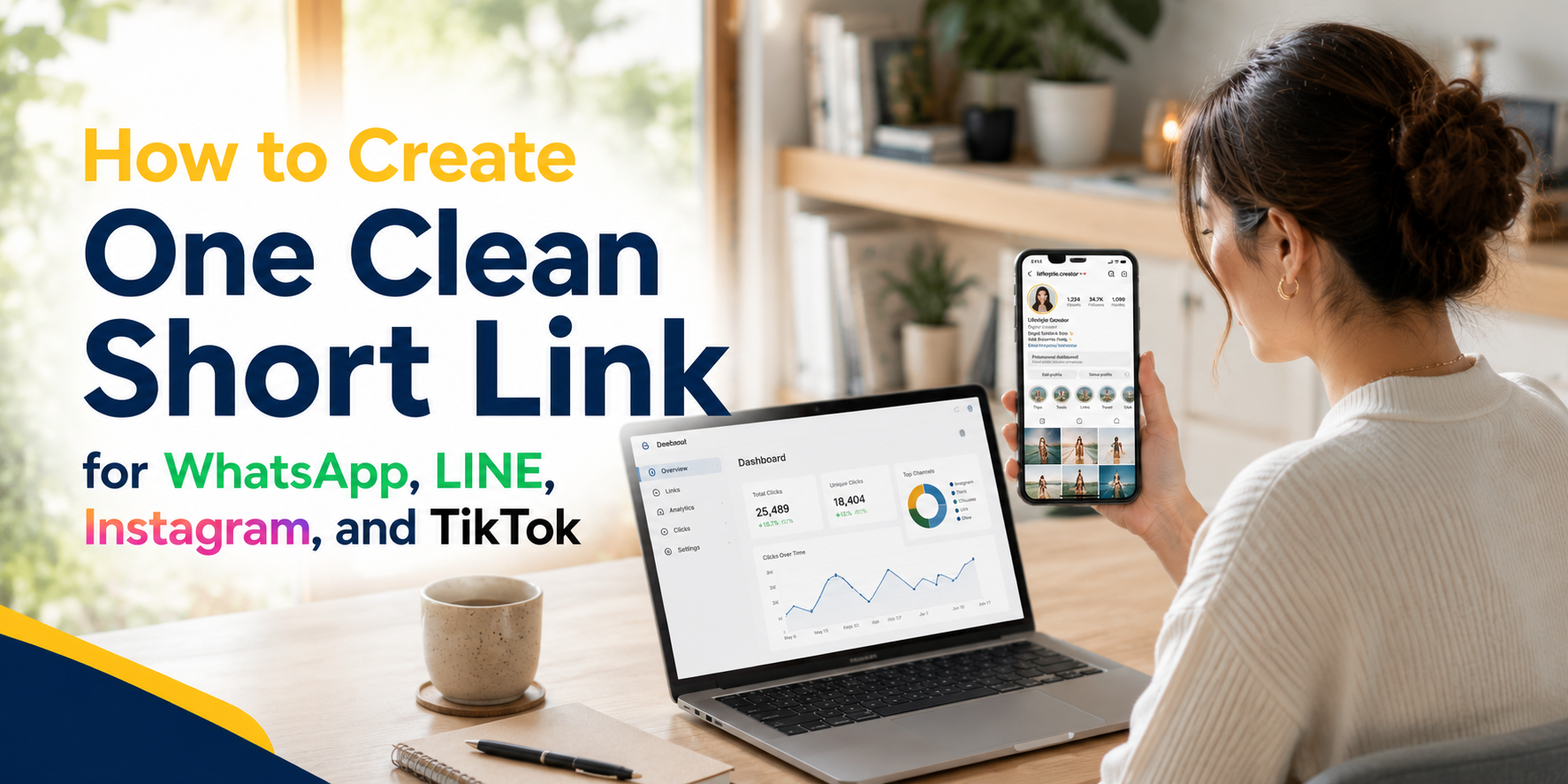
    Sharing links sounds simple until you actually need to use the same link across WhatsApp, LINE, Instagram, TikTok, ads, posters, and customer messages. A long URL may work technically, but it often looks messy, gets cut off, feels untrustworthy, or becomes difficult to track later. That is why creating a clean short link is useful for creators, small businesses, marketers, app owners, event teams, and anyone who shares links often.

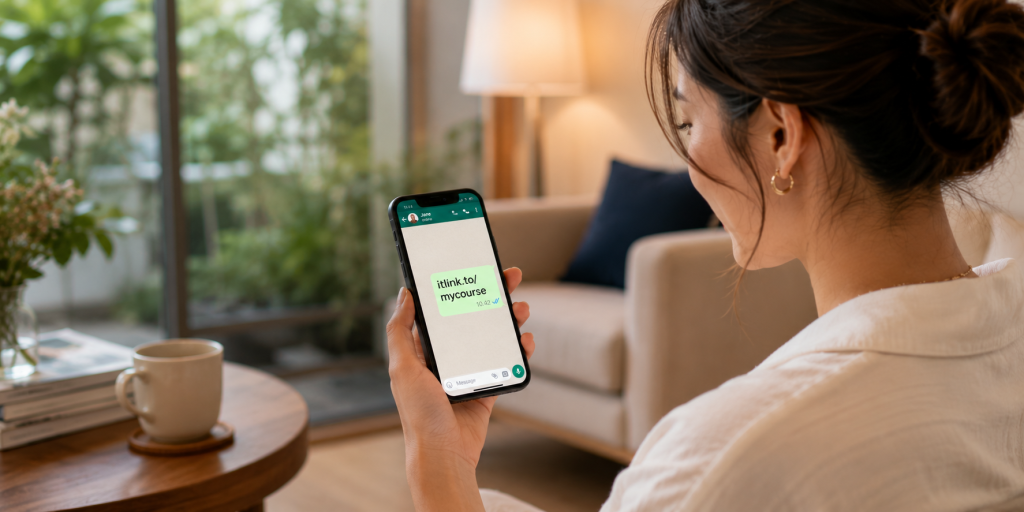
    A clean short link gives people one simple URL to click, copy, remember, or scan. Instead of pasting a long campaign URL full of random characters, tracking parameters, and confusing symbols, you can share something short and readable. It looks more professional in a WhatsApp message, fits better in a LINE broadcast, feels cleaner in an Instagram bio, and is easier to place inside TikTok captions or profile links.

    The goal is not just to make a link shorter. The real goal is to make the link easier for real people to use.

    Why Social and Chat Links Need to Be Cleaner

    Links behave differently depending on where you share them. A link that looks fine on a website may look too long inside WhatsApp. A link that works in a browser may feel messy when pasted into LINE. A campaign URL that makes sense to your marketing team may look suspicious to a customer seeing it for the first time.

    This matters because social and chat platforms are personal spaces. People open WhatsApp, LINE, Instagram, and TikTok quickly, often on mobile, and they decide within seconds whether something feels safe enough to tap. If the link looks confusing, too long, or unrelated to the message, some users will ignore it even if the offer is relevant.

    Clean links also help with presentation. For example, a restaurant sharing a booking page, a creator promoting a new product, or a startup sending app download links should not need to paste a long URL that looks like it came from an internal system. A short URL makes the message feel intentional and easier to understand.

    This is especially important when the same campaign appears in many places. You may share a product page on WhatsApp, put the same link in your Instagram bio, use it in a TikTok caption, and send it to customers through LINE. If every platform uses a different messy URL, your campaign becomes harder to manage. A single clean short link keeps everything simple.

    Where One Clean Short Link Works Best

    A clean short link is useful whenever the same destination needs to be shared repeatedly. It works especially well in places where space is limited, attention is short, or links need to look trustworthy at first glance.

    Common examples include:

    • WhatsApp messages sent to customers, leads, friends, groups, or communities.
    • LINE chats, LINE OA broadcasts, campaign messages, and QR code promotions.
    • Instagram bios, Stories, Reels captions, DMs, and profile links.
    • TikTok bios, video captions, creator campaigns, and influencer promotions.
    • Posters, flyers, table cards, booths, packaging, menus, and printed materials.
    • Email campaigns, SMS messages, paid ads, and customer support replies.

    The main advantage is consistency. Instead of creating a different link every time you share something, you can create one clear version and reuse it across channels. This reduces mistakes and makes reporting easier later.

    For example, instead of sharing a long product URL with tracking parameters in every message, you could use a branded short link like:

    https://itlink.to/summer-sale

    That type of link is easier to read, easier to say out loud, and easier to place on both digital and offline materials.

    Start With the Real Destination First

    Before creating a short URL, decide where the link should actually send people. This sounds obvious, but many messy campaigns happen because the destination is unclear from the beginning. Some teams create links too quickly, then later realize the landing page is wrong, the product page is outdated, or the app download page does not work well on mobile.

    Start by opening the final destination yourself. Check it on mobile, not only on desktop. Most people clicking from WhatsApp, LINE, Instagram, and TikTok will be using a phone, so the mobile experience matters most.

    Ask yourself whether the page loads quickly, explains the offer clearly, and has a clear next step. If the page is confusing, a short link will not fix the real problem. A clean short link can improve sharing and tracking, but the destination still needs to convert.

    For example, if you are promoting a booking page, make sure the booking form works. If you are sharing a product page, make sure the product is available. If you are sending people to an app page, make sure the correct app store page opens properly. The short link should point to a destination that is already ready for traffic.

    A good short link starts with a good destination.

    How to Create a Clean Short Link Step by Step

    The process should be simple, but it helps to follow a clear order. First, copy the final URL you want people to visit. This may be a product page, landing page, booking form, app download page, event registration page, campaign page, or social profile.

    Next, create a short URL using a link management tool. Choose a readable alias instead of letting the system generate a random string. A random short link may be shorter, but it does not always feel clean. A readable alias gives people more confidence because they can understand the purpose of the link before clicking.

    For example, a random link may look like:

    yourdomain.com/x7a9p2

    A cleaner version would be:

    yourdomain.com/menu

    or:

    yourdomain.com/app

    or:

    yourdomain.com/sale

    After creating the short link, test it before sharing. Open it on your phone, send it to yourself in WhatsApp or LINE, tap it from Instagram or TikTok if possible, and confirm that it opens the correct page. Also check whether the preview image and title look acceptable when pasted into chat apps.

    Finally, save the link somewhere your team can find it later. This could be inside your campaign plan, content calendar, ad notes, or link management dashboard. A short link is only useful if people on your team know which one to use.

    Choosing the Right Custom Alias

    The alias is the part of the short link that people actually read. It usually comes after the slash. For example, in a link like itlink.to/app, the alias is “app.” Choosing the right alias makes the link easier to trust and remember.

    A good alias should be short, clear, and related to the destination. Avoid using random internal campaign names that only your team understands. Customers do not know what “q3-campaign-v2-final” means. They understand words like “menu,” “book,” “download,” “join,” “sale,” or “event.”

    Try to keep the alias simple enough to type manually if needed. This matters for printed materials, event booths, posters, and QR code backup text. If someone cannot scan the QR code, they should still be able to type the link without frustration.

    Avoid using too many words. A link like /new-product-launch-promotion-june-2026 may be descriptive, but it is not clean. A shorter version like /launch or /newproduct is usually better.

    The best aliases feel natural in context. If the message says “Tap here to book your table,” then /book makes sense. If the message says “Download our app,” then /app or /download makes sense. If the link goes to a promotion, then /sale or /offer may work better.

    Common Mistakes That Make Short Links Look Unprofessional

    A short link should make sharing easier, but poor setup can still create confusion. One common mistake is making the alias too vague. A link like /click or /go does not tell the user anything. It may work, but it does not build trust.

    Another mistake is creating too many versions of the same link. For example, one team member shares /promo, another shares /summer, and another shares /offer, even though all links go to the same campaign. This makes reporting messy and increases the chance that someone uses the wrong link.

    Some people also forget to test the link inside the actual platform where it will be shared. A link may work in a browser but show a strange preview in WhatsApp or LINE. It may be clickable in Instagram bio but not ideal in a caption. It may look fine on desktop but open poorly on mobile.

    Another issue is changing the destination too often without documenting it. If a short link originally went to a sale page and later points to a different page, old reports may become harder to understand. Redirect changes can be useful, but they should be intentional.

    A clean short link is not only short. It is organized, understandable, tested, and easy to manage.

    Using Short Links Across WhatsApp, LINE, Instagram, and TikTok

    Each platform has a slightly different link behavior, so your short link should be flexible enough to work across all of them. WhatsApp is often used for direct communication, so the link should look trustworthy inside personal messages and group chats. A readable short URL helps because people can quickly understand what the link is about.

    LINE is often used for customer communication, especially in markets where LINE OA is common. In LINE broadcasts or chat replies, a clean short link makes the message look less cluttered. It also helps when you are sending repeated promotions or customer support links.

    Instagram gives you limited places to use clickable links. Your bio link, Story link stickers, and DMs are important placements. A clean short link works well because it looks better on profile pages and is easier to remember if someone sees it quickly.

    TikTok also has limited link placements, especially around bios and captions. A short URL is useful when the goal is to move viewers from content to a product, app, booking page, waitlist, or campaign page. The cleaner the link, the easier it is for people to understand what they are tapping.

    The same short URL can support all these channels, but you should still test the full journey from each platform. The click is only the first step. The page after the click matters just as much.

    Tracking Clicks Without Making the Link Messy

    One of the biggest reasons to use a short URL is tracking. When you share a normal long URL, you may not know how many people clicked unless your website analytics is already set up correctly. A short link can help you see click activity more directly.

    This is useful when you are comparing channels. For example, you may want to know whether more people clicked from WhatsApp, LINE, Instagram, or TikTok. You may also want to check whether a QR code campaign received real scans, or whether an influencer actually sent traffic.

    Tracking helps you make better decisions. If a link gets many clicks but very few signups, the issue may not be the link. It may be the landing page, the offer, the loading speed, the form, or the mismatch between the message and the destination.

    This is why link tracking should be used as a diagnostic tool, not just a vanity metric. Clicks tell you that people were interested enough to tap. They do not automatically mean the campaign worked. After clicks, you still need to look at what users did next.

    A clean short link gives you a better starting point. It keeps the shared URL simple while still allowing you to understand performance behind the scenes.

    When a Branded Short Link Is Better

    A branded short link can make your URL feel more trustworthy because it uses a recognizable name. Instead of sending users to a random-looking domain, you can use a link that feels connected to your brand, campaign, or product.

    This is especially useful when the link is shared outside your website. People may see it in a chat, social bio, QR code, flyer, or influencer post. If the link looks familiar, they are more likely to trust it.

    A branded short link is also helpful for long-term marketing. If your business regularly shares links for promotions, app downloads, events, menus, catalogs, booking pages, or customer support, a consistent short link format makes your brand look more organized.

    For example, a creator could use one clean short link for a new product drop. A restaurant could use one for reservations. A startup could use one for an app download campaign. A service business could use one for booking consultations.

    You do not need to overcomplicate it. The most important thing is that the link looks intentional and sends people to the right place.

    Create Your Clean Short Link and Share It With Confidence

    A clean short link makes everyday sharing easier. It helps you avoid long, messy URLs and gives your audience a link that looks more professional across WhatsApp, LINE, Instagram, and TikTok. It also helps your team stay organized when the same campaign appears in many different places.

    The key is to start with the right destination, choose a clear alias, test the link on mobile, and use tracking to understand what happens after people click. A short link should not only look better. It should make your campaign easier to manage.

    If you want a simple way to create a clean short link, branded short link, or trackable short URL for your next campaign, you can use itlink.to’s Short Link tool here: https://itlink.to/#short-link

    Create one clean link, test it, and use it everywhere your audience already talks, scrolls, and clicks.

    References