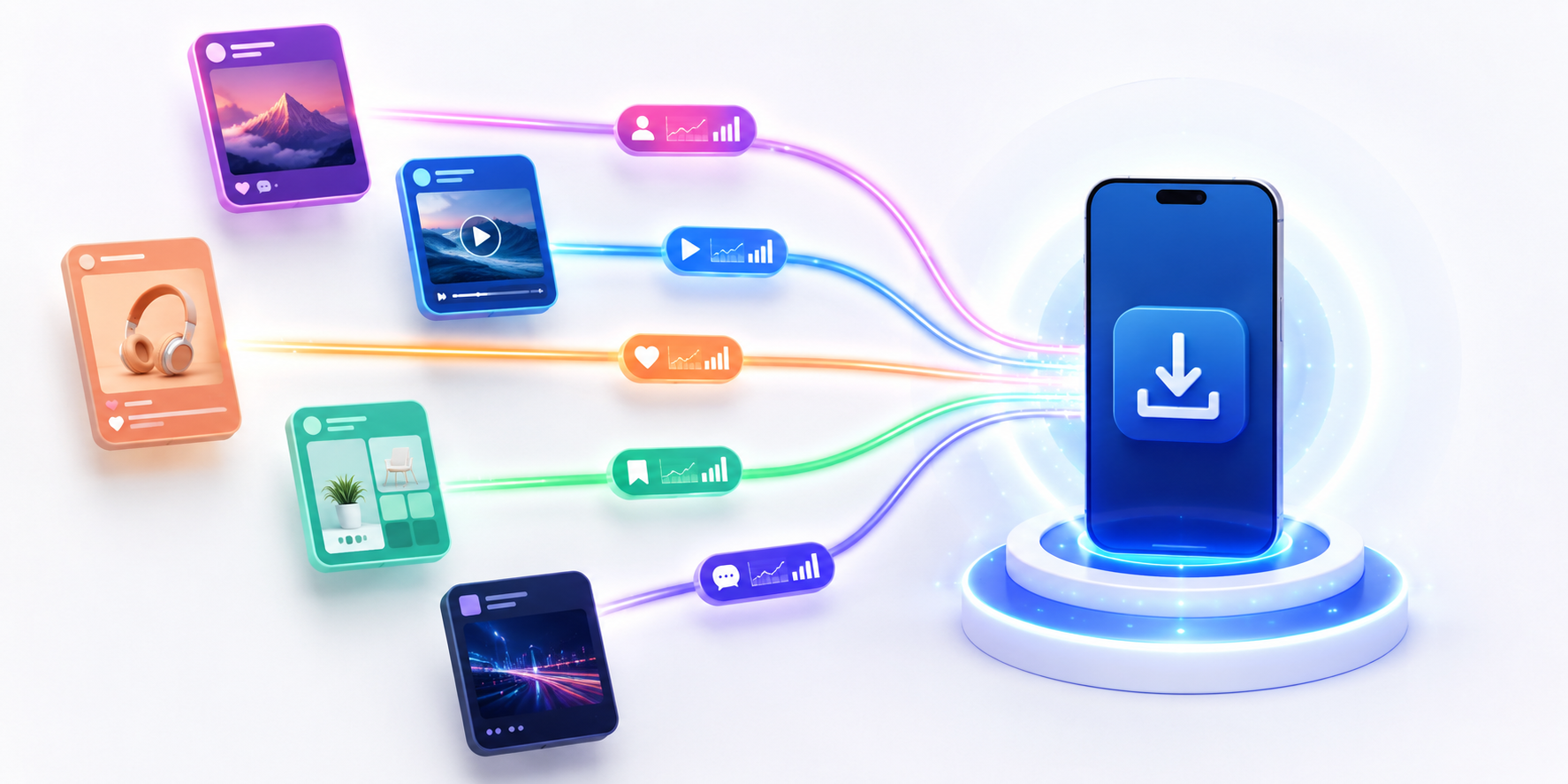
App download tracking gets messy when your app is promoted across many social media platforms at the same time. Instagram may bring profile clicks, TikTok may bring viral attention, YouTube may bring high-intent viewers, and LinkedIn may bring a smaller but more serious audience. The problem is that views and likes do not tell you which platform actually sends people toward the App Store or Google Play. To understand that, you need a cleaner link setup before the campaign starts.
Why Social Media Metrics Can Be Misleading
Social media platforms are good at showing attention, but attention is not the same as app download intent. A TikTok video can get thousands of views without sending many users to your app. An Instagram bio link may get fewer clicks but bring people who are much more ready to install. If you only compare views, likes, saves, and comments, you may spend more time on the platform that looks loud instead of the one that drives real app growth.
The Problem With Using One App Link Everywhere
If you use the same app download link on Instagram, TikTok, YouTube, Facebook, LinkedIn, and creator campaigns, your reporting becomes unclear. You may see total clicks, but you cannot easily separate where those clicks came from. This makes it harder to answer simple questions like whether TikTok is outperforming Instagram, whether YouTube viewers are more serious, or whether paid social is doing better than organic content.
Create a Different OneRoute Link for Each Platform
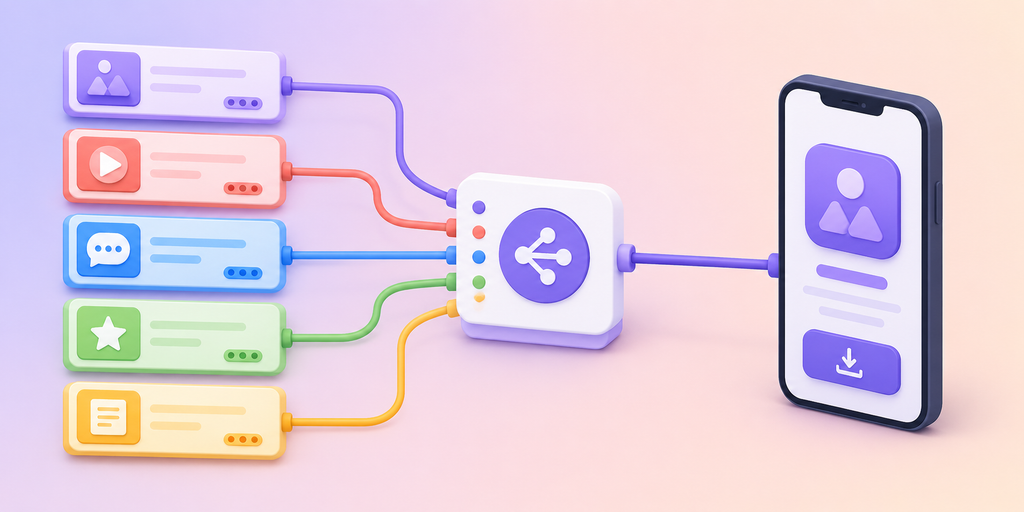
A better setup is to create a different OneRoute link for each social media platform while still sending users to the correct app store automatically. For example, you can create one OneRoute link for Instagram, one for TikTok, one for YouTube, one for Facebook, and one for LinkedIn. Each link can route iPhone users to the App Store and Android users to Google Play, but the clicks stay separated in your reporting.
| Platform | Example OneRoute Link Purpose | What You Can Measure |
|---|---|---|
| Bio link or Story link | Profile-to-download intent | |
| TikTok | Profile link | Video discovery traffic |
| YouTube | Description link | Long-form viewer interest |
| Page or group post link | Community-driven clicks | |
| Founder or company post link | Professional audience interest | |
| Influencer | Creator-specific link | Partner campaign performance |
Why OneRoute Is Better Than Sharing Store Links Separately
Sharing separate App Store and Google Play links creates extra friction. You either need two buttons, two links, or a landing page that asks users to choose their device. OneRoute makes the journey cleaner by giving you one smart app link that detects the user’s device. iPhone users go to the App Store, Android users go to Google Play, and desktop users can go to a fallback page. This is especially useful on social media, where you usually have limited space and need the click journey to feel simple.
Compare Clicks Across Social Platforms
Once each platform has its own OneRoute link, your app download tracking becomes easier to read. Instead of seeing one mixed click total, you can compare Instagram clicks, TikTok clicks, YouTube clicks, Facebook clicks, and creator clicks side by side. This does not prove final installs by itself, but it clearly shows which platforms are sending users into the app download path.
| Platform | Clicks | What It Might Mean |
|---|---|---|
| 3,240 | Strong bio or Story traffic | |
| TikTok | 2,180 | Good discovery from short videos |
| YouTube | 940 | Smaller but possibly higher-intent audience |
| 410 | Niche but focused professional traffic | |
| Influencer A | 1,120 | Partner campaign worth reviewing |
Track Organic, Paid, and Influencer Campaigns Separately
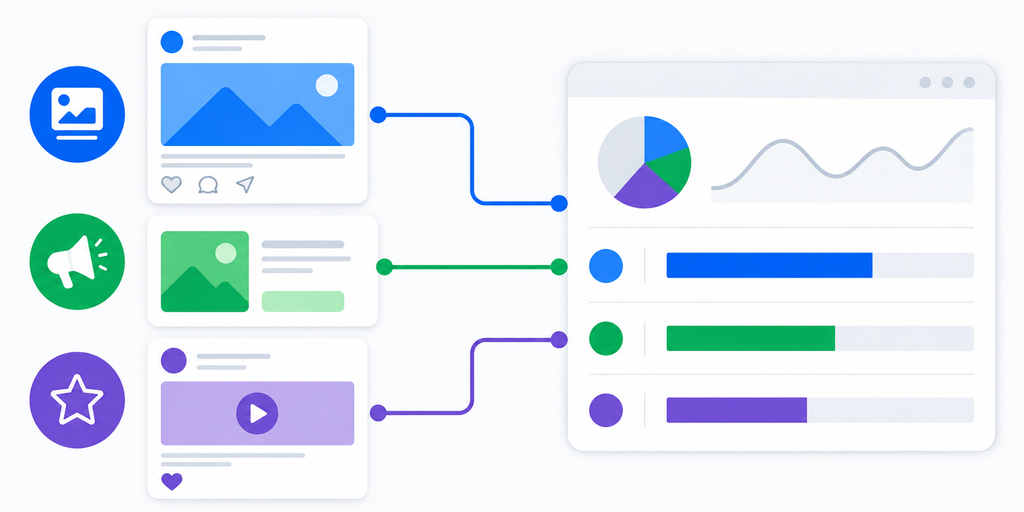
Social media traffic becomes even clearer when you separate organic, paid, and influencer links. Instagram bio should not use the same link as Instagram ads. TikTok organic should not use the same link as TikTok paid. Each influencer should also have their own OneRoute link, so you can see who is actually sending app download interest instead of only looking at impressions or engagement screenshots.
Use HubLink Only When Visitors Need More Than One Option
For app download campaigns, OneRoute should be the main link because it sends users directly to the right store. HubLink is useful when your social profile needs more than one destination, such as app download, pricing, support, blog, community, and campaign pages. For example, your TikTok bio could use a HubLink page, and the main button inside that page could be a OneRoute app download link. That way, HubLink organizes the profile experience while OneRoute handles the app store routing.
Common App Download Tracking Mistakes
Many app teams make tracking difficult by sharing one link everywhere, using raw App Store and Google Play links, forgetting to separate paid and organic traffic, or judging performance only by views. These mistakes create unclear reporting and make campaigns harder to improve.
| Mistake | Why It Hurts Tracking | Better Fix |
|---|---|---|
| One link for all platforms | You cannot compare sources | Create one OneRoute link per platform |
| Separate store links | Users may click the wrong store | Use one smart app link |
| No influencer-specific links | Partner results get mixed together | Give each creator a unique link |
| Same link for paid and organic | Ad results blend with normal content | Separate campaign links |
| Only tracking views | Views do not equal install intent | Track clicks toward the app store |
How itlink.to Helps You Track App Downloads for Free
itlink.to lets you create free links for different marketing needs. For app campaigns, OneRoute is the strongest fit because it gives you one smart app link that routes users to the correct store and helps you compare clicks by campaign or platform. You can create separate OneRoute links for Instagram, TikTok, YouTube, Facebook, LinkedIn, ads, and creators. You can also use short links for simple campaign tracking and HubLinks when your social bio needs a full link page.
Turn Social Media Clicks Into Better App Marketing Decisions
Good app download tracking is not about collecting more data. It is about making better decisions. When every social platform has its own OneRoute link, you can see which channels are sending people toward your app, which campaigns deserve more effort, and which platforms only look good on the surface. Start by creating separate OneRoute links for each social media platform, keep your naming clear, and use itlink.to to track app download interest without adding friction for users.
References
- Google Analytics Campaign URL Builder: Official tool for appending custom UTM parameters to track incoming marketing traffic across social and digital channels.
- Apple App Store Connect Analytics: Documentation on tracking app performance metrics, web-to-app referral conversions, and campaign attribution for iOS apps.
- Google Play Console Statistics: Developer resource outlining user acquisition reports, organic versus paid channel performance, and conversion tracking for Android apps.
- TikTok Business Help Center: Platform guide for managing ad accounts, setting up tracking pixels, and optimizing performance marketing campaigns on TikTok.
- Meta Business Help Center: Resource hub detailing ad setup, bio link integration, and social conversion tracking across Facebook and Instagram.
- YouTube Help: Traffic Source Reporting: Official guide explaining how YouTube Studio categorizes viewer discovery paths, including external links, search, and suggested videos.