ป้ายกำกับ: social media marketing

  • Free Short Link Generator for Social Media

    Free Short Link Generator for Social Media

    A free short link generator for social media can solve a problem most creators, businesses, and marketers run into every day: ugly links. Social platforms are designed for fast scrolling. When someone sees a long URL filled with tracking parameters, random characters, and campaign codes, it immediately feels harder to trust and harder to click.

    That may seem like a small detail, but social media is full of small decisions. A cleaner link can make your content look more professional, improve sharing, and help you understand which posts are actually generating traffic.

    Why Long Links Perform Poorly on Social Media
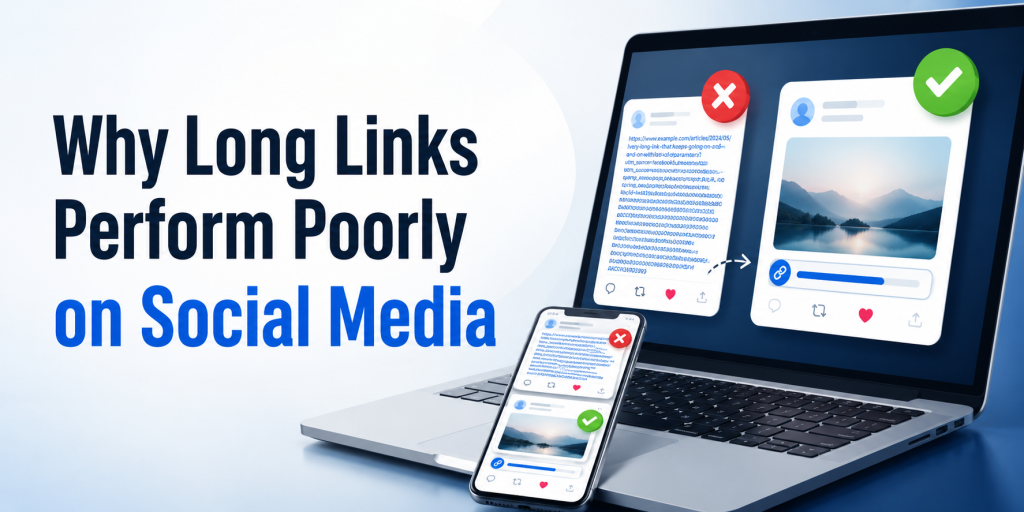
    Most marketing links become long because they contain tracking information. UTM parameters, affiliate codes, referral IDs, campaign tags, and analytics settings all add length to a URL. While useful for reporting, they create links that look cluttered in posts, bios, comments, messages, and profiles.

    Compare these examples:

    Link TypeExample
    Long URLwebsite.com/product?utm_source=instagram&utm_campaign=summer-sale&id=28473
    Short URLyour.link/summer-sale

    The destination is the same, but the second version looks cleaner and easier to share.

    Social Media Users Decide Quickly

    Most people do not carefully evaluate every link they see online. They make quick judgments. A confusing URL can create hesitation before the click even happens.

    This is especially important on platforms like Instagram, TikTok, X, Threads, Facebook, LinkedIn, and YouTube. Users are moving quickly between content. Every unnecessary distraction increases the chance that they keep scrolling instead of visiting your page.

    A short link removes visual clutter and makes the call to action feel more direct.

    Different Platforms Need Different Links
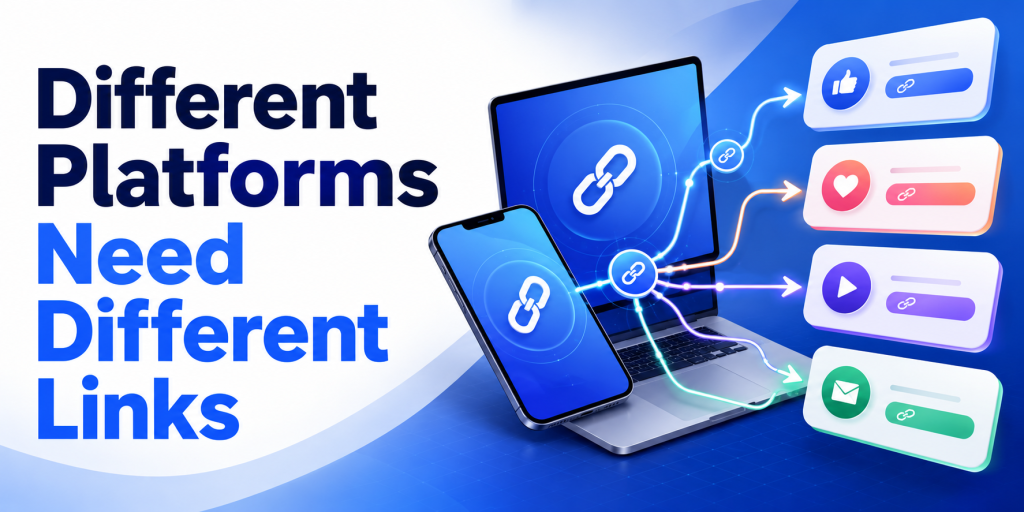
    One mistake many marketers make is using the same link everywhere. If Instagram, TikTok, YouTube, Facebook, and LinkedIn all use the same URL, campaign reporting becomes difficult.

    Creating separate short links for each platform makes it easier to understand where traffic originates.

    PlatformExample Link
    Instagramyour.link/instagram
    TikTokyour.link/tiktok
    YouTubeyour.link/youtube
    Facebookyour.link/facebook
    LinkedInyour.link/linkedin

    This simple setup provides cleaner analytics without changing the user experience.

    Short Links Are More Than Just Shorter URLs

    Many people think URL shorteners only make links look better. In reality, the biggest advantage is often tracking.

    A short link acts as a measurement point between the user and the destination page. Instead of only seeing website traffic, you can understand how many people clicked the link itself.

    This becomes useful when comparing campaigns, influencers, social platforms, newsletters, QR codes, and promotional activities.

    Social Media Campaigns Become Easier to Measure

    Imagine promoting the same product on Instagram, TikTok, and YouTube.

    Without separate short links, you may know that the product page received traffic, but you may not know which platform generated it.

    With separate short links, you can compare performance directly.

    CampaignClicks
    Instagram1,850
    TikTok2,420
    YouTube790

    Now you have a clearer understanding of where audience interest is coming from.

    Short Links Work Well With Link in Bio Pages

    Many creators use a link in bio page as their primary social media destination. A short link can still play an important role.

    For example, a creator might use a HubLink page as their main profile URL while creating separate short links for campaigns, sponsors, affiliate promotions, product launches, or content series.

    This creates a cleaner marketing setup while keeping analytics organized.

    QR Codes and Social Media Often Work Together

    Short links are also useful when online and offline campaigns overlap. A QR code on packaging, an event banner, a flyer, or a business card often leads people to a social profile, landing page, or promotion.

    Because short URLs are shorter, they usually create cleaner QR codes. They are easier to manage and easier to update if destinations change in the future.

    This flexibility becomes valuable when campaigns continue generating traffic long after launch.

    Why Free Tools Matter for Creators and Small Businesses

    Not every creator or business has a marketing budget dedicated to analytics software. Many simply need a reliable way to shorten links, track clicks, and organize campaigns.

    A free short link generator lowers the barrier to entry. Instead of investing in complex marketing tools, users can begin tracking social media traffic immediately.

    For many businesses, understanding where clicks come from is enough to make better content and advertising decisions.

    How itlink.to Helps Social Media Marketers

    itlink.to provides a free short link generator designed for creators, businesses, marketers, and app developers. Users can create short URLs, track clicks, and organize campaigns without paying for basic functionality.

    Because each campaign can have its own short link, it becomes easier to compare traffic sources across Instagram, TikTok, YouTube, LinkedIn, Facebook, newsletters, influencer campaigns, and QR codes.

    For users who need more than a simple short link, itlink.to also offers HubLink for link in bio pages and OneRoute for smart app download links.

    Start With One Link and Learn From the Data

    The best reason to use a free short link generator for social media is not that the links look cleaner. It is that they help you understand what people actually click.

    Instead of guessing which platform performs best, you can create separate links, compare results, and improve future campaigns based on real behavior.

    If you post regularly on social media, a short link is one of the simplest tools you can add to your workflow. It takes only a few seconds to create but can provide valuable insights long after the post is published.

    References

  • Best Free Linktree Alternative for Creators Who Need Analytics

    Best Free Linktree Alternative for Creators Who Need Analytics

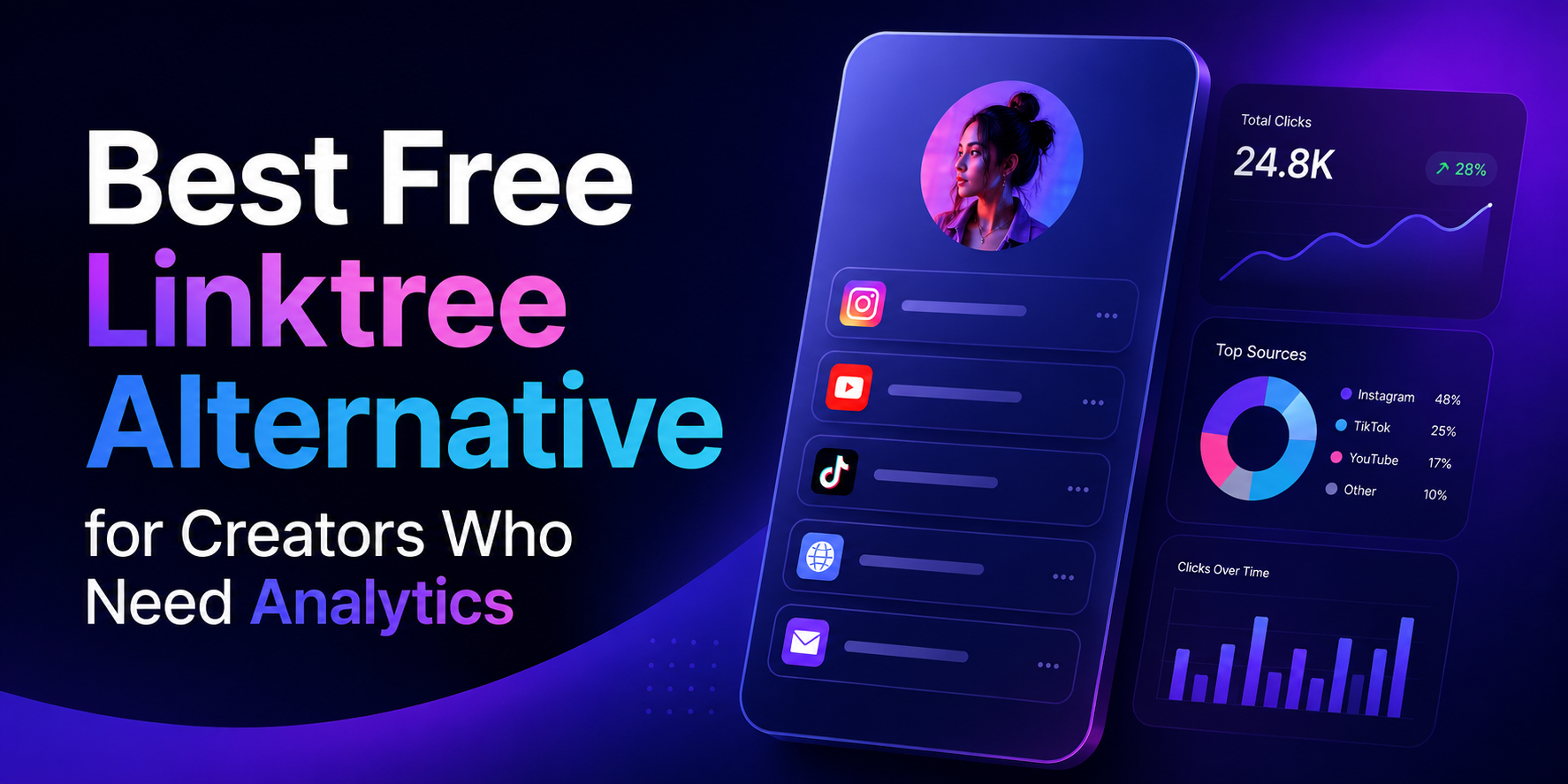
    Your bio link is the most valuable piece of digital real estate you control. Every platform, Instagram, TikTok, YouTube, even your email signature, funnels attention toward that single URL. It’s the one place where a curious follower can become a subscriber, a customer, or a fan of something beyond the algorithm’s reach. Which makes it genuinely strange that most creators treat the analytics behind it as an afterthought.

    The problem isn’t a shortage of tools. Link-in-bio platforms have multiplied for years. The problem is that the most important data, who clicked what, where they came from, what device they used, is consistently buried behind a monthly paywall. You get a visitor count on the free plan. Everything that would actually help you make a decision costs extra.

    For creators building real businesses, that’s not a minor inconvenience. It’s a structural blind spot that compounds quietly over time.

    Why a Visitor Count Tells You Almost Nothing

    Picture a realistic scenario: you publish a post on the same day you launch a digital product, release a podcast episode, and promote an affiliate deal. Your bio link pulls in 4,000 visits over 48 hours. That number looks good in a screenshot. It tells you almost nothing useful.

    Did visitors click your product page, or did they go straight to the podcast and skip the sale entirely? Was the affiliate link completely ignored? If you drove that traffic through three different platforms, which one actually converted? Without button-level click data, you cannot answer any of these questions with confidence. You’re left making your next content decision based on feel rather than evidence.

    This is the core failure of surface-level analytics. A single vanity metric gives you the illusion of insight while hiding every data point that would actually change your behavior. Creators who fix this problem improve faster because every piece of content becomes a feedback loop. Creators who don’t keep running the same experiments, hoping something eventually sticks.

    What Paywalled Analytics Actually Cost You

    The pricing model most link-in-bio platforms use is straightforward: get you in for free, then lock the useful features behind a subscription once you’re dependent on the tool. Entry-level paid tiers typically run between $18 and $36 per month. That might sound manageable in isolation, but creators rarely use just one platform. Stack a bio link subscription on top of an email tool, a scheduling app, and a course platform and you’re looking at several hundred dollars a month in software overhead before you’ve earned a dollar.

    More importantly, the features being paywalled aren’t advanced enterprise capabilities. Knowing which button your audience clicked is not a sophisticated request. Seeing a geographic breakdown of your traffic is not a premium insight. These are basic operational data points that any creator making decisions about their business should have access to by default. When platforms treat them as upsells, they’re not offering a premium experience. They’re charging you to see information about your own audience that you already earned.

    The Five Analytics That Actually Drive Decisions

    When evaluating any free Linktree alternative, most creators focus on design flexibility or the number of links allowed. Both are largely irrelevant if the tracking underneath is weak. These are the five data points that materially change how you run your creator business.

    • Button-level click tracking. Aggregate page views are decorative. What you need is a per-link breakdown showing exactly which buttons are being clicked and which are being ignored. This tells you which offers resonate, which calls to action are failing, and where to focus your next promotion.
    • Unique versus total clicks. Total click counts can be inflated by a small number of people clicking repeatedly. Unique click counts show you how many individual people engaged with a specific link, which is the number that actually reflects genuine audience interest.
    • Traffic source attribution. There is a meaningful difference between a click that originated inside the Instagram app and one that came from a YouTube comment, a newsletter, or an external blog post. Source data tells you which platforms are earning their time investment and which ones are producing impressions without conversions.
    • Geographic data. City and country level breakdowns affect pricing decisions, event planning, brand partnership pitches, and publish timing. If a significant portion of your audience is concentrated in a specific region, that information should be actively shaping your strategy.
    • Device and browser reporting. If 80% of your clicks are coming from mobile in-app browsers, your external pages need to load instantly on a small screen. Device data lets you stop designing for how you browse and start designing for how your audience actually behaves.

    The Technical Mistakes That Break Your Tracking

    Choosing the wrong platform doesn’t just limit your visibility. It can actively corrupt the data you’re collecting elsewhere.

    The first issue is redirect stripping. Some bio link platforms mask outbound URLs or strip tracking headers when they forward a user to your destination. The result is that your website analytics logs that visit as direct traffic rather than attributing it to social media. Your social channels look less effective than they are, your attribution model breaks, and any return on investment calculation you run becomes unreliable.

    The second is link shortener chaining. Routing a bio tool redirect through an additional URL shortener creates two sequential redirects before a user reaches your page. Beyond the delay in load time, this frequently breaks UTM parameters and can trigger security warnings in mobile browsers, particularly on iOS. Always link directly to your final destination URL without intermediary shorteners.

    How to Use Your Data Once You Have It

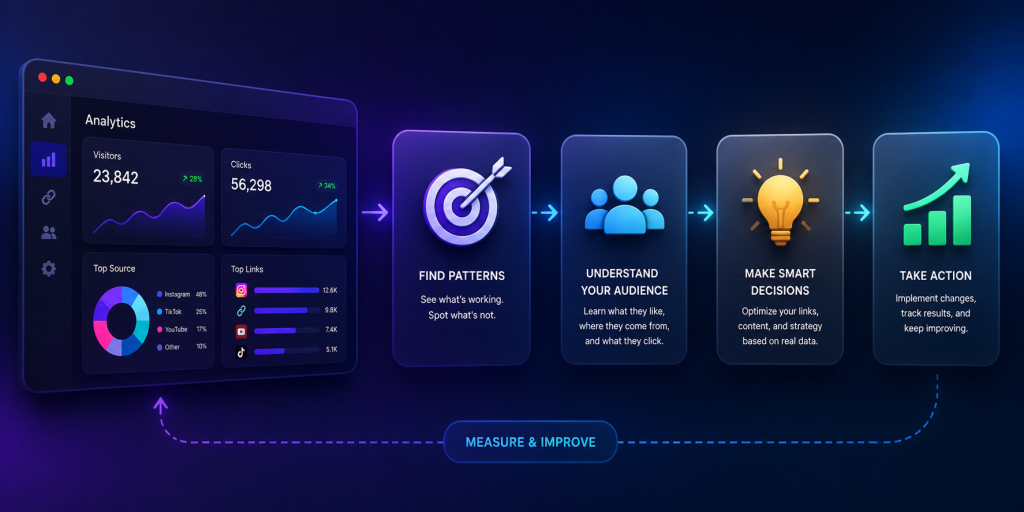
    Access to analytics is only the first step. The creators who pull ahead are the ones who build a consistent habit around reviewing and acting on that data.

    Every two weeks, pull your click data and remove any link that hasn’t generated meaningful engagement in the past 30 days. A focused page with four strong links consistently outperforms a crowded page with twelve because too many options produce decision paralysis. Your audience is more likely to click something when the choice is clear.

    After each significant post or campaign, trace where the traffic spike originated before you lose the context. If a specific platform drove a disproportionate share of clicks, weight your next content batch accordingly. If a traffic source you invested heavily in produced nothing, that’s equally useful information.

    Reorder your links based on performance data, not instinct. Most visitors won’t scroll far, so your highest-converting link belongs at the top. If your second link is consistently outperforming your first, swap them and monitor the change. Small structural adjustments validated by data produce compounding improvements over time.

    What to Look for in a Free Platform

    The market for link-in-bio tools has expanded considerably, which means the quality range is wide.

    Data retention is the most underrated factor. Some platforms on free tiers delete or hide historical data after seven days. Others give you full access going back to the day you created your account. Comparing your current month against the same period last quarter is only possible if that data still exists.

    UTM parameter integrity is non-negotiable if you run any external analytics. Confirm that the platform passes your tracking tags through cleanly on redirect rather than dropping them. Most won’t tell you they strip parameters so you have to test it yourself by clicking a tagged link and checking whether the parameters appear in your destination analytics.

    Transparency around redirects is worth checking as well. Platforms that use masked redirects sometimes create issues with browser security warnings and can affect how link previews render when shared.

    Why Creators Are Switching to itlink.to

    Most creators who move to a platform with real analytics describe the same first week: the data is disorienting because it reveals how much guesswork was previously involved. Links you assumed were performing well turn out to have single-digit click rates. Traffic sources you deprioritized turn out to be driving the majority of your conversions. The picture that emerges rarely matches the assumptions you were working from.

    That recalibration is valuable precisely because it’s uncomfortable. It means your next decisions are grounded in what your audience actually does rather than what you assumed they would do.

    itlink.to gives you button-level click tracking, geographic breakdowns, traffic source attribution, and device reporting on its free plan without requiring a credit card. If you’re currently making content and business decisions without that visibility, setting up a page takes a few minutes and the difference in clarity is immediate.

    Start tracking what your audience actually clicks. Build your free page at itlink.to.

    References

  • Multiple Links in Instagram Bio Without Linktree

    Multiple Links in Instagram Bio Without Linktree

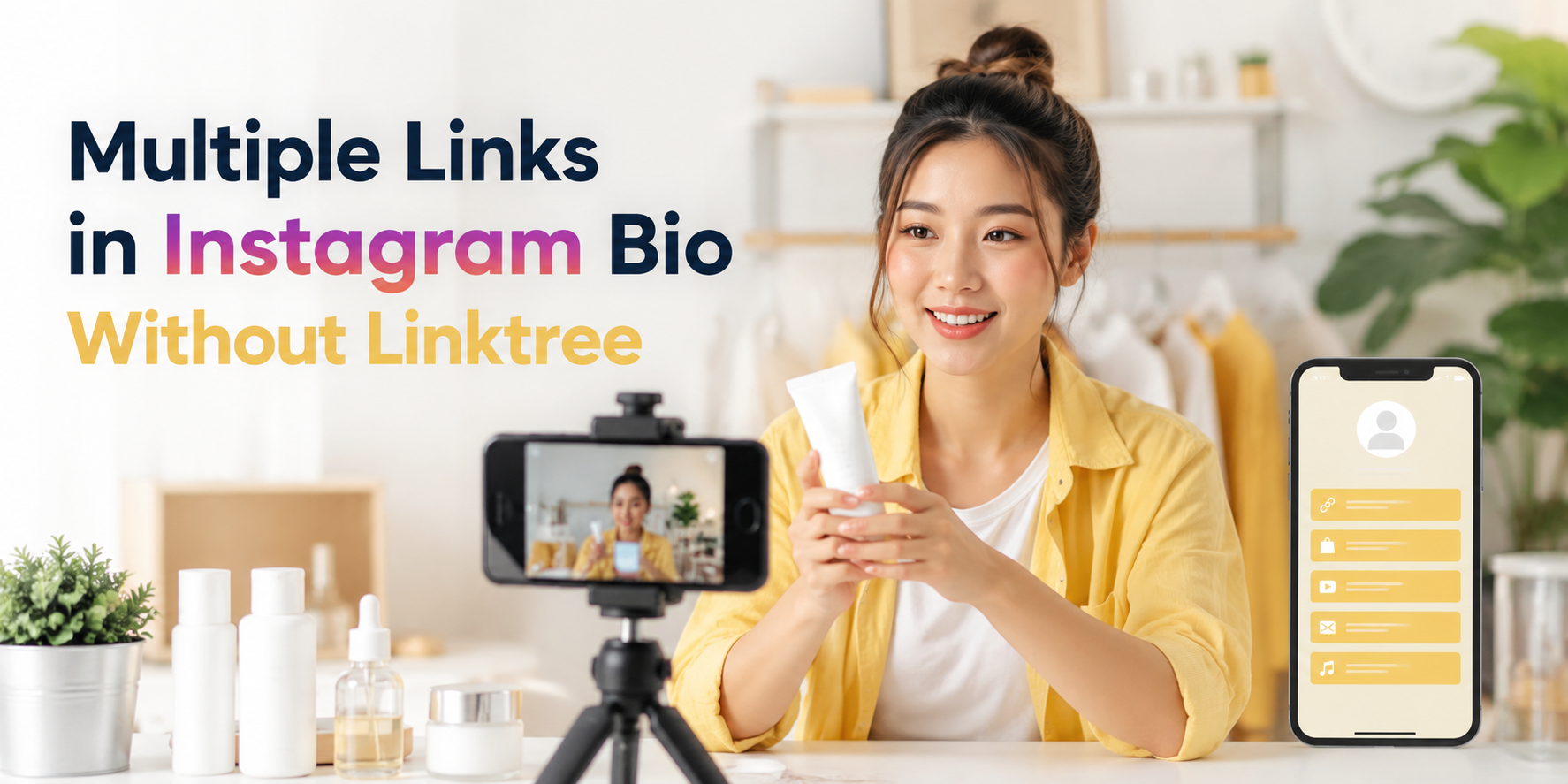
    If you are trying to add multiple links in Instagram bio, you are probably facing a simple but frustrating problem: one profile, many destinations. You may need to share your shop, latest post, booking page, YouTube video, WhatsApp contact, newsletter, app download page, or campaign landing page at the same time.

    Instagram gives creators and businesses more link flexibility than before, but a clean link-in-bio page is still often the better solution when you want control, clarity, and a more professional experience. Instead of changing your bio link every time you post something new, you can send people to one simple page that organizes all your important links in one place.

    Why Instagram Bio Links Matter More Than They Look

    Your Instagram bio link is small, but it often carries serious business value. It is the bridge between attention and action. Someone watches your Reel, reads your caption, checks your profile, and then decides whether to click.

    That click may lead to a sale, signup, download, booking, message, or content view. If the link is confusing, outdated, or too crowded, the visitor may leave before taking action. This is why your bio link should not be treated like a random URL. It should work like a simple landing page with a clear purpose.

    For creators, Instagram bio links can send followers to new content, affiliate offers, digital products, media kits, or community pages. For businesses, they can support campaigns, product launches, lead generation, and customer support. The goal is not just to show many links. The goal is to help people choose the right next step quickly.

    The Real Problem Is Not Linktree, It Is Link Clutter

    Many people search for a Linktree alternative because they think the tool is the problem. Sometimes it is. But often, the real problem is link clutter.

    A link-in-bio page can become messy when every link has the same importance. Visitors see too many buttons, vague labels, old promotions, and repeated destinations. Instead of helping people decide, the page creates more friction.

    For example, a creator might add “My Website,” “New Video,” “Shop,” “Course,” “Booking,” “Podcast,” “Newsletter,” “TikTok,” and “Contact Me” all at once. Technically, that is multiple links. Practically, it may be too much.

    A better approach is to organize links based on what your audience wants right now. If your latest Reel promotes a free guide, that guide should be near the top. If your main business goal is booking calls, the booking link should be obvious. If an old campaign is no longer active, remove it or move it lower.

    A Better Way to Share Multiple Links Without Linktree

    You do not need to use Linktree specifically to share multiple links from Instagram. What you need is a simple link-in-bio page that acts as a clean menu for your audience.

    The best setup is usually one short bio link that opens a mobile-friendly page. That page should include your most important destinations, written in clear language. The visitor should immediately understand where to click.

    For example, instead of putting five separate URLs in captions or constantly changing your profile link, you can create one link-in-bio page with buttons such as “Book a Call,” “Shop New Products,” “Read the Latest Article,” “Download the App,” and “Contact on WhatsApp.”

    This keeps your Instagram profile clean while still giving your audience options. It also makes your content easier to manage because you only need to update one page instead of repeatedly editing your Instagram bio.

    What to Include on Your Link-in-Bio Page

    A good link-in-bio page should be simple, useful, and focused. It should not feel like a full website. It should feel like a clear shortcut to your most important actions.

    Include only links that support your current goals:

    • Main offer: product, service, course, app, booking page, or campaign page.
    • Contact option: WhatsApp, LINE, email, contact form, or booking link.
    • Fresh content: latest blog post, video, podcast episode, or campaign.
    • Trust link: portfolio, reviews, testimonials, case studies, or media kit.
    • Social or community link: newsletter, group, Discord, Telegram, or other platform.

    The order matters. Put the most important link first. If your audience came from a specific post or Reel, the page should match what they expected to find.

    Practical Examples for Creators, Businesses, and Campaigns

    A creator may use one Instagram bio link to share a new YouTube video, a brand collaboration, an affiliate product, and a media kit. In this case, the page should not look like a random list. The top link might be “Watch My Latest Video,” followed by “Shop My Favorite Tools,” then “Work With Me.”

    A small business may use a link-in-bio page for product categories, delivery information, customer chat, and promotions. For example, a café could link to its menu, Google Maps location, LINE order form, and latest seasonal offer.

    A mobile app team may use the bio link to send users to the correct app download destination, a feature page, a launch campaign, and support. If the app is being promoted through Instagram Reels, the first link should match the campaign message.

    A consultant or service provider may focus on booking calls, case studies, free resources, and testimonials. In this case, fewer links may perform better because the main goal is lead generation.

    Common Mistakes That Make Bio Links Perform Poorly

    A link-in-bio page should make decisions easier. When it creates confusion, users stop clicking. Many pages fail not because the offer is bad, but because the structure is unclear.

    Avoid these common mistakes:

    • Using vague button text like “Click Here” or “Learn More.”
    • Adding too many links with no clear priority.
    • Keeping expired campaigns or old offers near the top.
    • Sending users to pages that are slow, broken, or not mobile-friendly.
    • Making the first link different from what your latest Instagram content promised.
    • Using long URLs that look messy or unprofessional.
    • Forgetting to test the bio link after updating it.

    The fix is simple: keep the page clean, update it regularly, and write button labels that tell people exactly what they will get.

    When Instagram’s Native Links Are Enough

    Instagram allows users to add links directly to their profile, which can be enough for very simple needs. If you only need to share a website, one product page, or one contact link, you may not need a full link-in-bio page.

    However, native profile links can become limiting when you want better presentation, clearer grouping, campaign-specific organization, or a branded experience. A plain list of links may work, but it does not always guide users toward the action that matters most.

    If your Instagram profile supports real business goals, a dedicated link-in-bio page usually gives you more control. You can arrange links, update campaigns, create a cleaner visitor journey, and make the page feel more aligned with your brand.

    How to Organize Your Bio Links for More Clicks

    Start with the action you care about most. Do not begin by asking, “How many links can I add?” Ask, “What should people do first?”

    If your priority is sales, place your shop or product link first. If your priority is appointments, place your booking link first. If your priority is audience growth, place your newsletter or community link first. If your priority is content discovery, place your latest article or video first.

    Use clear labels. “Book a Free Consultation” is better than “Services.” “Download the App” is better than “Our Platform.” “Shop New Arrivals” is better than “Products.”

    You can also rotate the top link based on your latest campaign. For example, during a product launch, the launch page should be first. After the launch, you can move your evergreen shop or booking page back to the top.

    Create Multiple Links in Instagram Bio With a Cleaner Setup

    The best way to manage multiple links in Instagram bio is to use one clean page that organizes your most important destinations. It should be easy to scan, fast to open, and simple to update.

    This is where a link-in-bio tool becomes useful. Instead of sending people to a messy list or constantly editing your profile, you can create one page for your current offers, content, contact options, and campaigns.

    With HubLink by itlink.to, you can create a simple link-in-bio page for Instagram and send visitors to the right places from one clean link: https://itlink.to/#hub-link

    Use your Instagram bio link as a focused path, not a storage box for every URL you have. Start with your most important action, keep the page clean, and update it whenever your campaign changes.

    References