ป้ายกำกับ: Linktree alternative

  • Linktree vs HubLink: Which Link in Bio Tool Has Better Analytics?

    Linktree vs HubLink: Which Link in Bio Tool Has Better Analytics?

    When comparing Linktree vs HubLink, most people are not only asking which tool looks better. They want to know which one helps them understand what happens after someone clicks their bio link. A clean link in bio page is useful, but analytics decide whether that page becomes a real marketing asset or just another list of buttons.

    For creators, small businesses, agencies, and app marketers, the problem is simple. Social platforms send traffic, but that traffic is often hard to measure. You may know a post performed well, but you may not know which link people clicked, which campaign brought them in, or whether your page is helping visitors take action. This is where the difference between a simple link page and an analytics-focused link in bio tool becomes important.

    Linktree vs HubLink: Start With the Real Analytics Problem

    The main analytics problem is not collecting numbers. It is understanding which numbers actually help you make decisions. A link in bio page can show visits and clicks, but those metrics alone do not always explain user intent.

    For example, imagine your Instagram Reel gets 20,000 views and your bio link gets 800 visits. That looks good at first. But if only 20 people click your product page, you need to know why. Was the offer unclear? Was the product link buried too low? Did visitors click your YouTube link instead? Did the traffic come from Instagram, TikTok, email, or a QR code?

    This is why comparing Linktree vs HubLink should begin with analytics clarity. Linktree is widely known and easy to set up. It works well for creators who need a simple page with multiple links. HubLink is better suited for users who care more about campaign performance, cleaner tracking, and understanding which links deserve more attention.

    Why Basic Click Counts Are Not Enough

    Basic click counts can tell you that people clicked something, but they rarely tell you what to improve next. A link with 500 clicks may look successful, but that number can hide many important details.

    Maybe the link is popular because it sits at the top of the page. Maybe it gets clicks because the button text is vague. Maybe people click it and immediately leave because the destination does not match what they expected. Without deeper analytics, it is easy to make the wrong decision.

    For a personal creator page, basic analytics may be enough. But for business pages, app campaigns, lead generation, affiliate marketing, event promotion, and product launches, you need more context. You need to know which source, campaign, or content format is driving meaningful traffic.

    That is where analytics should become practical. The goal is not to make dashboards look impressive. The goal is to help you decide what to change, remove, promote, or test next.

    What Linktree Does Well for Link in Bio Pages

    Linktree is popular because it makes the link in bio problem easy. You can create a page quickly, add links, customize the look, and place one URL in your social profile. For many creators, that is enough.

    It works especially well when your main need is organization. If you want to share your latest video, store, newsletter, booking page, podcast, and other profiles in one place, Linktree gives you a familiar structure. Visitors understand it immediately.

    Linktree also benefits from strong brand recognition. Many users already know what a Linktree page is, so the experience feels familiar. That can reduce confusion for audiences who only need a simple list of links.

    The limitation appears when the page becomes part of a serious marketing funnel. If you are running campaigns across different channels, testing offers, or trying to improve conversion paths, you may need analytics that are easier to connect with real business decisions.

    Where HubLink Fits Better for Analytics-Focused Users

    HubLink is a better fit when your link in bio page needs to do more than hold links. It is useful when you want to understand which destinations are getting attention and how your social traffic behaves across campaigns.

    For example, a small travel business might use one bio link for tour packages, WhatsApp inquiries, blog guides, seasonal offers, and app downloads. A creator might use one page for affiliate links, a newsletter, digital products, and brand collaborations. An agency might manage multiple client campaigns and need clear reporting.

    In those cases, the question is not “Can I add multiple links?” The better question is “Can I see what is working clearly enough to improve results?”

    HubLink is designed for users who want cleaner link experiences, easier campaign tracking, and practical analytics. If you want to explore this type of link in bio page, you can use HubLink from itlink.to as a smarter way to organize and measure your important destinations.

    Key Analytics Features to Compare Before Choosing

    When comparing link in bio tools, do not judge analytics only by whether a dashboard exists. Look at whether the data helps you answer useful questions.

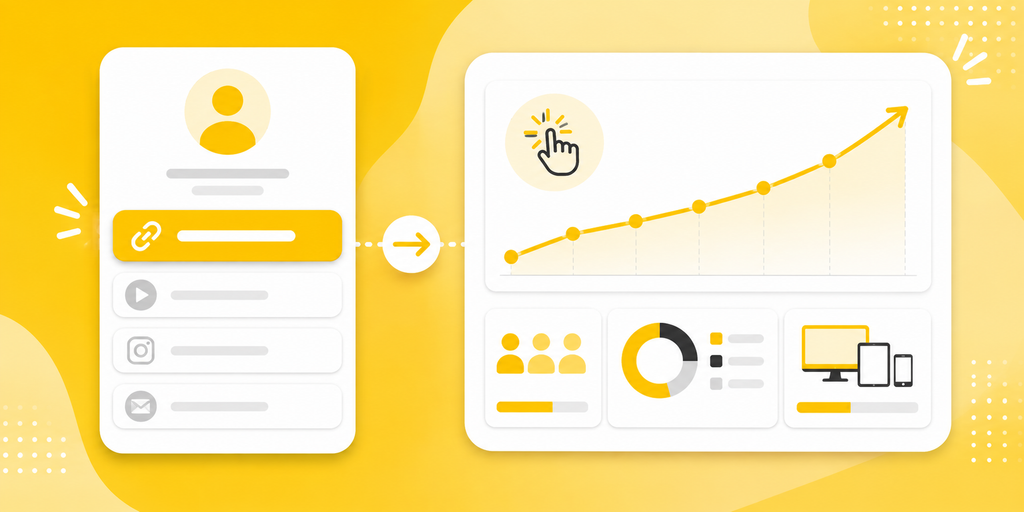
    • Page views: How many people opened your link in bio page?
    • Link clicks: Which buttons or destinations received the most attention?
    • Click-through rate: What percentage of visitors clicked after landing on the page?
    • Traffic source: Where did visitors come from?
    • Device data: Are users mostly on mobile, desktop, iOS, or Android?
    • Campaign tracking: Can you separate Instagram, TikTok, QR code, email, and ads?
    • Time-based trends: Which days or campaigns performed better?
    • Export or reporting options: Can you review results clearly with a team or client?

    These features matter because they turn your bio link from a static page into a performance tool. Without them, you may keep guessing why some links work and others do not.

    Practical Example: Creator, Brand, and Agency Use Cases

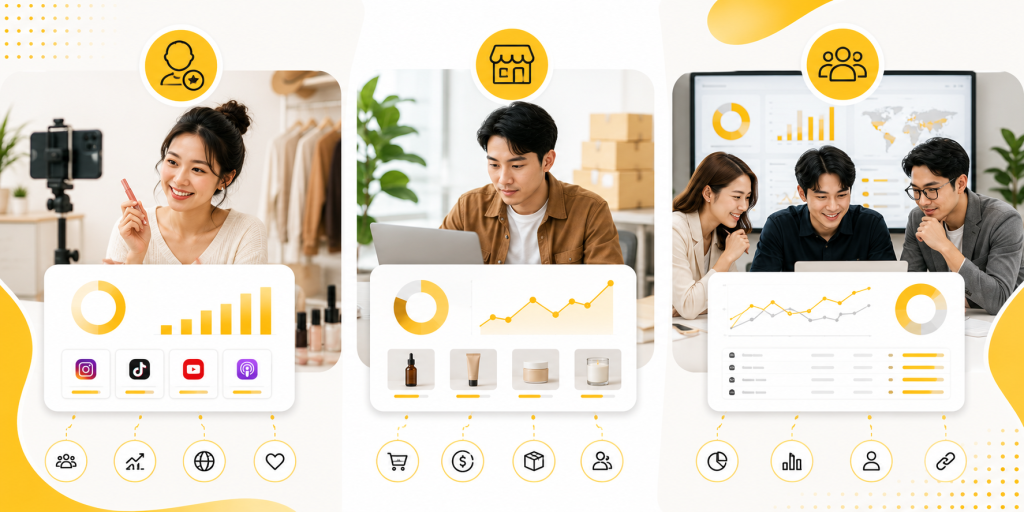
    A creator may need a link in bio page for content, affiliate links, and a newsletter. In this case, analytics should show which content drives the most clicks. If the newsletter link gets more clicks after educational posts, the creator can make more of that content.

    A brand may use a bio link for product launches, campaigns, store pages, and customer support. Analytics should help the team see which campaign gets attention and which link should be moved higher. If visitors keep clicking support instead of the product offer, the page may need clearer messaging.

    An agency may manage several client pages. The agency needs analytics that are easy to explain. Clients usually do not want raw numbers without meaning. They want to know what changed, what worked, and what should happen next.

    In each case, the best tool is not always the one with the most design options. It is the one that makes performance easier to understand.

    Common Mistakes When Reading Link in Bio Analytics

    Many users collect analytics but still make poor decisions because they read the data too quickly. A high number is not always a good number, and a low number is not always a bad number.

    • Judging only by total clicks instead of click quality.
    • Keeping too many links on the page, which spreads attention too thin.
    • Placing the most important link too low.
    • Using vague button text like “Learn More” for every link.
    • Mixing personal, business, and campaign links without priority.
    • Ignoring mobile experience even though most visitors come from phones.
    • Not separating organic social traffic from paid ads, QR codes, or email campaigns.

    A good analytics setup should reduce these mistakes. It should help you see which links deserve more visibility and which ones are only creating noise.

    Which Tool Is Better for Different Types of Users?

    Linktree is a strong choice for creators who want a fast, familiar, and simple link in bio page. If your goal is to organize several links and make them easy to access, it can work well.

    HubLink is a stronger choice if analytics and campaign clarity matter more. If you are using your bio link to drive leads, app installs, bookings, product sales, affiliate traffic, or client campaigns, you need more than a nice page. You need data that helps you improve the click journey.

    The best choice depends on your goal. If you need a simple profile landing page, Linktree may be enough. If you want a link in bio tool that feels more connected to marketing performance, HubLink is the better direction.

    Final Verdict on Linktree vs HubLink

    The Linktree vs HubLink comparison comes down to how seriously you use your bio link. Linktree is easy, familiar, and useful for basic link organization. HubLink is better for users who want clearer analytics, smarter campaign tracking, and a more practical view of what happens after the click.

    If your bio link is only a place to list links, a simple tool can work. But if your bio link supports your business, content strategy, campaigns, or client reporting, analytics should be a priority from the beginning.

    Create a HubLink page for your most important links, track what people actually click, and use those insights to improve your next campaign.

    References

  • Instagram Bio Link Not Working? Use One Clean Link Page Instead

    Instagram Bio Link Not Working? Use One Clean Link Page Instead

    Your Instagram bio link can look fine and still fail. The link opens. The page loads. Nothing is technically broken. But your followers still cannot find the thing they came for.

    That is the real problem.

    Someone watches your Reel about a product, taps your profile, opens your link, and lands on a page that does not show that product clearly. Someone sees your post about booking a session, taps the same link, and finds your shop instead. Another person wants to contact you, but the contact option is hidden somewhere else.

    When this happens, your Instagram bio link is not working as a marketing tool. It is not guiding people from interest to action. It is making them search, guess, or send you a DM.

    For creators, coaches, shops, influencers, restaurants, salons, and small businesses, one direct link is rarely enough. Instagram brings people to your profile from many different posts, Stories, Reels, and ads. Those people do not all want the same thing. A clean link page gives them one simple place to choose the right next step.

    Your Latest Post and Your Bio Link Are Telling Different Stories

    This is one of the most common reasons an Instagram bio link feels broken.

    You publish a post about a new offer. In the caption, you say “link in bio.” But your bio link still opens your homepage, old campaign, booking page, or general shop. The follower expects to find the offer from the post, but the page does not match the promise.

    That mismatch creates friction.

    Instagram content usually creates a very specific kind of intent. A Reel about a product creates buying intent. A Story about available appointments creates booking intent. A carousel about a free guide creates download intent. A post about a collaboration creates contact intent.

    If your bio link does not support that intent, the user journey breaks after the tap. The follower may not be angry, but they may stop trying. Most people will not search your whole website just because one Instagram post interested them.

    This is why the bio link should not be treated as a random destination. It should act like a bridge between what the follower just saw and what they want to do next.

    The Hidden Cost of Replacing Your Bio Link Every Week

    Many people try to solve the problem by constantly changing the link in their Instagram bio. Today it points to a product. Tomorrow it points to a booking page. Next week it points to a YouTube video or a new promotion.

    At first, this feels flexible. But over time, it creates confusion.

    Older posts still say “link in bio,” but the link has changed. A follower who saved a post may return later and land on something completely different. A potential customer may remember seeing a service, visit your profile, and find a campaign that has nothing to do with what they wanted.

    Changing the bio link too often also makes your marketing harder to manage. Every campaign depends on one slot. You have to decide which link deserves attention today, even when several links matter at the same time.

    A better approach is to keep one stable Instagram bio link and update the page behind it. The bio link stays the same, but the page can change as your offers change. This gives you flexibility without breaking older content.

    Why Followers End Up Sending You DMs Instead of Clicking

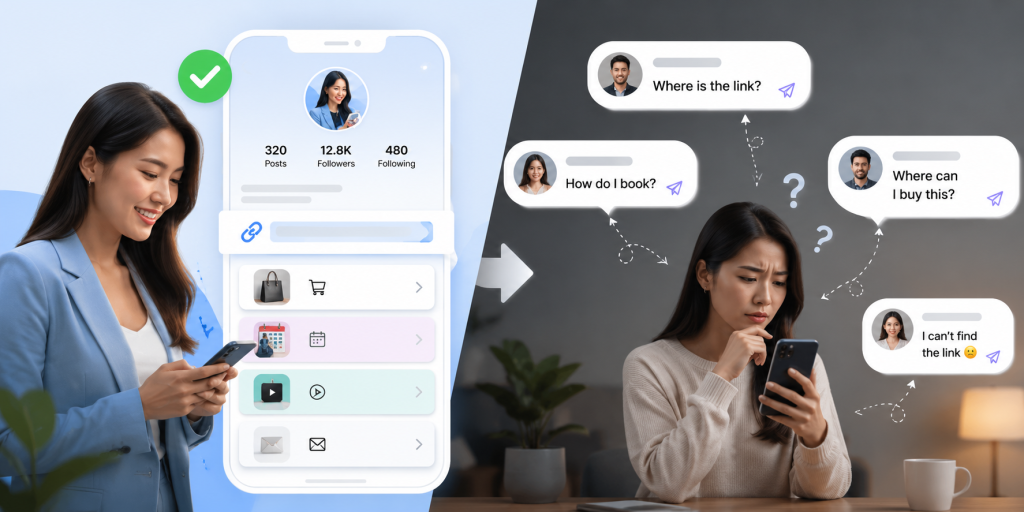
    DMs can be valuable, but not every DM is a good sign. If people keep asking “where is the link?” or “how do I book?” or “where can I buy this?” it may mean your bio link page is not clear enough.

    Followers usually send these messages when they cannot find the answer quickly. They may be interested, but the path is not obvious.

    For example, a salon may get repeated DMs asking for the price list. A fitness coach may get messages asking where to join the program. A creator may receive questions about products already mentioned in recent content. A restaurant may get messages asking for the menu or location.

    These are all signals. They show that people are interested, but your link system is making them work too hard.

    A clean link page reduces unnecessary DMs by placing common actions in one easy place. People who want to book can book. People who want to shop can shop. People who want to contact you can still contact you, but they do not need to ask basic questions first.

    One Instagram Bio Link Cannot Explain Your Entire Business

    The problem is not that your business is messy. The problem is that your audience has different needs.

    A creator may have brand collaborations, product recommendations, a newsletter, a YouTube channel, a free resource, and a contact email. A local business may need to show booking, menu, location, reviews, promotions, and chat options. An online shop may need to share new arrivals, best sellers, order tracking, customer support, and seasonal campaigns.

    One direct link cannot explain all of that well.

    If you send everyone to your homepage, they may not know where to go next. If you send everyone to your shop, people who want to book or contact you may get lost. If you send everyone to your latest campaign, new followers may not understand your full offer.

    A link page gives your Instagram bio link structure. It lets you turn one limited profile link into a clear menu of actions. Instead of forcing every visitor into the same path, you help each person choose the path that fits them.

    What Happens When Someone Visits Your Profile for the First Time

    A first-time visitor does not know your business the way you do. They may arrive from a Reel, a tagged post, a recommendation, an ad, or a search result. They scan your profile quickly and decide whether to take another step.

    At that moment, your bio link has a job. It should make the next step feel obvious.

    If the page behind the link is confusing, the visitor has to think. They have to figure out what you sell, where to click, which offer is current, and whether the page is trustworthy. That extra thinking can kill the click.

    A clean link page helps by giving the visitor simple choices. The top button should match your most important current action. The next few buttons should answer the most common reasons people visit your profile. The page should feel current, organized, and easy to scan.

    For first-time visitors, clarity is more important than showing everything. They need a clean path, not a full archive of every link you have ever shared.

    The Most Important Click Is Usually the Second One

    The first click is when someone taps your Instagram bio link. But the second click is often the one that matters most. That is the click to buy, book, subscribe, message, download, watch, or learn more.

    A strong bio link setup should make that second click easy.

    Think about the journey like this:

    • The follower sees a specific post, Reel, Story, or profile.
    • They tap your Instagram bio link because they want the next step.
    • They land on a clean page with clear button labels.
    • They choose the link that matches their intent.
    • They complete the action on the final destination.

    If the second click is unclear, the first click is wasted. This is why button order, button labels, and page focus matter. “Click here” is weak. “Book a Trial Session” is stronger. “Shop the New Collection” is stronger than “Products.” “Message Us on WhatsApp” is clearer than “Contact.”

    Your link page should not just collect links. It should guide decisions.

    Four Types of Visitors Looking at the Same Instagram Profile

    One reason a single direct link fails is that your Instagram audience is not one group. Different visitors arrive with different intentions.

    A useful bio link page should support the most important visitor types without becoming cluttered.

    • Buyers want products, pricing, offers, or a way to purchase quickly.
    • New followers want to understand who you are and what you offer.
    • Existing customers may need support, order tracking, location, or contact options.
    • Collaborators may look for your portfolio, media kit, email, or brand information.

    If your bio link only serves one group, the others may leave. For example, if your link only opens your shop, collaborators may not find your contact details. If it only opens your portfolio, buyers may not find your product page. If it only opens your latest promotion, new followers may not understand your main business.

    A clean link page lets you serve these groups from one place. The key is to prioritize. Put the most valuable action first, then include only the links that help real visitors take the next step.

    A Better Way to Organize Everything Behind One Instagram Bio Link

    The best Instagram bio link pages feel simple because they are organized around user intent.

    Start with the action you care about most right now. That might be a booking link, product launch, free resource, menu, promotion, or latest content. Then add supporting links that answer common questions. This could include contact, location, pricing, reviews, YouTube, newsletter, or other social profiles.

    Keep the page short enough to scan. If every link looks equally important, nothing stands out. If the labels are vague, people hesitate. If old campaigns stay on the page too long, the page feels neglected.

    A good structure might look like this: current offer first, main business action second, contact option third, supporting content after that. For a creator, that could mean latest recommendation, newsletter, YouTube, and business inquiries. For a local business, it could mean book now, price list, location, and chat. For a shop, it could mean new arrivals, best sellers, order help, and customer support.

    With itlink.to, you can create a clean hub page for your important links and place that one page in your Instagram bio: https://itlink.to/#hub-link

    The goal is not to make a complicated mini website. The goal is to give followers one clean place to find what your Instagram content already made them want.

    Make Your Instagram Bio Link Useful Again

    Your Instagram bio link should not make followers guess. It should connect your content to the next useful action.

    If people tap your profile after seeing a post, they should not land on a page that feels unrelated. If you promote different offers, you should not have to replace your bio link every week. If followers keep asking where to buy, book, download, or contact you, your link page should answer that before they need to ask.

    A clean link page makes your Instagram bio link easier to manage and easier for followers to use. It gives every visitor a clearer path, whether they want to shop, book, contact, subscribe, or explore more of your content.

    If your current Instagram bio link is not helping people find the right next step, replace the confusion with one clean link page. Keep your profile link stable, organize your most important destinations, and make every tap more useful.

    References

  • Multiple Links in Instagram Bio Without Linktree

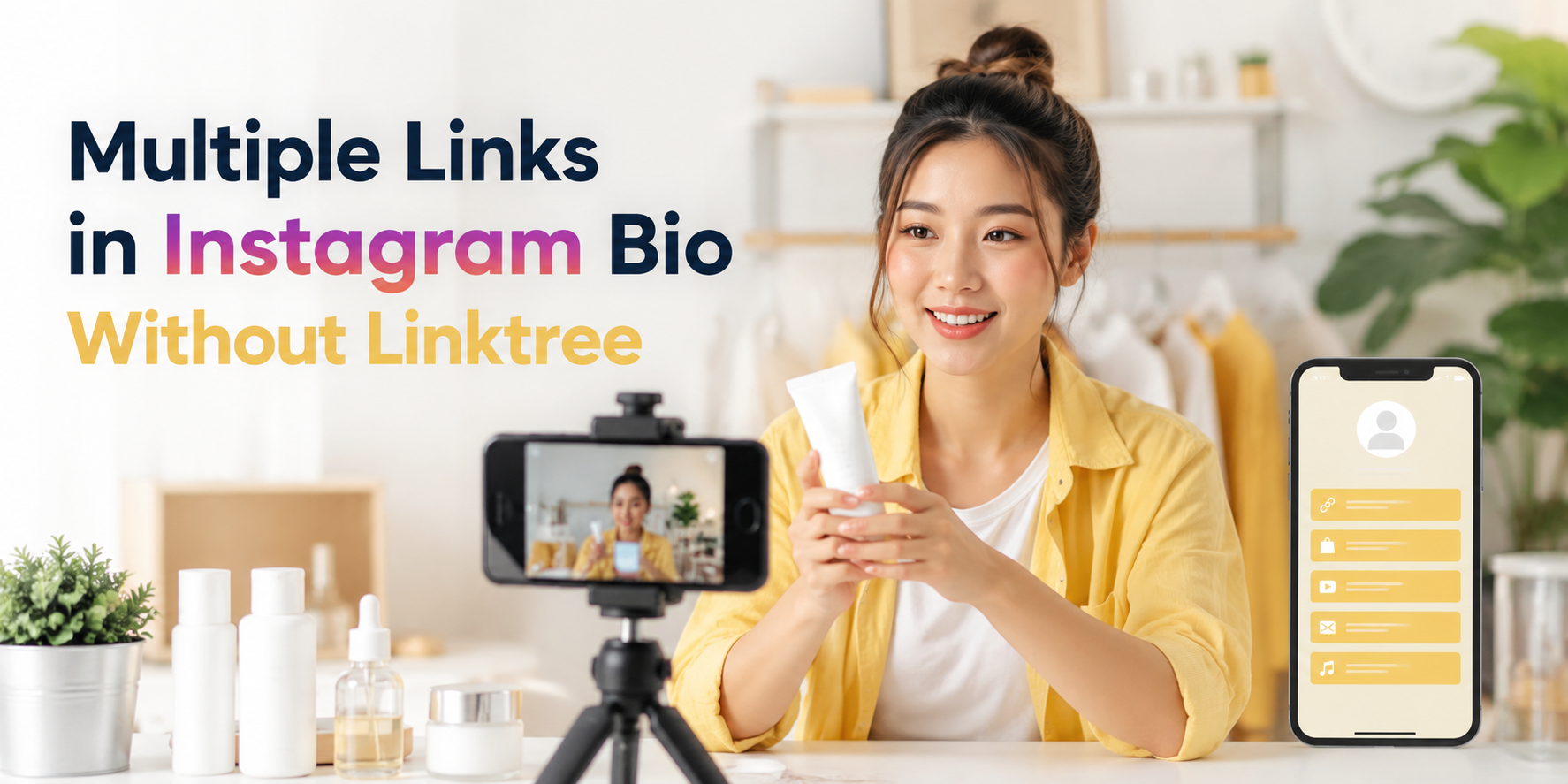
    Multiple Links in Instagram Bio Without Linktree

    If you are trying to add multiple links in Instagram bio, you are probably facing a simple but frustrating problem: one profile, many destinations. You may need to share your shop, latest post, booking page, YouTube video, WhatsApp contact, newsletter, app download page, or campaign landing page at the same time.

    Instagram gives creators and businesses more link flexibility than before, but a clean link-in-bio page is still often the better solution when you want control, clarity, and a more professional experience. Instead of changing your bio link every time you post something new, you can send people to one simple page that organizes all your important links in one place.

    Why Instagram Bio Links Matter More Than They Look

    Your Instagram bio link is small, but it often carries serious business value. It is the bridge between attention and action. Someone watches your Reel, reads your caption, checks your profile, and then decides whether to click.

    That click may lead to a sale, signup, download, booking, message, or content view. If the link is confusing, outdated, or too crowded, the visitor may leave before taking action. This is why your bio link should not be treated like a random URL. It should work like a simple landing page with a clear purpose.

    For creators, Instagram bio links can send followers to new content, affiliate offers, digital products, media kits, or community pages. For businesses, they can support campaigns, product launches, lead generation, and customer support. The goal is not just to show many links. The goal is to help people choose the right next step quickly.

    The Real Problem Is Not Linktree, It Is Link Clutter

    Many people search for a Linktree alternative because they think the tool is the problem. Sometimes it is. But often, the real problem is link clutter.

    A link-in-bio page can become messy when every link has the same importance. Visitors see too many buttons, vague labels, old promotions, and repeated destinations. Instead of helping people decide, the page creates more friction.

    For example, a creator might add “My Website,” “New Video,” “Shop,” “Course,” “Booking,” “Podcast,” “Newsletter,” “TikTok,” and “Contact Me” all at once. Technically, that is multiple links. Practically, it may be too much.

    A better approach is to organize links based on what your audience wants right now. If your latest Reel promotes a free guide, that guide should be near the top. If your main business goal is booking calls, the booking link should be obvious. If an old campaign is no longer active, remove it or move it lower.

    A Better Way to Share Multiple Links Without Linktree

    You do not need to use Linktree specifically to share multiple links from Instagram. What you need is a simple link-in-bio page that acts as a clean menu for your audience.

    The best setup is usually one short bio link that opens a mobile-friendly page. That page should include your most important destinations, written in clear language. The visitor should immediately understand where to click.

    For example, instead of putting five separate URLs in captions or constantly changing your profile link, you can create one link-in-bio page with buttons such as “Book a Call,” “Shop New Products,” “Read the Latest Article,” “Download the App,” and “Contact on WhatsApp.”

    This keeps your Instagram profile clean while still giving your audience options. It also makes your content easier to manage because you only need to update one page instead of repeatedly editing your Instagram bio.

    What to Include on Your Link-in-Bio Page

    A good link-in-bio page should be simple, useful, and focused. It should not feel like a full website. It should feel like a clear shortcut to your most important actions.

    Include only links that support your current goals:

    • Main offer: product, service, course, app, booking page, or campaign page.
    • Contact option: WhatsApp, LINE, email, contact form, or booking link.
    • Fresh content: latest blog post, video, podcast episode, or campaign.
    • Trust link: portfolio, reviews, testimonials, case studies, or media kit.
    • Social or community link: newsletter, group, Discord, Telegram, or other platform.

    The order matters. Put the most important link first. If your audience came from a specific post or Reel, the page should match what they expected to find.

    Practical Examples for Creators, Businesses, and Campaigns

    A creator may use one Instagram bio link to share a new YouTube video, a brand collaboration, an affiliate product, and a media kit. In this case, the page should not look like a random list. The top link might be “Watch My Latest Video,” followed by “Shop My Favorite Tools,” then “Work With Me.”

    A small business may use a link-in-bio page for product categories, delivery information, customer chat, and promotions. For example, a café could link to its menu, Google Maps location, LINE order form, and latest seasonal offer.

    A mobile app team may use the bio link to send users to the correct app download destination, a feature page, a launch campaign, and support. If the app is being promoted through Instagram Reels, the first link should match the campaign message.

    A consultant or service provider may focus on booking calls, case studies, free resources, and testimonials. In this case, fewer links may perform better because the main goal is lead generation.

    Common Mistakes That Make Bio Links Perform Poorly

    A link-in-bio page should make decisions easier. When it creates confusion, users stop clicking. Many pages fail not because the offer is bad, but because the structure is unclear.

    Avoid these common mistakes:

    • Using vague button text like “Click Here” or “Learn More.”
    • Adding too many links with no clear priority.
    • Keeping expired campaigns or old offers near the top.
    • Sending users to pages that are slow, broken, or not mobile-friendly.
    • Making the first link different from what your latest Instagram content promised.
    • Using long URLs that look messy or unprofessional.
    • Forgetting to test the bio link after updating it.

    The fix is simple: keep the page clean, update it regularly, and write button labels that tell people exactly what they will get.

    When Instagram’s Native Links Are Enough

    Instagram allows users to add links directly to their profile, which can be enough for very simple needs. If you only need to share a website, one product page, or one contact link, you may not need a full link-in-bio page.

    However, native profile links can become limiting when you want better presentation, clearer grouping, campaign-specific organization, or a branded experience. A plain list of links may work, but it does not always guide users toward the action that matters most.

    If your Instagram profile supports real business goals, a dedicated link-in-bio page usually gives you more control. You can arrange links, update campaigns, create a cleaner visitor journey, and make the page feel more aligned with your brand.

    How to Organize Your Bio Links for More Clicks

    Start with the action you care about most. Do not begin by asking, “How many links can I add?” Ask, “What should people do first?”

    If your priority is sales, place your shop or product link first. If your priority is appointments, place your booking link first. If your priority is audience growth, place your newsletter or community link first. If your priority is content discovery, place your latest article or video first.

    Use clear labels. “Book a Free Consultation” is better than “Services.” “Download the App” is better than “Our Platform.” “Shop New Arrivals” is better than “Products.”

    You can also rotate the top link based on your latest campaign. For example, during a product launch, the launch page should be first. After the launch, you can move your evergreen shop or booking page back to the top.

    Create Multiple Links in Instagram Bio With a Cleaner Setup

    The best way to manage multiple links in Instagram bio is to use one clean page that organizes your most important destinations. It should be easy to scan, fast to open, and simple to update.

    This is where a link-in-bio tool becomes useful. Instead of sending people to a messy list or constantly editing your profile, you can create one page for your current offers, content, contact options, and campaigns.

    With HubLink by itlink.to, you can create a simple link-in-bio page for Instagram and send visitors to the right places from one clean link: https://itlink.to/#hub-link

    Use your Instagram bio link as a focused path, not a storage box for every URL you have. Start with your most important action, keep the page clean, and update it whenever your campaign changes.

    References