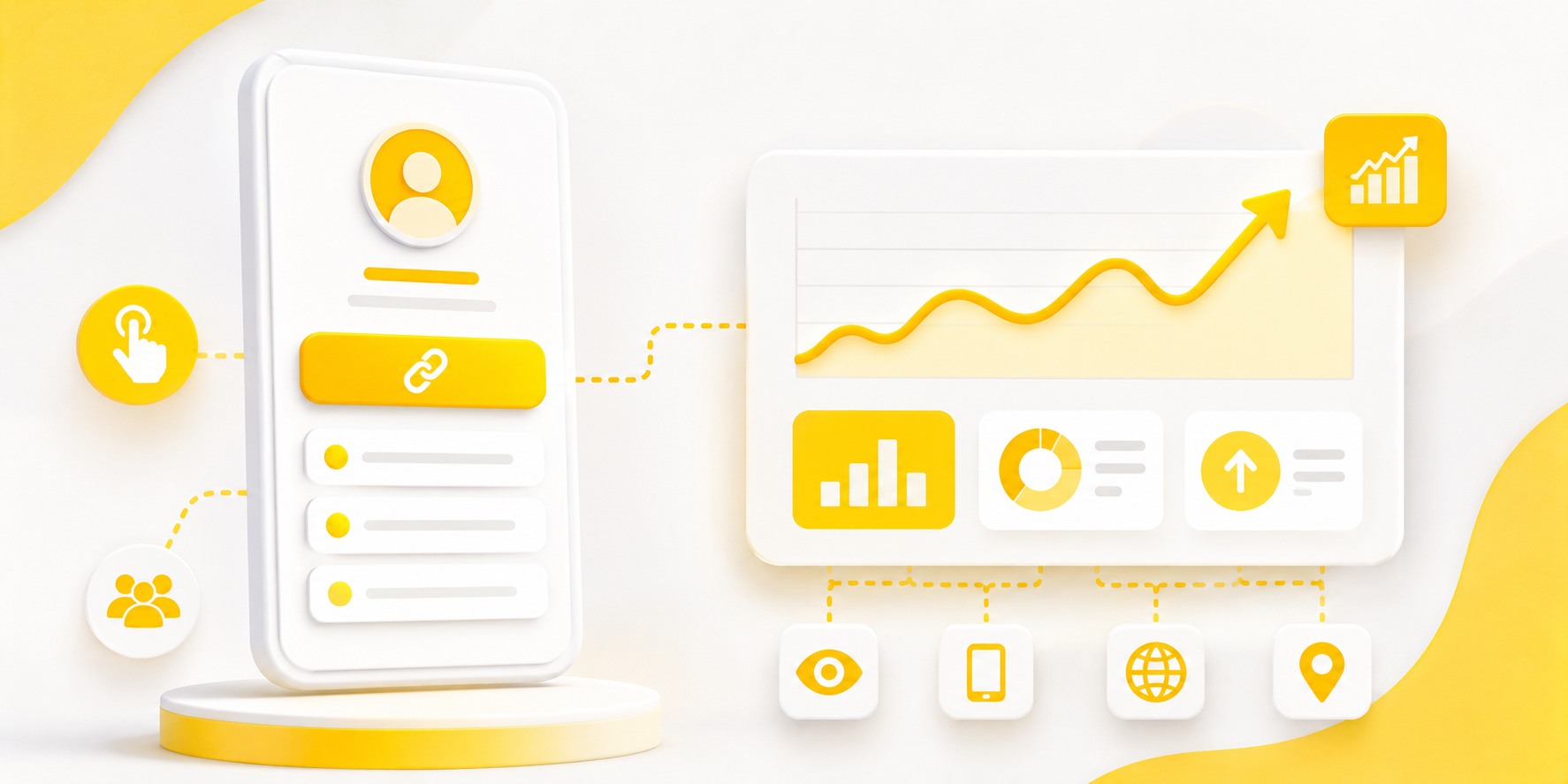
A link in bio page for Instagram should do more than hold a few buttons. It should help followers understand where to go next after they see your Reel, Story, product, offer, service, event, or latest post. The problem is that many bio pages feel like a messy drawer. Everything is there, but nothing feels clear.
Instagram gives you limited space to move people from interest to action. Someone may like your post, visit your profile, tap your bio link, and decide within seconds whether to continue. That small journey matters. A good link in bio page makes the next step obvious without making the visitor think too hard.
Start With the Click Your Followers Already Want to Make
The best link in bio page starts with intent. Before adding links, ask what your follower is most likely looking for after visiting your profile.
If you are a creator, they may want your latest video, newsletter, product, or booking link. If you are a local business, they may want your menu, location, reservation page, or WhatsApp contact. If you are an app, they may want to download the app, join a waitlist, or read more about a feature.
This is where many Instagram pages go wrong. They treat all links as equal. But your latest campaign, strongest offer, or most requested action should usually be easier to find than everything else.
Keep the First Screen Focused
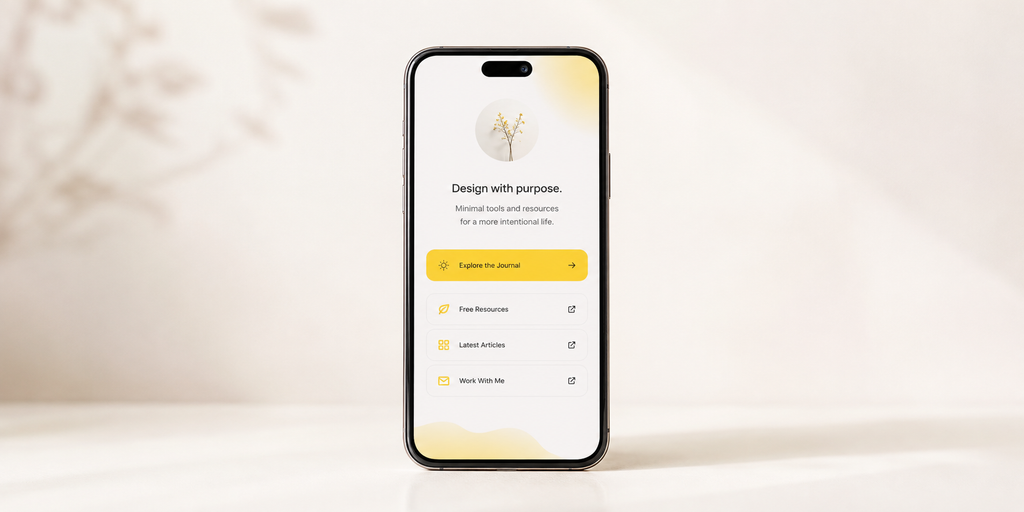
Most people will not study your bio page carefully. They scan. The first screen should quickly answer: “Where should I click?”
Your top section should include your name, a short description, and one main action. Do not fill the top of the page with five competing buttons. That creates hesitation.
For example, a travel creator could lead with “Get my Japan itinerary” instead of showing every platform link first. A fitness coach could lead with “Book a free consultation” instead of hiding it under social links. A SaaS company could lead with “Start free” or “View pricing” instead of pushing visitors through a generic homepage.
The top of your page should match the reason people came from Instagram.
Choose Links Based on Real Instagram Moments
Your Instagram content should shape your bio page. If your latest Reel promotes a guide, that guide should be easy to find. If your Story mentions a discount, the discount should be near the top. If your pinned post explains your app, your app download link should not be buried.
Useful links often include:
- Latest product, offer, guide, or campaign
- Booking, contact, WhatsApp, or inquiry form
- App download link or signup page
- Featured content mentioned in recent posts
- Store, pricing, menu, or service page
- Newsletter, community, or lead magnet
This keeps your link page connected to what followers are seeing today, not what you added six months ago.
Write Button Text Like a Human
Button text matters more than people think. Generic labels like “Website,” “Shop,” or “Learn More” can work, but they often miss the chance to explain the value of the click.
Good button text tells people what they will get. “Download the app” is clearer than “App.” “Book a table” is better than “Reservations.” “Get the free checklist” is stronger than “Resources.”
The goal is not to be clever. The goal is to reduce doubt. A visitor should understand each button before tapping it.
Avoid Turning Your Bio Page Into a Link Dump
A messy link in bio page can hurt clicks even if the design looks nice. Too many buttons make visitors slow down. They may leave because the page feels like work.
This does not mean you can only have one link. It means every link should earn its place. Remove old campaigns, outdated announcements, expired offers, duplicate social links, and pages that do not support your current goal.
A clean page feels more trustworthy. It also helps your most important links get more attention.
Make the Page Feel Like Your Brand
Your link in bio page is part of your customer experience. It should not feel disconnected from your Instagram profile, website, or product.
Use your brand colors carefully, keep the layout clean, and make sure the page looks good on mobile. Avoid using too many colors, oversized icons, or buttons that compete with each other. The design should support the action, not distract from it.
For brands, this is especially important. A follower who clicks from Instagram is already interested. A polished link page helps that interest feel more real.
Track Clicks So You Know What Actually Works
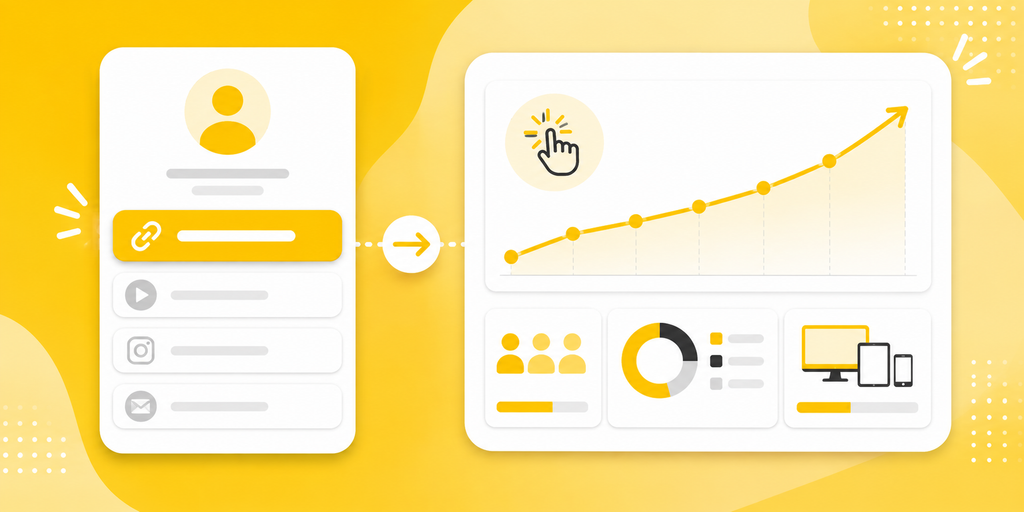
Without click tracking, you are guessing. You may think your audience wants your shop link, but your booking link gets more clicks. You may assume Reels drive the most traffic, but Stories may convert better.
A good link in bio page should help you see which links people click, where traffic comes from, and which campaigns deserve more attention. This can guide your Instagram strategy.
For example, if your “Download the app” button gets strong clicks after product demo Reels, you can create more demo content. If your newsletter link performs poorly, you can change the offer or move it lower.
A Simple Link in Bio Page Structure That Works
A practical Instagram bio page does not need to be complicated. It just needs a clear order.
Start with your profile identity, then one main CTA, then supporting links, then secondary links. The most important action should appear near the top. Social links, old content, and less urgent pages can go lower.
For example, an app brand might structure the page like this: app download link first, current campaign second, feature page third, support or contact fourth, then social links at the bottom. A creator might use: latest offer first, featured content second, newsletter third, shop fourth, then other channels.
The order should reflect priority, not convenience.
Build a Link in Bio Page for Instagram That Keeps the Journey Clear
The main job of a link in bio page for Instagram is to continue the journey your content started. If someone watched your Reel, read your caption, or saw your Story, the bio page should help them take the next step without confusion.
Tools like itlink.to can help you create a clean, branded link in bio page with trackable links, so you can guide followers to the right destination without sending them through a cluttered page.
Start with your most important action, remove anything outdated, write clear button text, and keep the page focused. Your Instagram bio link should not just hold links. It should help people click with confidence.
References
- Instagram Help Center: Profile Links: Official guide on adding, editing, and managing biological link fields on personal and professional Instagram profiles.
- Meta Business Help Center: Business Profiles: Technical overview covering account switching, action buttons, and feature capabilities for professional Instagram profiles.
- Google Analytics Campaign URL Builder: Web tool for building custom UTM parameters to track incoming profile and social traffic in Google Analytics.
- Apple App Store Marketing Guidelines: Official standards for store badge display, asset framing, and directing mobile users to iOS app listings.
- Google Play Linking Documentation: Developer instructions for constructing direct store links, web badges, and campaign tracking URLs for Android apps.