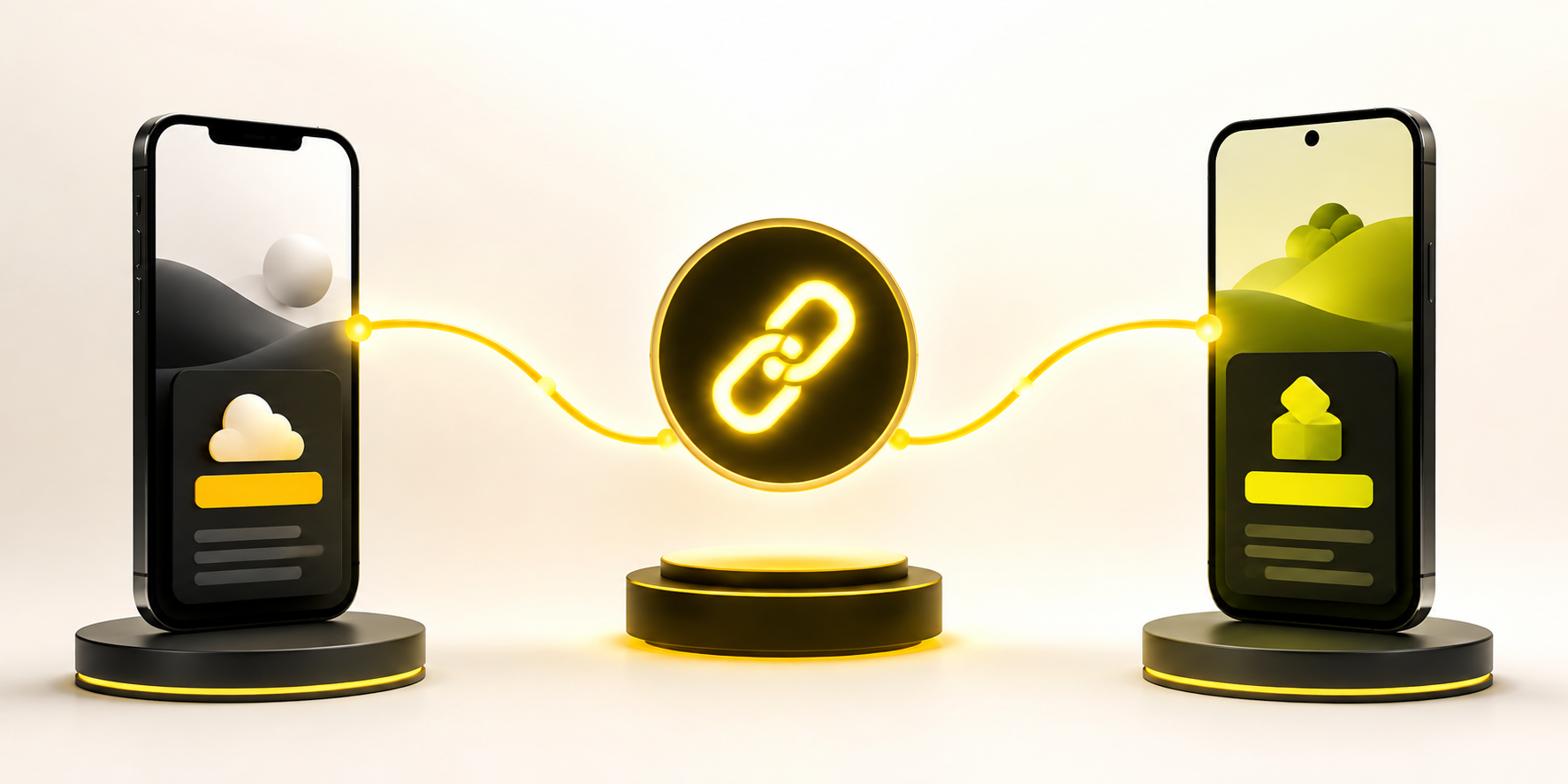
When you promote an app, every click matters. But if you share separate links for iPhone and Android users, you create friction before people even reach the download page. A better approach is to create one link for App Store and Play Store, so each visitor is sent to the right destination automatically.
This is especially useful for ads, QR codes, influencer campaigns, email marketing, landing pages, and social media bios. Instead of asking users to choose between two buttons, you give them one clean link that works across devices.
Why One App Link Converts Better Than Two Separate Store Links
Separate App Store and Play Store links look simple at first, but they make campaigns harder to manage. You need different links for different platforms, and users may click the wrong one. An Android user who lands on an App Store page cannot install your app. An iPhone user who lands on Google Play hits the same problem.
One app link removes that decision. The link checks the visitor’s device and sends them to the correct store. iPhone users go to the App Store. Android users go to Google Play. Desktop users can go to your website, a landing page, or a QR-friendly download page.
This keeps your campaign cleaner and reduces wasted clicks.
How to Create One Link for App Store and Play Store
To create one link for App Store and Play Store, you need three main destinations: your iOS App Store URL, your Google Play URL, and a fallback page for users who are not on mobile. The fallback is important because not every visitor clicks from a phone.
For example, someone might scan your QR code from a laptop screen. Someone might open your email campaign on desktop. Someone might click your link inside a workplace chat app. A good app link should still give those users a useful next step.
The basic setup is simple: add the App Store URL, add the Play Store URL, add your desktop fallback, then publish one short link.
What Should Happen When Someone Clicks Your Link
A strong app download link should feel invisible to the user. They should not need to think about their device or choose from a menu unless there is a good reason.
A typical click journey looks like this:
- iPhone visitor clicks the link and goes to the App Store
- Android visitor clicks the link and goes to Google Play
- Desktop visitor clicks the link and goes to your website or app landing page
- Unknown device visitor goes to a safe fallback page
- Campaign clicks are tracked in one dashboard instead of split across many links
This is the part many teams miss. The goal is not only to shorten the URL. The goal is to route every visitor properly and understand where installs are coming from.
Where You Can Use One App Download Link
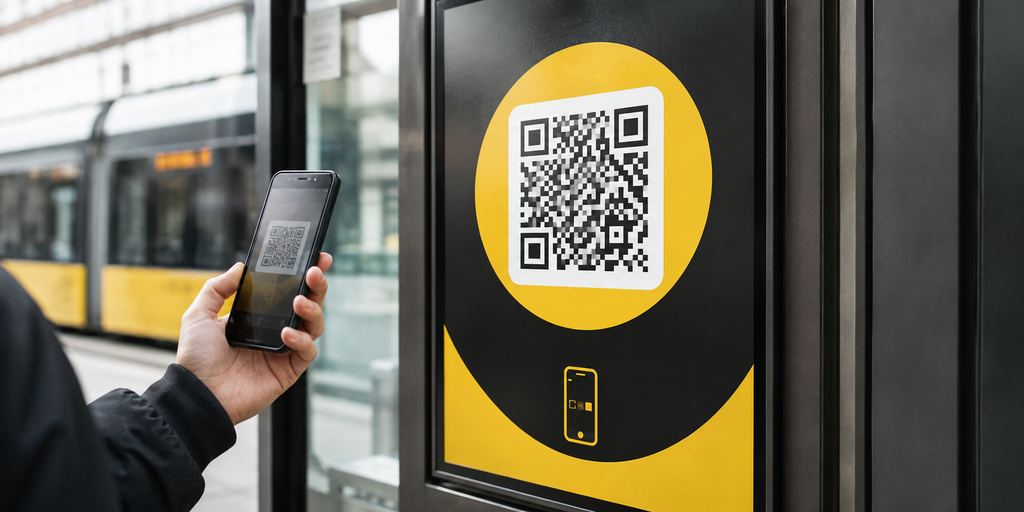
A single app download link is useful anywhere you promote your app. It works especially well in places where space is limited or the user’s device is unpredictable.
You can use it in Instagram bios, TikTok profiles, YouTube descriptions, influencer captions, QR codes, paid ads, email campaigns, SMS messages, event flyers, podcast show notes, and product packaging. Instead of showing two separate store badges everywhere, you can lead with one clear call to action.
For example, a travel app running an airport campaign could print one QR code on posters. iPhone travelers go to the App Store, Android travelers go to Google Play, and desktop visitors see a clean landing page with both options.
Common Mistakes That Hurt App Download Campaigns
Many app teams lose installs because the link setup is treated as an afterthought. The campaign may look polished, but the final click journey creates confusion.
Common mistakes include:
- Using only the App Store link in social bios
- Sending all QR code traffic to a generic homepage
- Forgetting to set a desktop fallback
- Using separate links across every campaign without consistent tracking
- Not adding UTM parameters before launch
- Changing store URLs manually in too many places
- Not testing the link on iPhone, Android, and desktop
These mistakes are easy to avoid, but they can quietly affect campaign performance. Before sharing your app link publicly, test it from multiple devices and browsers.
Why the Desktop Fallback Page Matters
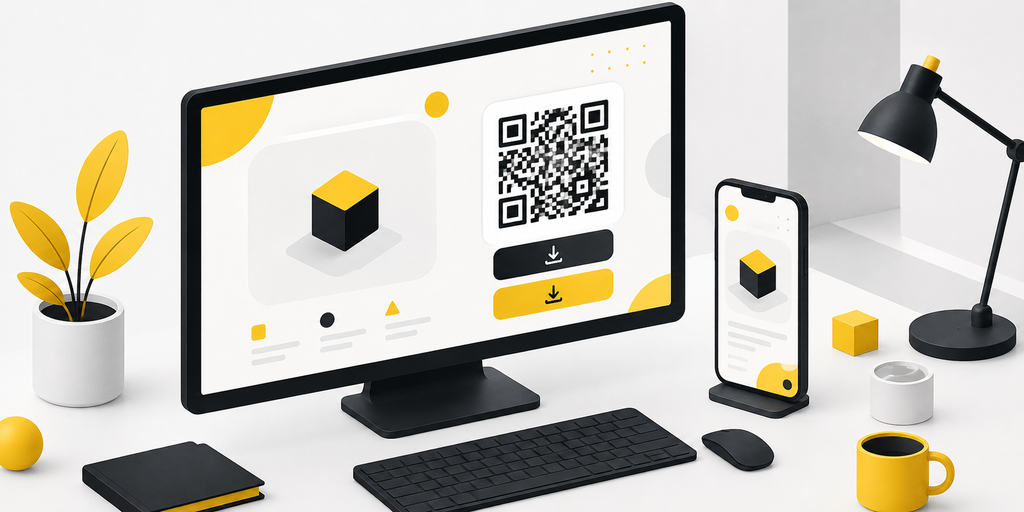
Some marketers only think about mobile clicks. That makes sense because app installs happen on phones. But desktop traffic still matters.
A desktop fallback page gives non-mobile users a clear path. It can show App Store and Google Play buttons, explain the app, display a QR code, or collect an email reminder. Without a fallback, desktop users may land on a store page that does not fit their device.
This is also useful for teams running B2B, event, or newsletter campaigns. Many people discover apps from desktop first, then install later from their phone.
How Tracking Helps You Improve App Marketing
One link is easier to share, but tracking is where it becomes more valuable. If your link can show clicks by device, country, referrer, and campaign, you can see which channels are actually bringing interest.
For example, you may discover that TikTok sends mostly mobile traffic, while newsletter clicks come from desktop. You may find that QR code traffic performs better at events than paid social. You may also see that a campaign gets many clicks but few store visits because the fallback page is weak.
This helps you make better decisions instead of guessing. You can adjust campaign copy, change the fallback page, test different CTAs, or compare influencer performance with cleaner data.
App Store Links, Play Store Links, and Deep Links Are Not the Same
An App Store or Play Store link sends users to a download page. A deep link sends users to a specific place inside your app, such as a product page, booking page, invite screen, or onboarding flow.
For app acquisition campaigns, store routing is usually the first step. You want users to install the app. After your app grows, deep links become more useful for returning users or referral campaigns.
Apple supports Universal Links for opening content in an installed iOS app, while Android supports App Links for verified web-to-app experiences. These are more technical than a basic app store routing link, but they become important when you want a smoother post-install or re-engagement flow.
A Simple App Link Setup Example
Imagine you are launching a fitness app. You want to promote it through Instagram, paid ads, email, and QR codes in gyms. Instead of using many different store URLs, you create one short link.
Your setup might look like this: iPhone users go to the App Store listing, Android users go to the Google Play listing, and desktop users go to a landing page with a QR code and both store buttons. Then you create campaign versions with UTM parameters for Instagram, paid ads, gym posters, and email.
This keeps the user experience simple while keeping your reporting organized. You are not just sharing a shorter URL. You are building a cleaner path from click to download.
Create One Link for App Store and Play Store With Less Friction
The easiest way to create one link for App Store and Play Store is to use a smart routing tool built for app marketing. With itlink.to, you can create a short app link that routes users based on device and gives you a cleaner way to track campaign clicks.
This is useful when you want one link for your bio, ads, QR code, newsletter, or launch campaign. Instead of forcing users to choose the right store, your link does the work for them.
Ready to make your app download journey simpler? Create your smart short link with itlink.to and send every user to the right destination from one clean URL.
References
- Apple App Store Marketing Guidelines: Official platform standards for app badge usage, promo asset styling, and app store linking best practices.
- Google Play Linking Documentation: Developer guidelines for creating direct store links, landing page badges, and store campaign parameters.
- Apple Universal Links Documentation: Technical Xcode guide for configuring iOS apps to seamlessly handle web-to-app deep links without web view fallbacks.
- Android App Links Documentation: Developer instructions for setting up HTTP URL routing to open verified app content directly on Android devices.