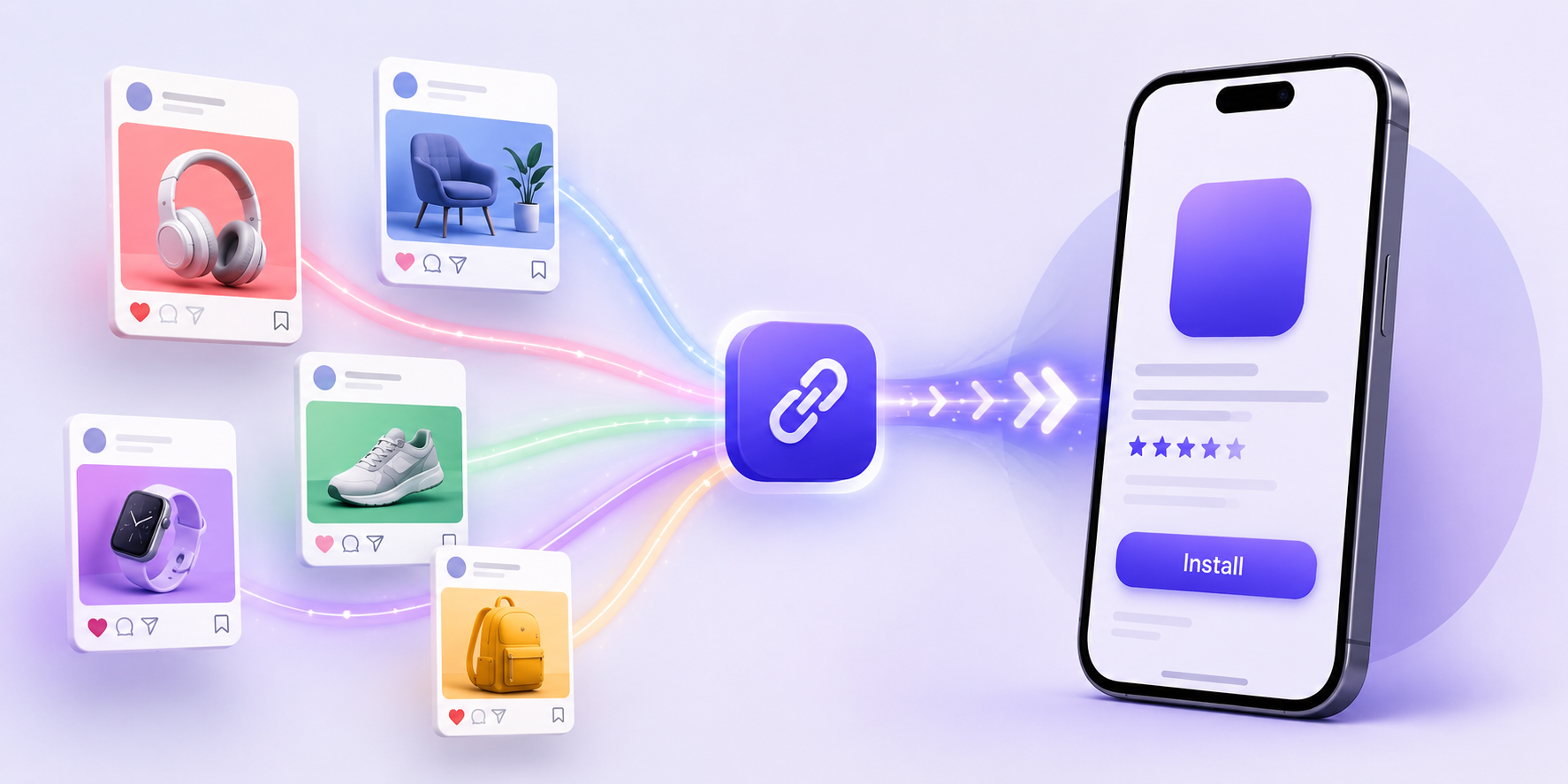
If you promote an app on Instagram, TikTok, YouTube, Facebook, LinkedIn, or X, clicks alone do not tell the full story. A post may get attention, but the real question is whether people actually download the app. That is why learning how to track app downloads from social media matters.
The challenge is that social media traffic is messy. People click from bios, Stories, Reels, comments, DMs, ads, creator posts, and QR codes. Some click from iPhone. Some click from Android. Some open the link on desktop first. If every channel uses a different link without clear tracking, it becomes hard to know what is working.
Why Social Media App Tracking Gets Messy
Social platforms are built to keep people moving fast. Someone may see your Reel today, visit your profile tomorrow, and download your app three days later. Another person may click your bio link from Instagram but install later after searching your app name in the App Store.
This makes attribution difficult. Social platforms may show profile visits, link clicks, or ad clicks. App stores may show downloads. Analytics tools may show website sessions. But those numbers do not always connect neatly.
That is why your link setup matters. If your social links are not organized from the start, your data will always feel incomplete.
Track App Downloads From Social Media With the Right Link Structure
To track app downloads from social media, start by creating a clear link structure for each channel and campaign. Do not use one random store link everywhere.
For example, your Instagram bio link, TikTok profile link, YouTube description link, influencer campaign link, and paid ad link should be easy to separate in reporting. This does not always mean showing different links to users. It means your tracking setup should know where each click came from.
A good structure helps you compare traffic sources without guessing. You can see whether Instagram bio clicks outperform TikTok profile clicks, whether creator posts drive better traffic than your own posts, and whether short-form video brings more app interest than static content.
Use One Landing Page Instead of Sending Everyone Straight to the Store
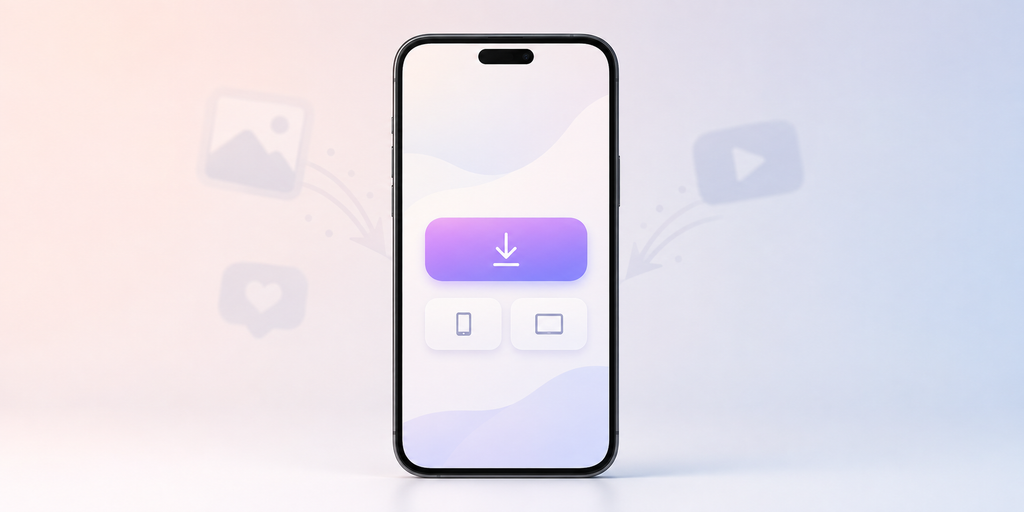
Sending every social visitor directly to the App Store or Google Play can work, but it often hides useful context. A link in bio page or app landing page gives you more control.
For social media, this is especially useful because not every visitor is ready to download immediately. Some people want to understand what the app does first. Some want to compare features. Some are on desktop. Some need the right store button.
A smart landing page can include your main app download button, store badges, campaign links, feature highlights, creator offers, support links, and tracking for each click. This gives you a cleaner bridge between social interest and app store visits.
What You Should Track Before the App Store
Before someone downloads your app, there are several useful signals to measure.
You should track:
- Which social platform the click came from
- Which profile, post, story, ad, or creator link drove the visit
- Whether the visitor used iPhone, Android, or desktop
- Which button they clicked on your link page
- How many people reached the App Store or Google Play
- Which campaign produced the strongest download intent
These signals help you improve your social content before waiting for store analytics alone.
Why UTM Parameters Still Matter
UTM parameters are simple tags added to a URL. They help analytics tools understand where traffic came from. For example, you can tag a link as Instagram, bio, app launch campaign, or influencer campaign.
A basic UTM setup may include source, medium, and campaign. Source could be Instagram. Medium could be social. Campaign could be summer_launch or creator_partner_01.
UTMs are not perfect for full install attribution, but they are still useful. They help you organize social traffic, compare campaigns, and avoid mixing every click into one unclear bucket.
The Problem With Only Looking at Social Platform Analytics
Instagram, TikTok, YouTube, and other platforms can show useful engagement data. But they usually do not show the full download journey.
A Reel may have high views but low download intent. A smaller creator may drive fewer clicks but better-quality users. A bio link may get steady traffic even when individual posts stop performing.
If you only look at likes, views, shares, and comments, you may invest in the wrong content. App marketing needs click and destination data too. You need to know what happens after someone leaves the social platform.
How HubLink Helps Connect Social Clicks to App Downloads
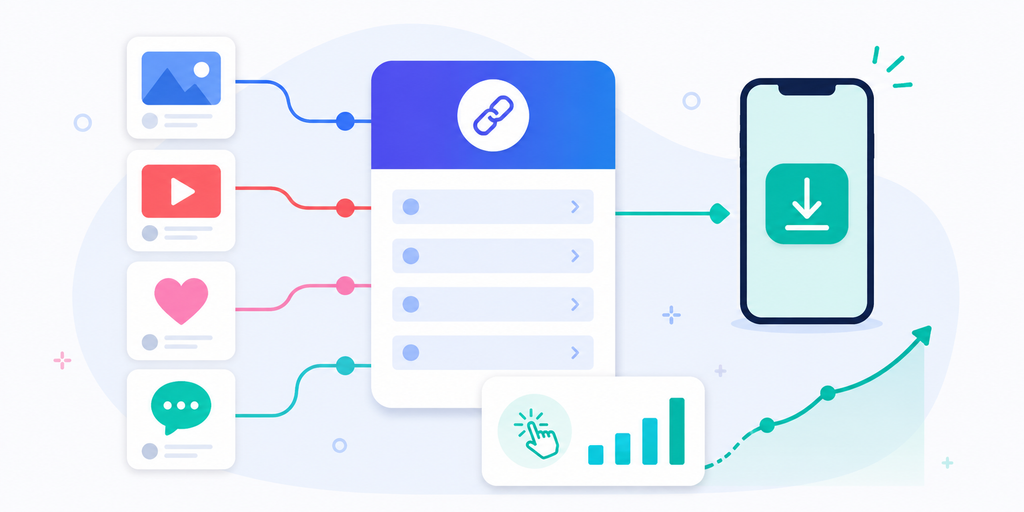
This is where itlink.to HubLink fits naturally. HubLink lets you create a clean link in bio page where social visitors can choose the right next step, including app download links, product pages, campaign pages, creator links, or other important destinations.
For an app, your HubLink page can act as the central social traffic hub. Instagram, TikTok, YouTube, and other platforms can all point to one branded page. From there, you can guide iPhone users to the App Store, Android users to Google Play, and desktop users to a helpful landing page.
The benefit is not just having a prettier bio link. It is having a more organized click journey. You can see which links people click, which campaigns get attention, and which social channels send real app download intent.
Common Mistakes That Make Download Tracking Hard
Many teams only think about tracking after a campaign already runs. By then, the data is already messy.
Common mistakes include using the same app store link everywhere, changing Instagram bio links without tracking the date, sending desktop users directly to mobile store pages, forgetting UTMs, not separating organic and paid traffic, and letting influencers use untracked links.
Another common mistake is tracking clicks but not the next step. A link click is useful, but a store visit is more valuable. If possible, separate “clicked bio link” from “clicked App Store” or “clicked Google Play.” That gives you a better view of intent.
Build a Simple Social App Tracking System
You do not need a complicated setup to start. Begin with one clean social traffic hub, clear campaign links, UTM parameters, and consistent naming.
For example, use your HubLink page as the main Instagram and TikTok bio link. Add separate tracked buttons for App Store, Google Play, website, pricing, waitlist, or campaign pages. For influencer campaigns, create a unique tracked link or button. For ads, use campaign-specific URLs.
Then review performance regularly. Which platform sends the most clicks? Which button gets tapped most? Are people clicking the app download link or getting distracted by other links? Should your main CTA be higher on the page?
This kind of tracking helps you make better marketing decisions without overcomplicating the system.
Turn Social Attention Into Measurable App Growth
To track app downloads from social media, you need more than a store link. You need a clear path from social content to app download, plus enough data to understand what happened along the way.
A strong setup helps you answer practical questions. Which social platform drives the most app interest? Which campaign deserves more budget? Which creator brings real users? Which CTA gets people closer to downloading?
With itlink.to HubLink, you can turn your social bio into a cleaner app marketing hub. Instead of sending everyone through scattered links, you can guide visitors to the right destination and track the clicks that matter.
Create your HubLink page, connect your app download links, add campaign tracking, and start turning social media traffic into measurable app growth.
References
- Google Analytics Campaign URL Builder: Official tool for generating custom UTM parameters to track campaign traffic and user source dynamics across web channels.
- Apple App Store Connect Analytics: Platform documentation detailing built-in metrics for app impressions, store page views, web-referral conversions, and campaign performance on iOS.
- Google Play Console Statistics: Developer resources covering acquisition reports, organic vs. paid user analytics, and conversion tracking for Android applications.
- Meta Business Help Center: Instagram Profile Basics: Technical guide on configuring business profiles, setting up action buttons, and managing bio links for social conversion tracking.
- TikTok Business Help Center: Campaign Tracking Basics: Documentation detailing ad attribution models, pixel/SAN integration, and performance tracking metrics within TikTok Ads Manager.