ป้ายกำกับ: QR code marketing

  • Dub.co vs itlink.to: Which URL Shortener Is Better for App Marketing?

    Dub.co vs itlink.to: Which URL Shortener Is Better for App Marketing?

    A URL shortener for app marketing should not only make your link shorter. It should help the right user reach the right place without extra thinking. That sounds simple, but app campaigns often break in small ways. An iPhone user lands on a generic website. An Android user sees an App Store button first. A QR code points to an old landing page. A creator campaign gets clicks, but nobody knows which creator actually drove installs.

    That is the real reason teams compare Dub.co vs itlink.to. They are not only asking which tool makes cleaner links. They are asking which one helps an app campaign perform better after someone clicks.

    Dub.co is strong when your team needs advanced link management, attribution, conversion tracking, deep links, A/B testing, and partner campaign workflows. itlink.to is more practical for teams that want short links, QR codes, app store routing, hub links, and simple analytics in one place. Both can be useful, but they solve different levels of the same problem.

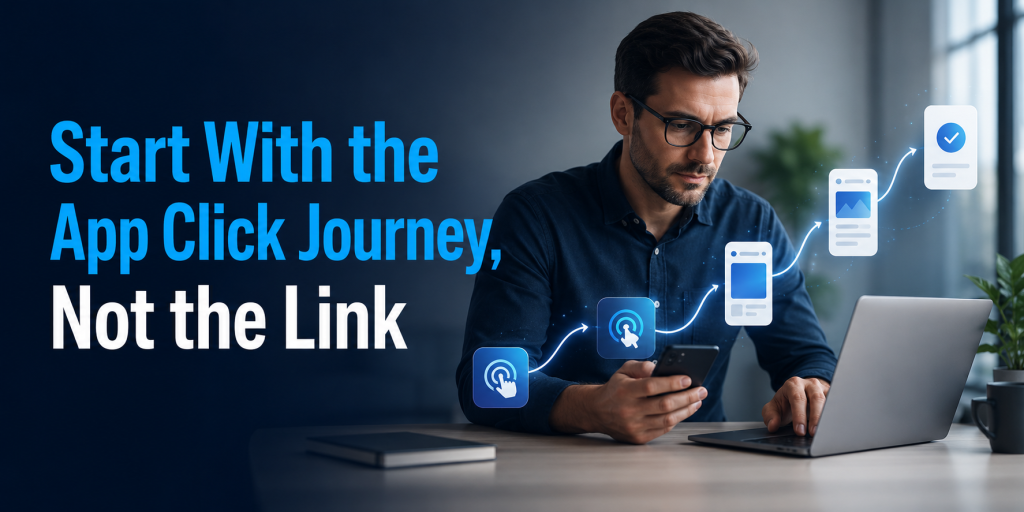
    Start With the App Click Journey, Not the Link

    The biggest mistake in app marketing is treating the short link as the campaign. A short link is only the door. The real question is what happens after someone opens it.

    Imagine someone sees your app on TikTok. They tap the link from your bio. If they are on iPhone, they expect the App Store. If they are on Android, they expect Google Play. If they are on desktop, they may need a web page, email capture, or QR code to continue later on mobile.

    A basic short link can make the URL look better, but it may still send everyone to the same destination. That creates unnecessary friction. Users may need to choose their device, scroll through a landing page, or search for the right button. Every extra step gives them a reason to stop.

    For app marketing, the better short link is not always the shortest one. It is the one that keeps the user moving. If the link understands the campaign context, the device, and the destination, it becomes part of the conversion journey instead of just a neat-looking URL.

    Dub.co vs itlink.to for URL Shortener for App Marketing

    When comparing Dub.co vs itlink.to for a URL shortener for app marketing, the main difference is complexity. Dub.co is built for teams that want more control over link performance. It is a good fit when clicks need to connect with conversions, customers, partners, or revenue.

    itlink.to is built for teams that want to launch cleaner app marketing links without building a complicated tracking system first. It works well when your campaign needs short links, QR codes, app store routing, bio links, and analytics, but your team still wants the workflow to feel simple.

    For example, a growth team running paid partnerships may prefer Dub.co because attribution depth matters. They may need to know which creator drove signups, which link created revenue, or which campaign version performed better.

    A smaller app team may care about a different problem. They may need one clean campaign link for Instagram, one QR code for print material, one app download link for paid ads, and one link page for a bio. In that situation, itlink.to may feel more direct because the everyday link jobs are easier to manage together.

    The right choice depends less on brand name and more on campaign maturity. If your app marketing is already attribution-heavy, Dub.co makes sense. If your app marketing still needs cleaner links and smoother routing, itlink.to may be the more useful starting point.

    Where Dub.co Is Strong

    Dub.co is strongest when links are part of a serious growth system. If your team already tracks campaigns deeply, tests landing pages, manages partners, or connects clicks to conversions, Dub.co gives you more advanced tools.

    This matters for apps with multiple acquisition channels. A SaaS app may run paid ads, influencer campaigns, newsletter sponsorships, product launches, and referral programs at the same time. In that case, the team may not only ask, “How many clicks did we get?” They may ask, “Which link drove signups?” or “Which partner created paying users?”

    Dub.co is also useful for teams with technical resources. Developers and technical marketers can use more advanced link workflows, custom domains, APIs, and deeper tracking setups. That flexibility can be valuable when link creation is part of a larger marketing system.

    But this strength can also be too much for some teams. If you only need clean app campaign links, simple click data, QR codes, and device routing, a larger attribution setup may feel heavier than necessary. The tool is powerful, but power only matters if your team will actually use it.

    Where itlink.to Fits Better

    itlink.to fits teams that want links to be practical, fast, and easy to understand. This is especially useful for app teams that do not want to manage one tool for short links, another for QR codes, another for app routing, and another for a link-in-bio page.

    A common app campaign may need several link types at once. You might need a short link for social ads, a QR code for a booth poster, a one-link app download route for iOS and Android users, and a hub page for people who want to explore before downloading. itlink.to makes sense when these are everyday needs, not advanced side cases.

    The value is in reducing tool switching. A marketer should not need a technical setup every time they want to promote a new feature, app update, launch campaign, or seasonal offer. They should be able to create the link, share it, update it if needed, and check the results.

    That is why itlink.to Short Link works well as a soft starting point for app campaigns. You can create a clean, trackable campaign URL, then connect it with app routing, QR code sharing, or a hub link when the campaign needs more context.

    The App Download Problem Most Teams Ignore

    Many app teams think the download journey is obvious. Put the App Store button and Google Play button on a page, then send people there. But users do not always behave that neatly.

    Someone on Instagram may not want to read a landing page. They may just want the store. Someone scanning a QR code from a poster may be standing in a busy place. Someone clicking from an email on desktop may not be ready to install immediately, but they might scan a QR code or send the link to their phone.

    This is where one destination is rarely enough. A strong app marketing link should handle different situations without making the campaign messy. It should help mobile users get to the right store and help desktop users continue the journey in a useful way.

    Dub.co can support more advanced link behavior depending on setup. itlink.to is easier to understand for this specific app download use case because One Route is built around sending users to the right destination based on device. That is a practical advantage for teams that care more about reducing download friction than building a complex attribution model.

    If your campaign loses users between click and store visit, improving the route may matter more than adding another analytics dashboard.

    What App Marketers Should Compare Before Choosing

    Do not compare Dub.co and itlink.to only by counting features. Compare them by the moments where your app campaign can lose users or lose data.

    • Device routing: Can iOS, Android, and desktop users land in the right place without extra steps?
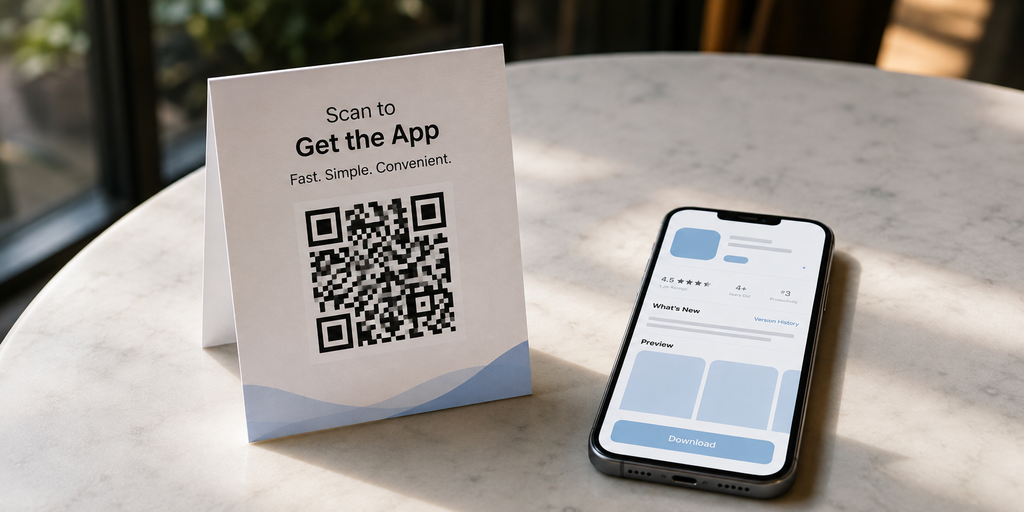
    • QR code usage: Can you create and track QR codes for offline campaigns, events, flyers, packaging, or table cards?
    • Editable destinations: Can you change the destination after the link or QR code has already been shared?
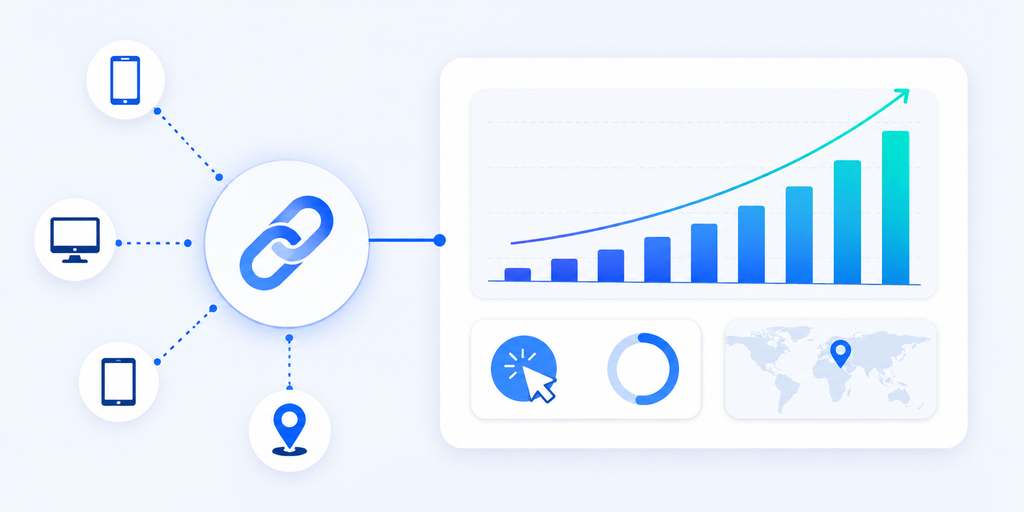
    • Campaign analytics: Can you see enough data to understand which channel, device, or location is getting attention?
    • Branded links: Can your campaign use a clean domain and readable slug that looks trustworthy?
    • Team workflow: Can non-technical teammates create and manage links without asking a developer every time?
    • Advanced attribution: Do you need conversion tracking, partner tracking, affiliate links, or revenue-level reporting?

    The last point is important. If you need attribution, Dub.co may be the stronger choice. If you need cleaner execution across short links, QR codes, app routing, and bio links, itlink.to may be easier to use day to day.

    Practical Campaign Scenarios

    For a simple app launch, itlink.to is often enough. You can create a clean short link for the launch announcement, use a QR code for offline material, and route users to the right app store. The team can check click performance without setting up a complicated system.

    For an influencer campaign, the answer depends on depth. If you only need a different short link for each influencer and basic click tracking, itlink.to can work well. If you need to track conversions, reward partners, or connect each creator to revenue, Dub.co becomes more attractive.

    For a restaurant, hotel, travel, fitness, or booking app, the link journey usually needs to be simple. People are often clicking from social media, scanning a QR code, or opening a message from a friend. In these cases, the best link is the one that gets them to the app or booking page quickly.

    For a SaaS or fintech app, attribution may be more important. Teams may need to understand which campaign created signups, trials, subscriptions, or paid customers. In that case, Dub.co’s deeper marketing features can justify the extra setup.

    For a printed QR code campaign, editable destinations are critical. If you print a QR code on posters, receipts, brochures, or packaging, you do not want to reprint everything when the app page changes. Both tools can support link management, but the better choice depends on whether you need simple updating or deeper attribution after the scan.

    Common Mistakes That Make Short Links Underperform

    A short link can still fail if the campaign behind it is weak. Many teams create clean links but forget to make the journey clear.

    One mistake is using the same destination for every user. This is common in app campaigns. Everyone gets sent to the homepage, then users must find the correct store button. That may seem acceptable, but it adds friction at the exact moment when interest is highest.

    Another mistake is creating campaign links with unclear names. A team may create links like /summer, /launch, /ad1, and /test without a naming system. After a few weeks, nobody remembers which link belongs to which campaign. Analytics becomes harder to trust.

    Some teams also forget offline tracking. If your app is promoted at events, restaurants, retail locations, coworking spaces, or hotels, QR codes should not be treated as decoration. They should be tracked like any other campaign link.

    The biggest mistake is choosing the wrong level of tool. A small app team may buy a complex attribution platform and use only basic short links. A larger growth team may stay with a basic shortener and miss conversion data. Both situations create waste. The right tool should match the team’s current marketing stage.

    Which One Should You Choose?

    Choose Dub.co if your team needs a more advanced link management system. It is the better fit when your app marketing depends on conversion tracking, affiliate campaigns, partner links, deep links, A/B testing, APIs, custom domains, and detailed attribution.

    Choose itlink.to if your team needs a simpler way to manage practical app marketing links. It is the better fit when your main needs are clean short links, app store routing, QR codes, hub links, and clear click analytics in one dashboard.

    • Choose Dub.co when you need attribution depth.
    • Choose itlink.to when you need campaign simplicity.
    • Choose Dub.co when partner or affiliate tracking is central.
    • Choose itlink.to when short links, QR codes, and app routing are the daily workflow.
    • Choose Dub.co when your team has technical marketing resources.
    • Choose itlink.to when marketers, founders, or small teams need to move quickly.

    The choice should come from your real bottleneck. If you already get plenty of clicks but cannot connect them to conversions, Dub.co may solve the bigger problem. If users are landing in the wrong place, your QR campaigns are hard to manage, or your app links are spread across too many tools, itlink.to may be the more practical answer.

    Final Verdict: The Better URL Shortener for App Marketing

    The better URL shortener for app marketing is the one that improves the full click journey, not just the appearance of the URL. Dub.co is a strong choice for advanced growth teams that need attribution, conversion tracking, partner workflows, deep links, and more technical control.

    itlink.to is a strong choice for app teams that want cleaner campaign execution. It helps with the practical link problems app marketers face every day: short links that look better, QR codes that are easier to share, app routing that reduces friction, hub links that organize destinations, and analytics that are simple enough to use.

    If your campaign is built around advanced attribution, Dub.co may be the better fit. If your campaign is built around getting users from click to download with less confusion, itlink.to may be the better fit.

    Start with the problem closest to the user. If people click but do not reach the right destination, fix the route. If your team cannot understand which campaign is working, improve tracking. If your links are messy across social, ads, QR codes, and app stores, simplify the system.

    Create a cleaner app campaign link with itlink.to Short Link and make every click easier to track, share, and route.

    References

  • How to Create One QR Code for App Store and Google Play

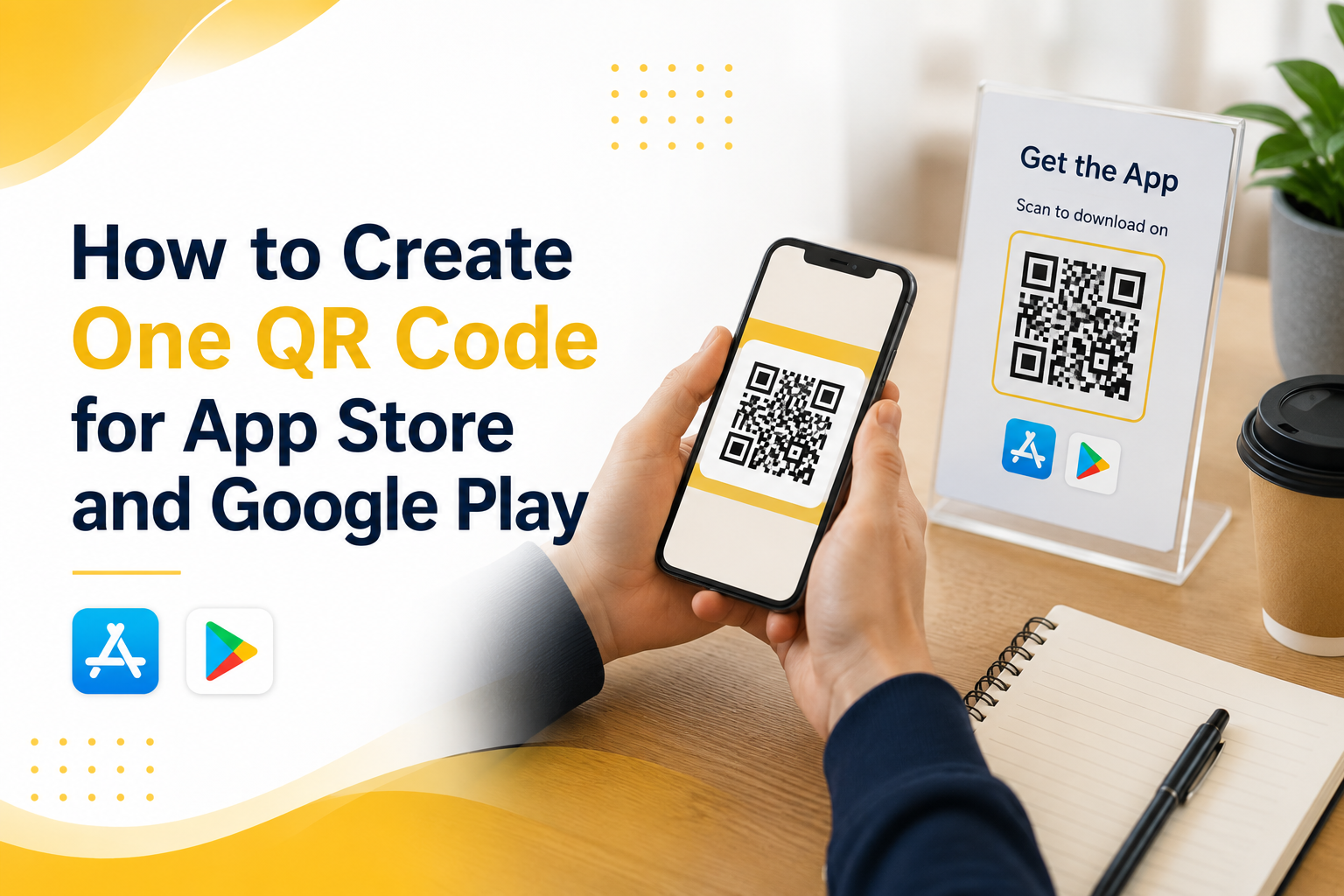
    How to Create One QR Code for App Store and Google Play

    If you are promoting a mobile app, using one app QR code for both the App Store and Google Play is much cleaner than printing two separate QR codes. The problem is simple: iPhone users need one destination, Android users need another, and desktop users may need a landing page instead. A normal QR code cannot make that decision by itself. It only opens one link.

    That is why many app campaigns fail before users even reach the download page. A QR code on a poster, product package, event booth, restaurant table, or social media graphic may look simple, but behind that code you need a link that understands the user’s device. When someone scans from an iPhone, they should go to the App Store. When someone scans from Android, they should go to Google Play. When someone opens it from a laptop, they should see a useful web page instead of a broken mobile store link.

    This guide explains how to create one QR code for App Store and Google Play without confusing users, wasting printed materials, or sending people to the wrong place.

    Why One QR Code Is Better Than Two Store QR Codes

    Two QR codes may seem like the easiest solution at first. One says “Download on the App Store” and the other says “Get it on Google Play.” That works on a clean landing page, but it becomes messy in real-world marketing.

    On a poster, flyer, booth banner, table tent, event screen, or product insert, users do not want to study two codes. They want to scan once and get the app. If they scan the wrong QR code, they may land on a store page that does not work for their device. That creates friction at the exact moment they were interested.

    One QR code also makes your design cleaner. You have more space for your headline, app benefit, product image, or call to action. Instead of explaining which code to scan, you can simply say “Scan to download the app.”

    The real advantage is control. When one QR code points to a smart routing link, you can update destinations later without reprinting the QR code. If your App Store URL changes, your Play Store URL changes, or you want desktop users to visit a campaign landing page, you can update the routing behind the link.

    The Problem With a Normal QR Code

    A normal QR code only stores one destination URL. It does not know whether the person scanning it uses iPhone, Android, tablet, or desktop. If you create a QR code directly from your App Store URL, Android users will not get the right experience. If you create it from your Google Play URL, iPhone users will not get the right experience.

    This is not a QR code design problem. It is a destination problem. The QR code is only the doorway. The link behind it decides where people go.

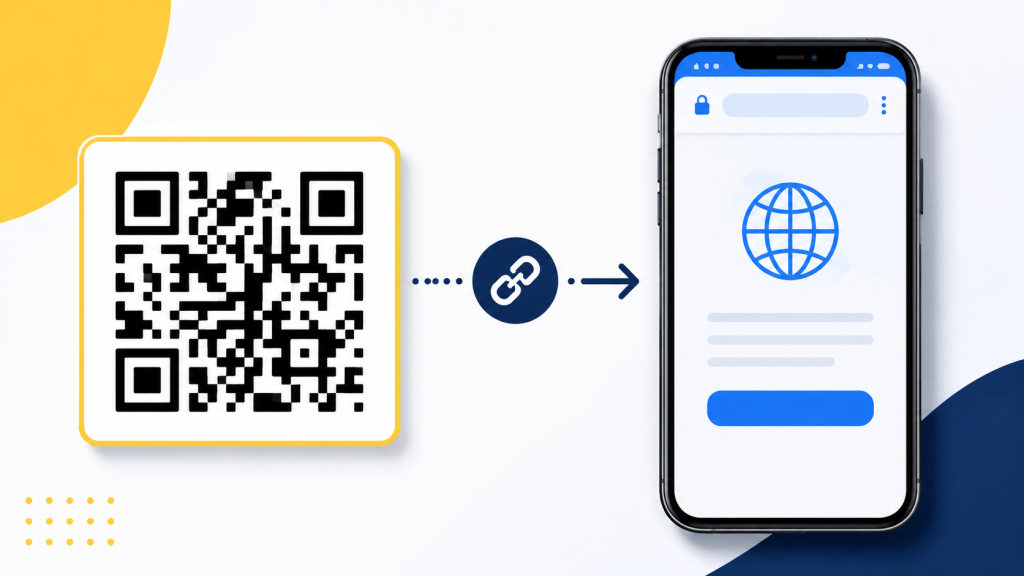
    For a mobile app campaign, the best setup is not “QR code to App Store” or “QR code to Google Play.” The better setup is “QR code to one smart link.” That smart link then routes users based on their device.

    This matters most for offline marketing. Once you print a QR code on a poster, packaging, business card, brochure, or event banner, changing it is expensive. If the QR code points directly to the wrong store URL, you cannot fix it without replacing the printed material.

    How an App QR Code Should Work

    A proper app QR code should feel simple to the user, even if the routing logic behind it is smarter. The user scans the code, opens the link, and lands in the correct place.

    The best flow usually looks like this:

    • iPhone users scan the QR code and go to the App Store.
    • Android users scan the QR code and go to Google Play.
    • Desktop users scan or open the same link and go to a website, landing page, or app download page.
    • The marketing team uses one QR code across posters, events, packaging, social media, and ads.
    • The link owner can update destinations later without changing the printed QR code.

    This is what makes a mobile app QR code different from a basic QR code. The QR code itself is not the smart part. The smart part is the link behind it.

    How to Create One QR Code for App Store and Google Play

    To create one QR code for App Store and Google Play, start by creating one routing link instead of creating a QR code directly from either store URL. The routing link becomes the single destination behind your QR code.

    First, prepare your App Store URL and Google Play URL. These should be the final public store listing links, not temporary testing links or internal developer links. Then choose a desktop fallback URL. This can be your app website, pricing page, product page, campaign landing page, or a simple page that explains how to download the app.

    Next, create a smart routing link that sends iOS users to the App Store, Android users to Google Play, and desktop users to your fallback page. After that, generate a QR code from the smart routing link.

    This is the key idea: do not generate the QR code from the App Store link or the Google Play link directly. Generate it from the one link that controls both destinations.

    Common Mistakes That Break App Download QR Codes

    Many app QR code campaigns fail because the setup looks correct on paper but is not tested across real devices. The QR code scans, but the user experience is still broken.

    A common mistake is testing only on the device used by the marketing team. If the person creating the campaign uses an iPhone, they may scan the QR code, see that it opens the App Store, and assume everything works. But Android users may still be sent to the wrong place.

    Another mistake is using a generic website page as the only destination. This may work, but it adds extra steps. If the user scans from iPhone, they should not have to tap another App Store button unless there is a strong reason for that intermediate page.

    A third mistake is printing the QR code before testing it in real conditions. Test it from iPhone, Android, desktop, mobile data, Wi-Fi, Instagram in-app browser, and camera app scanning. Small differences in browser behavior can affect the user journey.

    The biggest mistake is treating the QR code as permanent while treating the destination as fixed. In reality, the printed QR code may stay in the world for months. Your store URLs, app campaign, or landing page may change before then.

    Practical Examples for Real App Campaigns

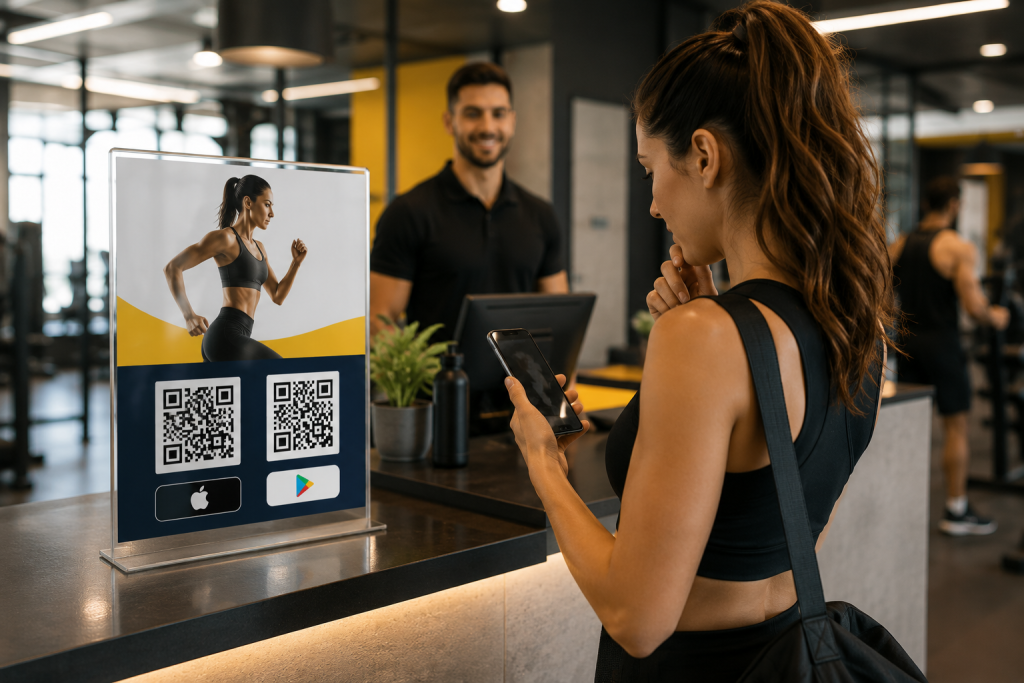
    Imagine a fitness app promoting downloads inside a gym. A poster near the front desk says “Scan to start your training plan.” If the poster has two QR codes, users must stop and choose. If it has one QR code, the action is obvious. iPhone users go to the App Store, Android users go to Google Play, and desktop visitors can land on the fitness app website.

    The same applies to restaurant apps, loyalty apps, event apps, travel apps, booking apps, and community apps. A single QR code works better when the user is in a hurry or scanning in a physical environment.

    For influencer campaigns, one QR code is also easier to share in visual content. A creator can show one code on screen or include one short link in the caption. The same route can support different devices without making the creator explain which store link to use.

    For paid ads and offline campaigns, one smart app QR code also makes reporting cleaner. Instead of splitting attention across multiple links, you can focus on one campaign entry point and understand how people interact with it.

    What to Check Before You Publish the QR Code

    Before you place your QR code on a poster, package, flyer, event booth, or social media creative, test the full user journey. Do not only check whether the QR code scans. Check whether it sends each user to the right destination.

    Use this checklist before publishing:

    • Scan the QR code with an iPhone and confirm it opens the App Store listing.
    • Scan the QR code with an Android phone and confirm it opens the Google Play listing.
    • Open the same link on desktop and confirm it shows a useful fallback page.
    • Test from different QR scanners, including the default camera app.
    • Make sure the QR code has enough contrast and quiet space around it.
    • Print a small test version before printing a large batch.
    • Confirm the call to action is clear, such as “Scan to download the app.”

    The goal is to remove doubt. A user should not need to think about their device, choose between two codes, or understand how routing works. They should only scan and continue.

    Where itlink.to Fits Into This Setup

    itlink.to can help you create one smart app download route for this exact use case. With One Route, you can set one link that sends iPhone users to the App Store, Android users to Google Play, and desktop users to a website or landing page.

    That one route can then be used behind your QR code, in your Instagram bio, on event banners, in influencer campaigns, on packaging, or in paid ads. Instead of managing separate links for every device, you manage one link and let the route handle the destination.

    This is especially useful when your campaign is already printed or shared publicly. If you need to update the store link or fallback page later, you can adjust the route instead of replacing the QR code everywhere.

    For app marketers, founders, creators, and small teams, this keeps the campaign simple without forcing users through the wrong store.

    Conclusion: Build One App QR Code That Works Everywhere

    The best app QR code is not just a code that scans. It is a code that sends every user to the right place. If your app is available on both the App Store and Google Play, one QR code should handle both paths automatically.

    Use a smart routing link as the destination behind your QR code. Send iPhone users to the App Store, Android users to Google Play, and desktop users to a useful landing page. Test the full flow before printing or publishing, and avoid locking your campaign into one store URL.

    If you want to create one app QR code for App Store and Google Play, use One Route by itlink.to to build a clean cross-device app download link, then turn that link into a QR code for your campaign.

    Create your One Route link here

    References

  • App Download Link Not Working on iPhone: Common Causes and Fixes

    App Download Link Not Working on iPhone: Common Causes and Fixes

    When your iPhone app download link does not work, the problem can be frustrating because the same campaign link may work perfectly on Android, desktop, or even another iPhone. One user taps the link and reaches the App Store correctly. Another user gets stuck in an in-app browser, lands on the wrong page, sees a blank screen, or never reaches the install page at all.

    This is a serious problem for app marketers, founders, creators, and product teams. A broken app download experience can waste ad spend, reduce installs, hurt QR code campaigns, and make users lose trust before they even try your app.

    Most iPhone app download link problems are not random. They usually come from a few clear issues: the App Store URL is wrong, the redirect path is too complicated, Universal Links are taking over unexpectedly, the link behaves differently inside social media apps, or the campaign does not route iPhone, Android, and desktop users to different destinations.

    This guide explains the most common causes and practical fixes so you can find where the link is breaking and make your download campaign work more reliably.

    Why Your App Download Link Works on Android but Fails on iPhone

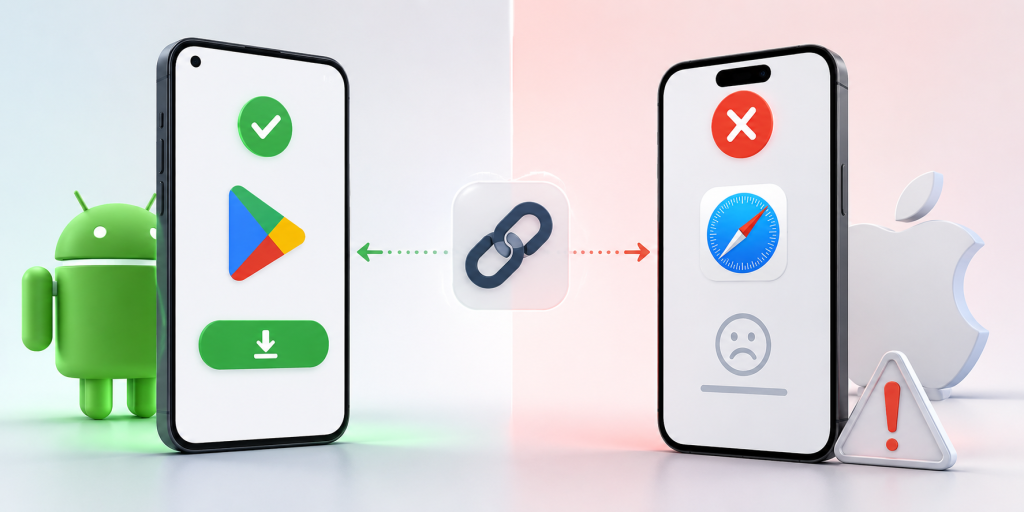
    One of the most confusing situations is when your download link works on Android but fails on iPhone. This usually happens because Android and iOS do not handle app store links, redirects, and in-app browsers in exactly the same way.

    For example, an Android user may tap your campaign link and go straight to Google Play. An iPhone user may tap the same link from Instagram, but instead of opening the App Store, the link stays inside Instagram’s browser or opens a blank redirect page. From the user’s point of view, the link is broken.

    In many cases, the link itself is not fully broken. The problem happens somewhere between the click and the final destination. The issue might be a URL shortener adding an extra redirect, a tracking tool sending the user through several URLs, a Universal Link opening the website instead of the App Store, or an App Store link copied from the wrong place.

    A simple way to think about the journey is this: the user taps or scans the link, the link redirects, the system detects the device, and the user reaches the App Store page. If any step fails, the whole experience feels broken.

    How to Tell Whether the Problem Is the Link, the App Store, or iOS

    Before changing your whole campaign setup, identify where the issue is actually happening. Many teams blame Apple or the App Store too early when the real problem is the link path.

    Start by opening the final App Store URL directly on an iPhone in Safari. Do not test the short link first. Use the direct iOS App Store link that should open your app listing. If the direct App Store link fails, the problem is probably the destination URL, app availability, country setting, or App Store listing itself.

    If the direct App Store link works, test the short link or campaign link in Safari. If it fails there, the problem is likely your redirect setup, tracking parameters, short link tool, or landing page logic.

    If the campaign link works in Safari but fails inside Instagram, TikTok, Facebook, LinkedIn, email, SMS, or another app, the issue is likely related to in-app browser behavior. Some apps open links inside their own browser first, and that can affect redirects, Universal Links, and the handoff to the App Store.

    This step-by-step testing saves time because it separates the final destination problem from the campaign link problem.

    The First Thing to Check Before Blaming Apple

    The first thing to check is the App Store URL format. A surprising number of iPhone download issues come from using the wrong kind of App Store link.

    A direct App Store listing link is usually more reliable than a search result link, a preview link, or a link copied from an internal tool. If your URL sends users to a search page instead of the app listing, the result may vary depending on country, language, device, and App Store availability.

    Another common mistake is copying a link with too many extra parameters. Tracking parameters are useful, but they can sometimes make troubleshooting harder. When testing, use the cleanest version of the App Store URL first. Confirm that it opens the correct app listing on a real iPhone.

    Also check whether the app is available in the country where the user is testing. If your app is not available in that App Store region, the link may look broken even when the URL format is technically correct.

    Do this before reviewing Universal Links, short links, QR codes, or campaign tools. If the final App Store URL is wrong, every link built on top of it will also fail.

    Why Universal Link Not Working Issues Can Break Download Campaigns

    Universal Links are useful when you want an iOS link to open your app if it is already installed. But they can create confusion when your main goal is to send new users to download the app.

    A Universal Link may open the installed app, open a webpage, or fail to open the expected destination depending on the app configuration, domain association, user device, and previous user behavior. If the Apple App Site Association file is missing, invalid, blocked, or configured incorrectly, the Universal Link may not behave as expected.

    The problem becomes more obvious in download campaigns. A new user who does not have the app installed needs to reach the App Store. But if the link is designed mainly as a Universal Link, the fallback experience may send that user to a website instead of the install page.

    This is why “universal link not working” is often not just a developer issue. It can become a marketing issue when paid ads, QR codes, influencer links, and social media bios depend on that link to drive installs.

    If your campaign goal is app downloads, make sure your link has a clear path for new iPhone users. Opening the app for existing users is useful, but new users still need a reliable App Store destination.

    Real Examples of iPhone Download Links Breaking

    In a social media bio campaign, a creator may place one short link in an Instagram profile. Android users tap the link and reach Google Play correctly, but iPhone users stay inside Instagram’s browser and never reach the App Store. The team may think the short link is broken, but the real issue may be how the redirect behaves inside the in-app browser.

    In a QR code campaign, a restaurant, event booth, or retail store may print one QR code on physical materials. If that QR code points directly to Google Play, Android users can install the app, but iPhone users land on the wrong store. If the QR code points only to the App Store, Android users have the same problem in reverse.

    In a paid ads campaign, a Facebook or TikTok ad may receive mixed traffic from iPhone, Android, and desktop users. If the ad uses only an iOS App Store link, iPhone users may be fine, but Android and desktop visitors will have a poor experience. If the ad uses only a homepage link, mobile users may need extra taps before they can install.

    In an email campaign, the link may work on desktop but fail on mobile because the email client opens the link through a tracking redirect first. By the time the user reaches the final destination, the device detection or App Store handoff may not work as expected.

    These examples show why testing only the final URL is not enough. You need to test the full user journey from the exact place where users will click.

    Fix Redirect and Short Link Problems

    Redirects are often necessary for tracking and analytics, but too many redirects can make an iPhone app download link unreliable. Every extra step increases the chance that Safari, an in-app browser, or a tracking system will interrupt the flow.

    A weak redirect path may look like this: short link, tracking URL, campaign URL, landing page redirect, device detection redirect, then App Store. That may still work on desktop, but it can become slow or unpredictable on iPhone.

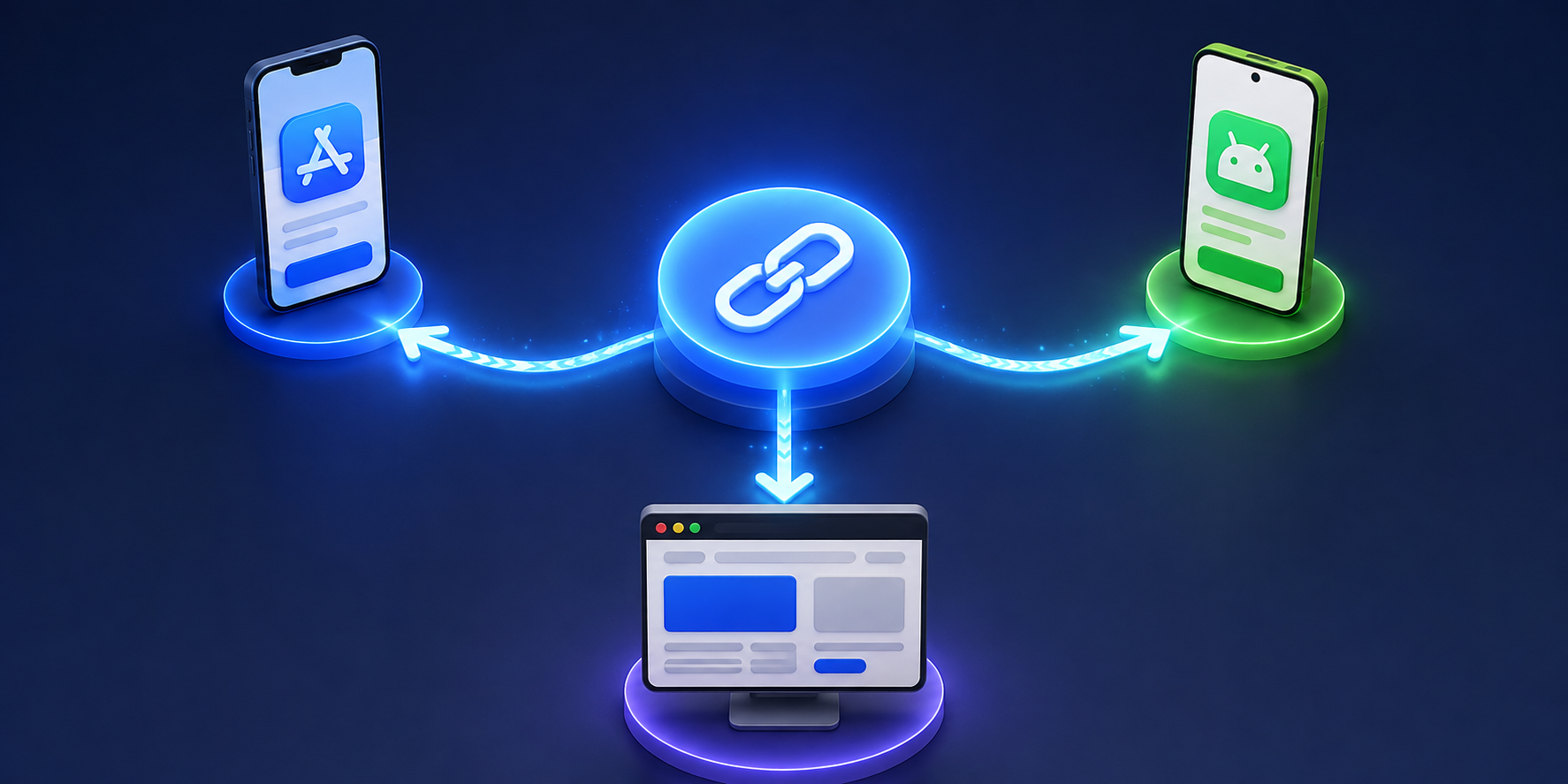
    A better path is much simpler. The user taps one campaign link, the link detects the device, and iPhone users go directly to the App Store. Android users go to Google Play. Desktop users go to a useful landing page.

    Do not stack multiple tools unless you really need to. If your short link tool, analytics tool, landing page builder, and app routing logic all add their own redirects, the user experience becomes harder to control.

    When troubleshooting, remove unnecessary redirect steps and test again. If the link starts working after simplifying the path, the problem was not the App Store. It was the route to the App Store.

    Make Sure Each Device Has the Right Destination

    Many app download links fail because the campaign uses one destination for every visitor. That sounds simple, but it does not match how users actually behave.

    A good app campaign needs different destinations:

    • iPhone users should go to the Apple App Store.
    • Android users should go to Google Play.
    • Desktop users should go to a landing page with app information.
    • QR code users should follow the same device-based routing.
    • Unsupported devices should reach a fallback page instead of an error.
    • Campaign clicks should still be tracked for analytics.

    This matters because your audience is usually mixed. A QR code at an event may be scanned by iPhone and Android users. A social media bio may be opened from mobile and desktop. A paid ad may receive traffic from multiple devices in the same campaign.

    This is where smart routing becomes useful. Instead of creating separate links for each device, you can use one link that sends each visitor to the correct destination. For example, itlink.to One Route helps you create a single campaign link that can send iPhone users to the App Store, Android users to Google Play, and desktop users to a landing page.

    Test the Full Journey Before Launching

    Testing should happen before your link appears in ads, social profiles, printed QR codes, packaging, event materials, or influencer posts. Once a broken link is published, you may lose installs before you notice the problem.

    Test your direct App Store URL first. Then test your short link or campaign link on a real iPhone in Safari. After that, test the same link from the real channels where users will click it, such as Instagram, TikTok, Facebook, LinkedIn, email, SMS, and QR code scans.

    Also test Android and desktop behavior. Android users should not be sent to the Apple App Store. Desktop users should not be left on a mobile-only store page with no explanation. They should land on a page that explains the app and gives them a clear next step.

    After testing the destinations, check your analytics. Look at device data, browser data, locations, and click logs. If you see iPhone clicks but very few installs, review the redirect path and final App Store URL again.

    Good testing does not need to be complicated. It just needs to match the real user journey.

    How to Prevent This Problem in Future Campaigns

    The best way to prevent iPhone app download link problems is to avoid building fragile campaign flows. A link should not depend on too many redirects, unclear fallbacks, or manual device instructions.

    Create one clean campaign link for each major campaign. Define the iPhone destination, Android destination, desktop destination, and fallback destination before publishing. Then use that same link in your QR code, social bio, paid ads, email campaign, and printed materials.

    This reduces copy-paste mistakes and makes performance easier to track. Instead of checking several different links, you only need to monitor one campaign link and its analytics.

    It also makes your campaign easier to update. If your App Store URL changes or your landing page needs improvement, you can update the destination behind the link instead of replacing every QR code, ad URL, or social media bio link manually.

    For app download campaigns, reliability is part of conversion optimization. The fewer steps users need to take, the more likely they are to reach the correct install page.

    If your app download link is not working on iPhone, do not assume Apple is the problem. Most issues come from incorrect App Store URLs, Universal Link behavior, in-app browser limitations, unnecessary redirects, missing fallbacks, or campaigns that send every device to the same destination.

    The fix is to simplify the route. iPhone users should reach the App Store quickly. Android users should reach Google Play. Desktop users should reach a helpful landing page. QR code and social media users should get the same reliable experience.

    Before launching your next app campaign, test the full journey on real devices and real channels. If you want one link that automatically sends users to the right destination by device, create your One Route link with itlink.to here

    References