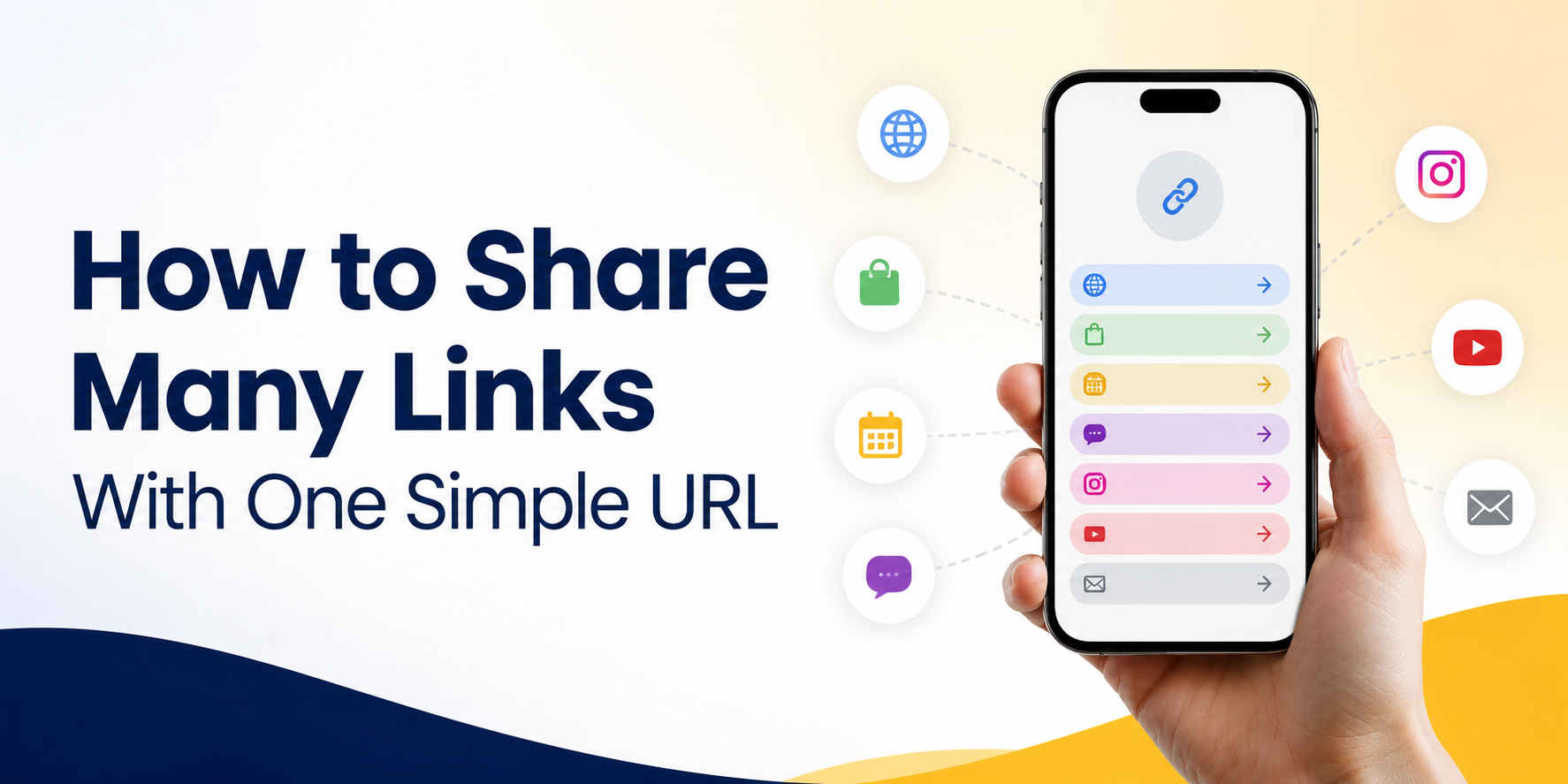
When you need to share multiple links, sending them one by one can quickly look messy. A customer may need your booking page, price list, WhatsApp contact, Instagram profile, latest offer, and website. A follower may want your product link, YouTube video, newsletter, and course page. If you send every URL separately, the message becomes hard to read and easy to ignore.
A better way is to use one simple URL that opens a clean page containing all your important links. Instead of asking people to choose from a long list of raw URLs, you give them one easy link and let them pick the next step from a simple menu.
This is useful for small businesses, creators, coaches, salons, restaurants, freelancers, app owners, and anyone who promotes different links across social media, chat apps, QR codes, or printed materials.
Why Too Many Separate Links Create Friction
Every extra link adds a small decision for the reader. If you send five different URLs in one message, people must stop and think: Which one should I open first? Is this the booking link or the product link? Is this the latest offer or an old page?
That small confusion can reduce clicks. It can also make your brand look less organized, even if your service is good. People are busy, especially on mobile. They often open links while scrolling, chatting, walking, or comparing options quickly.
A long block of links also looks less trustworthy. Raw URLs can feel random, especially if they are long or come from different platforms. One clean URL feels easier to understand and easier to share.
How to Share Multiple Links With One Simple URL
The easiest way to share multiple links is to create a link hub. A link hub is a simple page that contains your most important destinations in one place. You share one URL, and visitors can choose where they want to go next.
For example, instead of sharing your website, booking form, LINE contact, Instagram, and promotion link separately, you place them all on one page. Then you use that one page in your Instagram bio, TikTok bio, WhatsApp messages, QR code, email signature, and printed flyer.
The main benefit is control. You can keep the same main URL while updating the links behind it. If your promotion changes, you update the link hub. If your booking page changes, you update the button. Your public URL can stay the same.
Practical Examples for Small Businesses and Creators
A beauty salon can use one URL to show appointment booking, service prices, Google Maps location, customer reviews, and LINE contact. Instead of putting all of these links in a social caption, the salon can simply say, “Book or contact us here,” followed by one clean URL.
A fitness coach can use one URL for class booking, personal training packages, free workout guides, Instagram, and WhatsApp. This is easier than sending a different link every time someone asks for information.
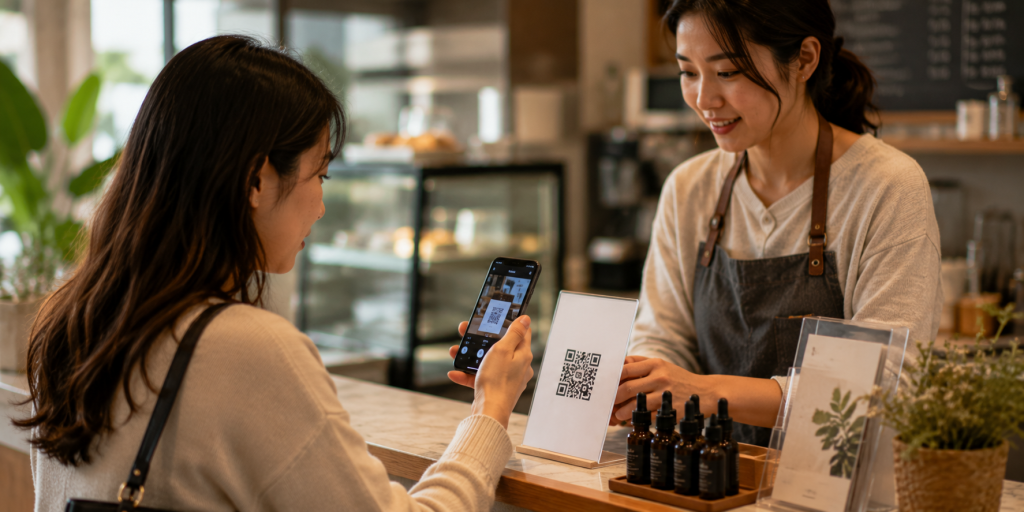
A restaurant can place one QR code on a table or poster. That one URL can include the menu, delivery app links, reservation page, location, and social media profile.
A creator can use one URL in their bio to share product recommendations, affiliate links, latest videos, paid resources, and newsletter signup. When a new campaign starts, they only need to update the link hub, not every old post.
What Your One URL Should Include
A good link hub should not contain every link you have. It should contain the links that help people take action. The goal is not to create a storage page. The goal is to guide visitors clearly.
Useful links may include:
- Booking or appointment page
- Product or service page
- WhatsApp, LINE, or contact link
- Current promotion or campaign
- Website or landing page
- App Store or Google Play link
- Social media profiles
- Newsletter signup
- Customer reviews or portfolio
Put the most important action near the top. If your goal is bookings, make booking the first button. If your goal is sales, place your product or offer first. If people usually ask questions before buying, make your contact link easy to find.
Common Mistakes When Sharing Multiple Links
One common mistake is adding too many buttons. When visitors see too many choices, they may not click anything. A simple page with five strong links is often better than a crowded page with twenty weak links.
Another mistake is using unclear labels. “Click here” does not tell people what will happen. Use direct labels such as “Book an Appointment,” “View Menu,” “Contact on WhatsApp,” “Download the App,” or “See Pricing.”
Some people also forget to remove old campaign links. If visitors click an expired offer, broken page, or outdated promotion, trust drops quickly. Your link hub should stay current.
A final mistake is treating the page like a technical dashboard. Most visitors do not care about the tool behind the link. They only care whether they can quickly find what they need.
Where to Use Your Simple URL
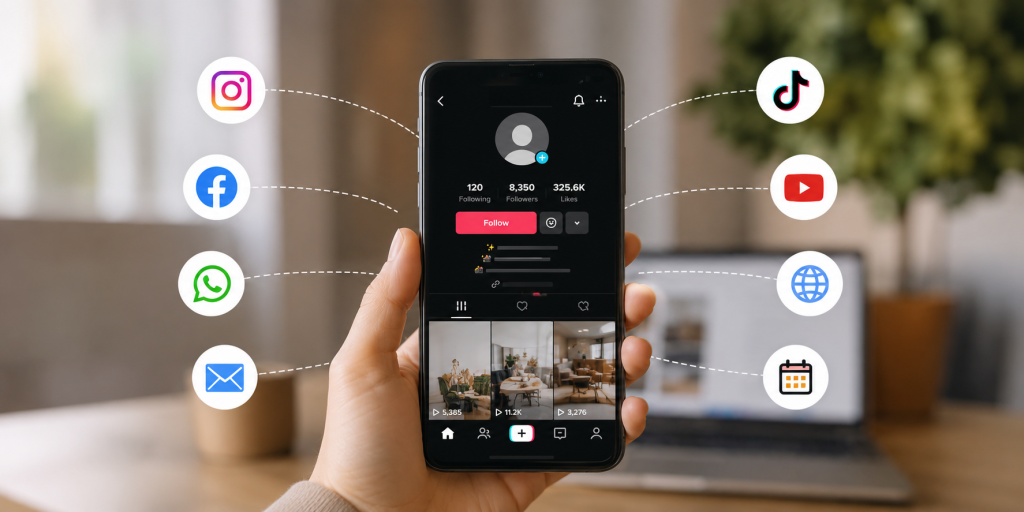
Once you create one clean URL, use it across the places where people already discover you. This makes your marketing easier to manage and more consistent.
Good places to use it include:
- Instagram bio
- TikTok bio
- Facebook page
- YouTube description
- WhatsApp messages
- LINE profile
- Email signature
- QR code
- Business card
- Event poster
- Product packaging
- Printed flyer
Using the same URL across channels also reduces maintenance. You do not need to change every old post, poster, or message when one destination changes. You only update the links inside the hub.
Why This Works Better Than Sending a Long Message
Long messages often fail because people scan instead of reading carefully. When someone receives a message full of links, they may postpone the decision or ignore it completely.
One simple URL reduces that problem. It gives the reader a clear first step. They do not need to understand everything immediately. They only need to click one link.
After they open the page, the options are easier to read because each destination has a clear label. This creates a better mobile experience, especially for people coming from Instagram, TikTok, WhatsApp, LINE, or a QR code scan.
It also helps your brand look more professional. A clean link hub feels intentional. It shows that you have organized the customer journey instead of pushing random links at people.
How to Keep Your Link Hub Simple and Effective
Start with your main goal. Do you want more bookings, more sales, more downloads, more followers, or more messages? Your first button should support that goal.
Then think about what people need before taking action. If they need trust, add reviews or examples. If they need details, add pricing or service information. If they need quick help, add a chat link.
Keep the page short. Use clear wording. Review it regularly. Remove links that no longer matter. Move seasonal campaigns up when they are active, then replace them when the campaign ends.
You can also use different versions for different use cases. For example, one page for your main profile, one page for an event campaign, and one page for a product launch. But each page should still feel focused.
Start With a Free Link Hub
If you want to share multiple links without making your audience deal with a messy list of URLs, a simple link hub is the easiest place to start. You can use it for social media bios, QR codes, WhatsApp messages, LINE, email signatures, posters, and small business campaigns.
itlink.to lets you create a free link hub so you can place your important links behind one clean URL. Add your booking page, product link, contact link, social profiles, or campaign links, then share one simple URL everywhere.
The goal is simple: make it easier for people to find the right next step. When your links are organized, your audience does not need to guess. They can click once, choose what they need, and move forward.
Create your free link hub today and start sharing multiple links with one simple URL.
References
- Google Search Central — SEO Starter Guide The essential foundation guide from Google outlining core search engine optimization strategies, covering everything from crawlability to structuring high-quality content.
- Meta Business Help Center — Instagram profile guidance Official documentation explaining how to set up, optimize, and manage links and business features on an Instagram profile.
- TikTok Business Help Center — Profile and business account guidance A comprehensive manual outlining compliance standards, profile optimization, and functional requirements for business accounts on the platform.
- Google Analytics Help — Campaign traffic and measurement concepts Official guide detailing how to build custom URLs with UTM parameters to accurately track and measure campaign traffic performance.