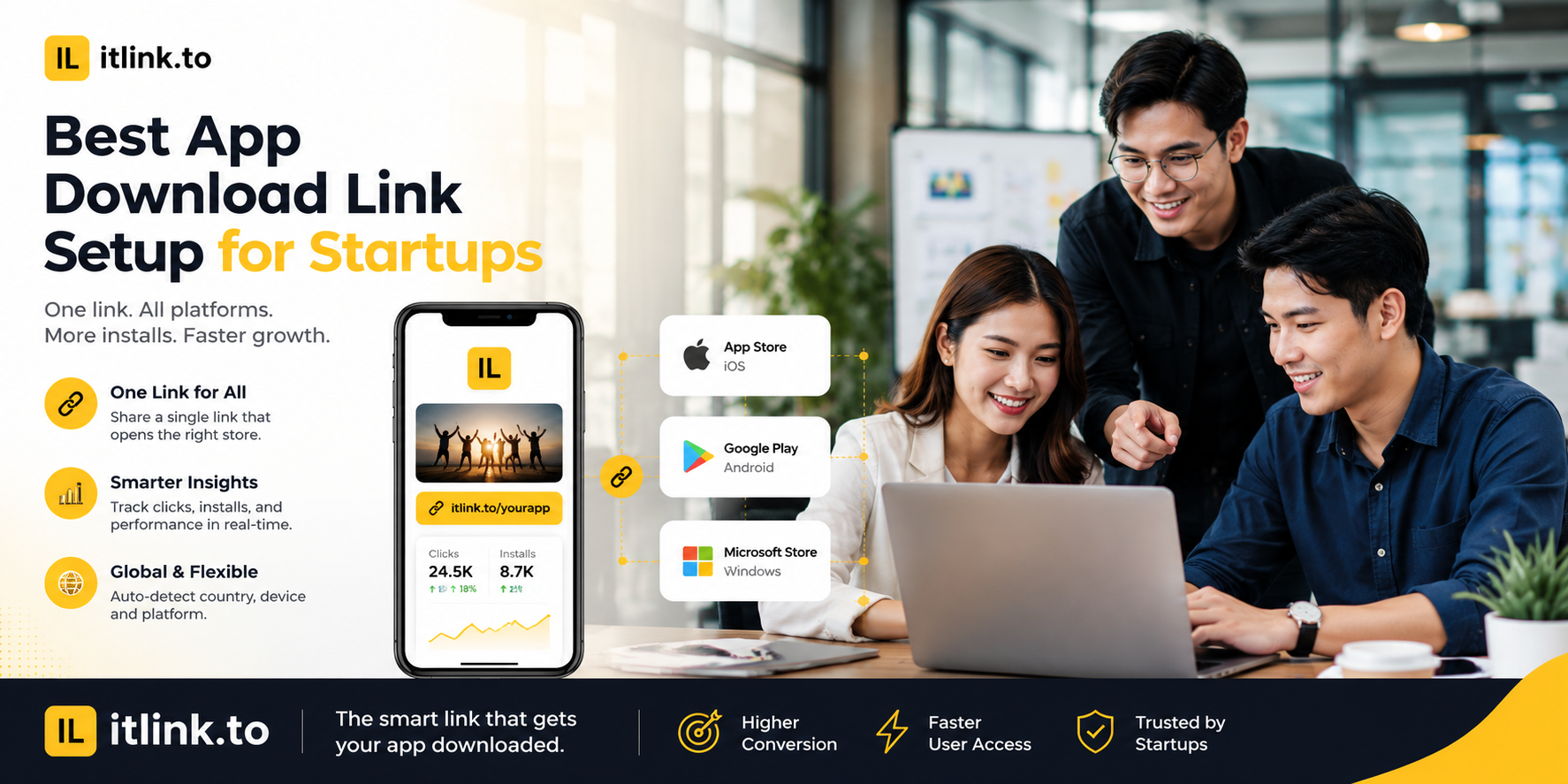
The best app download link setup for startups is not the most complicated one. It is the one that helps every user reach the right place with the least friction.
A startup app campaign rarely has one clean audience. People may click from iPhone, Android, desktop, Product Hunt, Instagram, TikTok, email, creator posts, QR codes, pitch decks, investor updates, event booths, or paid ads. One raw App Store link cannot handle that. One Google Play link cannot handle that either.
A strong setup gives your startup one clean public link, routes users to the correct destination, keeps campaign channels trackable, and stays editable when launch details change.
Your Launch Link Should Not Choose iPhone Users Over Android Users
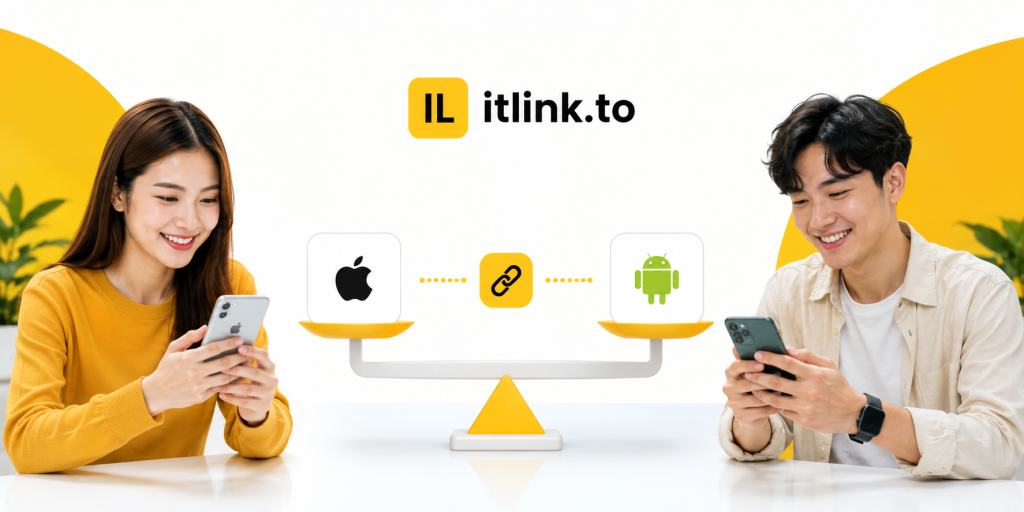
Many startups accidentally build their first campaign around the device the team uses most. If the founders use iPhones, they share the App Store link everywhere. If the early user base is Android-heavy, they share the Google Play link everywhere. Both choices create a blind spot. A launch link should not force half the audience into the wrong store. The better setup is one app download link that routes iPhone users to the App Store, Android users to Google Play, and desktop visitors to a useful web fallback page.
Product Hunt Traffic Needs a Desktop Plan
Product Hunt launches often bring a lot of desktop traffic. The mistake is treating Product Hunt like a mobile-only campaign. If desktop visitors click your app link and land on a mobile store page with no context, the journey feels broken. A better setup sends desktop visitors to a focused app landing page with a short explanation, App Store and Google Play buttons, screenshots, and a QR code they can scan from their phone. The goal is to turn desktop curiosity into mobile installs without making users search for the app manually.
Your QR Code Should Point to a Link You Can Still Control
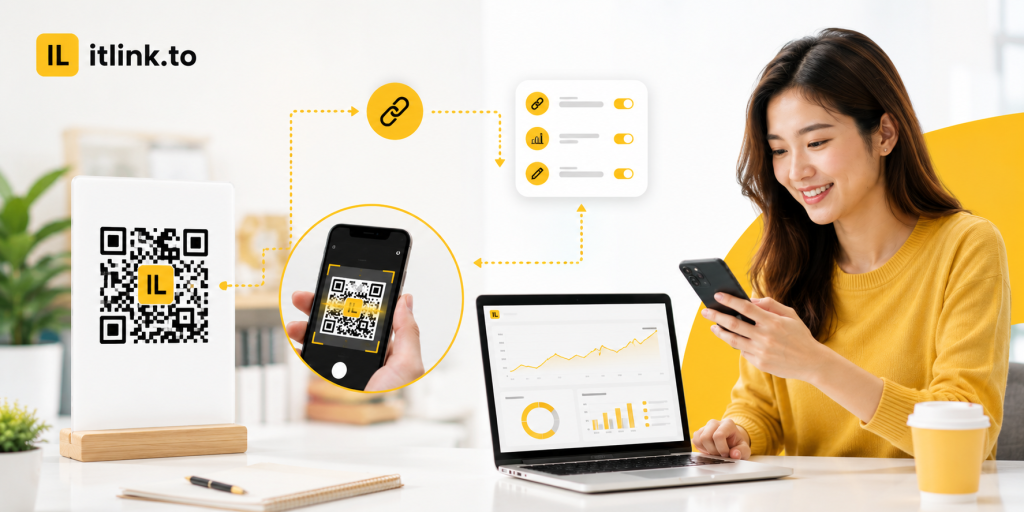
Startups use QR codes at events, booths, demo days, pitch nights, cafés, flyers, stickers, packaging, and slide decks. Once printed, the QR code is hard to change. That is why the QR should not point directly to one final store URL. It should point to an editable app download link. If your App Store listing changes, your Google Play page goes live late, or you decide to send desktop users to a different page, you can update the destination behind the link without reprinting everything.
Do Not Use One Link Everywhere and Call It Tracking
A single app download link is good for users, but bad for reporting if you reuse the same tracked URL in every channel. Your startup should create separate campaign links for major placements: Product Hunt, Instagram bio, TikTok profile, email newsletter, creator partner, event QR code, pitch deck, and paid ads. The routing can stay the same, but each channel should be measurable. Otherwise, you may know the campaign got clicks, but not which channel created them. That makes it harder to decide where to spend your next week.
Keep the Public Link Clean Enough to Trust
Your app download link may appear before users know your startup. If it looks random or suspicious, some people hesitate. Use a short, readable link name whenever possible. A slug like /app, /download, /try, or /launch is easier to trust than a random string. This matters for social posts, podcast mentions, QR code backup text, pitch decks, and creator captions. A clean link will not save a weak product, but it removes one unnecessary reason not to click.
The Store Pages Must Be Ready Before the Link Goes Live
A smart app download link cannot fix weak store pages. Before sending traffic, check your App Store and Google Play listings. Make sure the app name, icon, screenshots, description, category, availability, and install status are correct. If your app is not available in certain countries, decide what those users should see. If one store is not live yet, send those users to a waitlist or landing page instead of a dead end. The link is only as strong as the destination it sends people to.
Build a Simple Startup Link Map Before Launch
Before posting your campaign, create a simple link map:
- Main smart app link: routes iOS, Android, and desktop users.
- Product Hunt link: tracks launch-page traffic.
- Instagram bio link: tracks profile visitors.
- TikTok link: tracks creator or short-form traffic.
- Email link: tracks newsletter clicks.
- Event QR link: tracks offline scans.
- Partner link: tracks creator or partner traffic.
- Pitch deck link: tracks investor or demo traffic.
- Fallback page: helps desktop users continue on mobile.
- Emergency redirect: backup destination if a store page breaks.
This map does not need to be complex. It only needs to prevent confusion before the launch gets attention.
Avoid Heavy Attribution Before You Know Your Channels
Some startups try to set up a full mobile attribution stack before they have repeatable acquisition. That can be useful later, but early-stage teams often need simpler answers first. Did Product Hunt drive real clicks? Did the QR code at the booth work? Did the creator campaign beat the founder’s LinkedIn post? Did Android traffic matter more than expected? A clean app download link setup with basic tracking can answer early questions without slowing the team down. Upgrade to heavier attribution when paid acquisition, retargeting, and in-app event measurement become real growth needs.
Test the Link Like a User, Not Like a Developer
Do not only test the link from your laptop browser. Open it on iPhone. Open it on Android. Open it on desktop. Tap it inside Instagram, TikTok, Gmail, LinkedIn, X, WhatsApp, and any platform where the campaign will run. Scan the QR code from real distance and normal lighting. Check whether the page loads quickly. Check whether the CTA matches the destination. If the campaign says “Download the app,” the user should not land on a generic homepage. A startup launch link should feel obvious in the exact environment where people click.
The Best App Download Link Setup for Startups
The best app download link setup for startups is simple, editable, trackable, and device-aware. Use one clean public link for the user, but separate tracking links for your important channels. Route iPhone users to the App Store, Android users to Google Play, and desktop users to a focused fallback page. Use editable links for QR codes and printed materials. Keep slugs readable. Test everything before launch. Do not overbuild attribution before you know which channels work.
For startups that want clean short links and app download links without a heavy setup, itlink.to can help you create simple campaign links here: https://itlink.to/#short-link
Start with one campaign. Create the link map. Test it on real devices. Then publish with confidence.
References
- Apple Developer — Supporting Universal Links in Your App Official technical documentation detailing how to configure iOS applications to securely intercept web URLs, launch native interfaces, and pass inbound activity data seamlessly into the application layer.
- Android Developers — Creating Deep Links to App Content Google’s core developer guide explaining how to set up intent filters within the app manifest to route incoming mobile traffic directly to specific contextual views.
- Google Analytics — Campaign URL Builder Official production utility designed to systematically append custom UTM parameters to destination paths to isolate specific marketing attribution traffic.
- Google Analytics Help — URL Builders and Campaign Tracking Foundational support documentation explaining the integration mechanics of custom campaign parameters and how data is categorized within analytics properties.