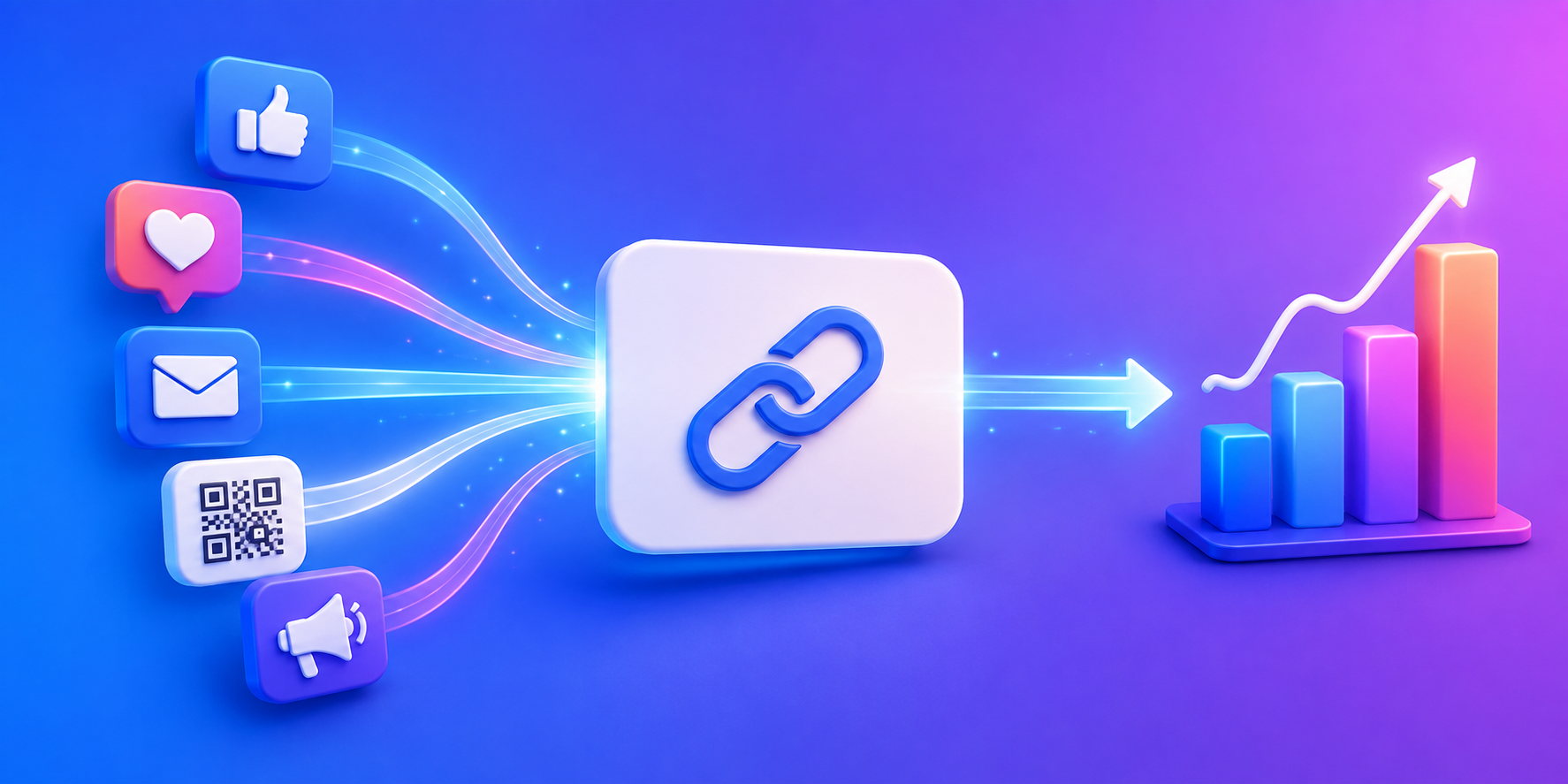
The best URL shortener for marketing campaigns does more than make links look cleaner. It helps you understand where clicks come from, compare campaign performance, and make better decisions with real data. Whether you’re running social media promotions, email campaigns, influencer partnerships, QR code marketing, or app launches, the right short link can tell you far more than a long URL ever could.
Many marketers still think URL shorteners are mainly for aesthetics. In reality, the best marketers use them as tracking tools. Every campaign creates data, and a short URL can become one of the simplest ways to collect it.
Why Long URLs Hurt Marketing Campaigns
Long URLs often contain tracking parameters, campaign identifiers, referral codes, and analytics tags. While useful behind the scenes, they can look intimidating when shared publicly. A long link in a social media post, email, or QR code often appears less trustworthy and is harder to remember.
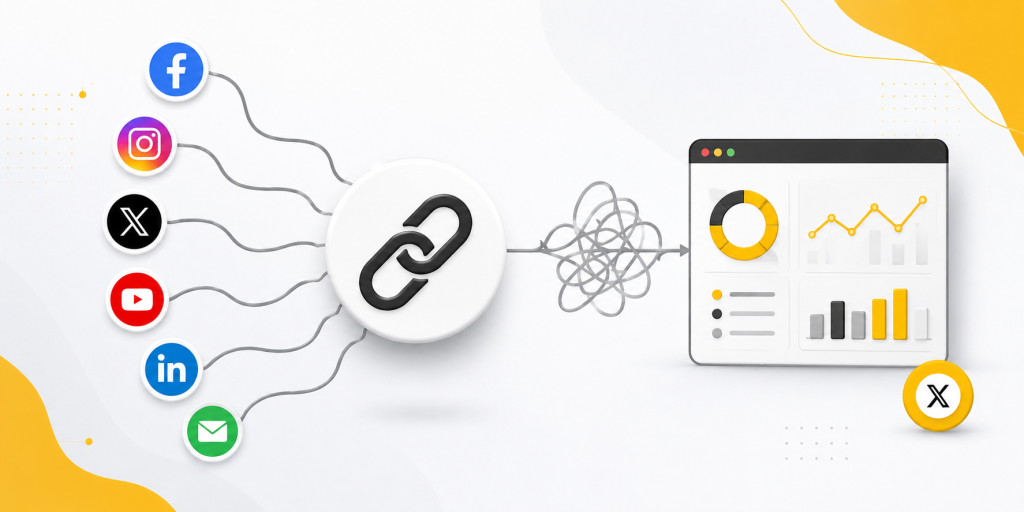
Short links create a cleaner experience. More importantly, they provide a layer between your campaign and the destination page. That layer gives you valuable analytics about how people interact with your marketing efforts before they even reach your website.
The Real Job of a Marketing URL Shortener
Many businesses choose a URL shortener because it makes links shorter. That benefit matters, but it is rarely the reason marketing teams continue using one.
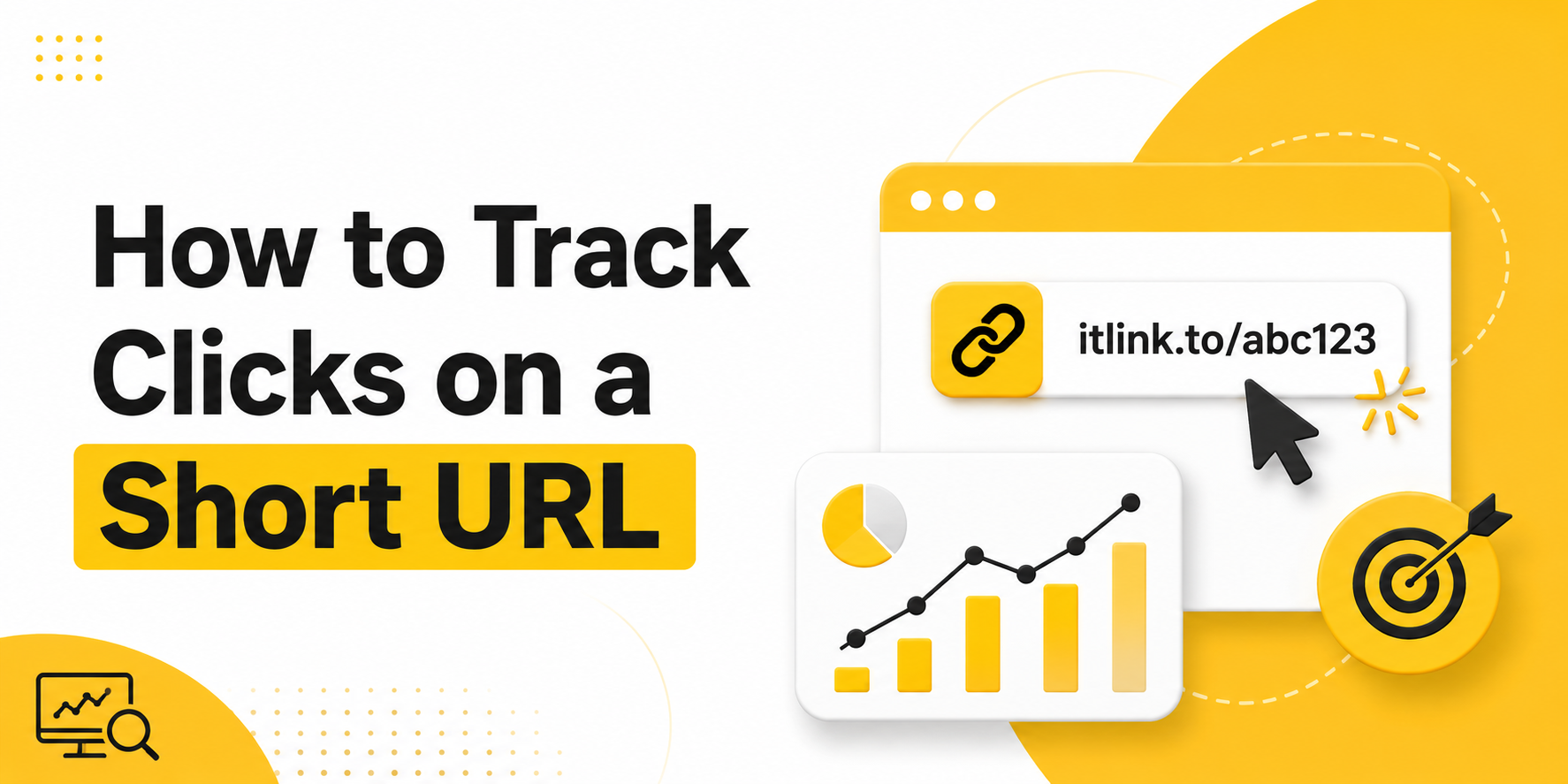
The real value comes from tracking. A good URL shortener helps answer practical questions. Which social media platform is sending traffic? Which influencer campaign generated the most clicks? Did people actually scan the QR code on your event banner? Did your email campaign outperform your LinkedIn post?
Without tracking, marketers often rely on assumptions. With tracking, they can make decisions based on actual user behavior.
What Features Matter Most for Marketing Campaigns
Not every campaign needs advanced enterprise software. Most marketers need a few core capabilities that help them understand performance without adding complexity.
Feature
Why It Matters
Click Tracking
Measure campaign engagement
Unique Short Links
Separate traffic sources
QR Code Support
Connect offline and online campaigns
Device Reporting
Understand visitor devices
Geographic Data
See where traffic originates
UTM Compatibility
Connect with analytics platforms
Fast Redirects
Reduce user friction
The most useful features are often the simplest ones. Clear click data is usually more valuable than complicated dashboards filled with metrics nobody uses.
Create Different Links for Different Campaigns
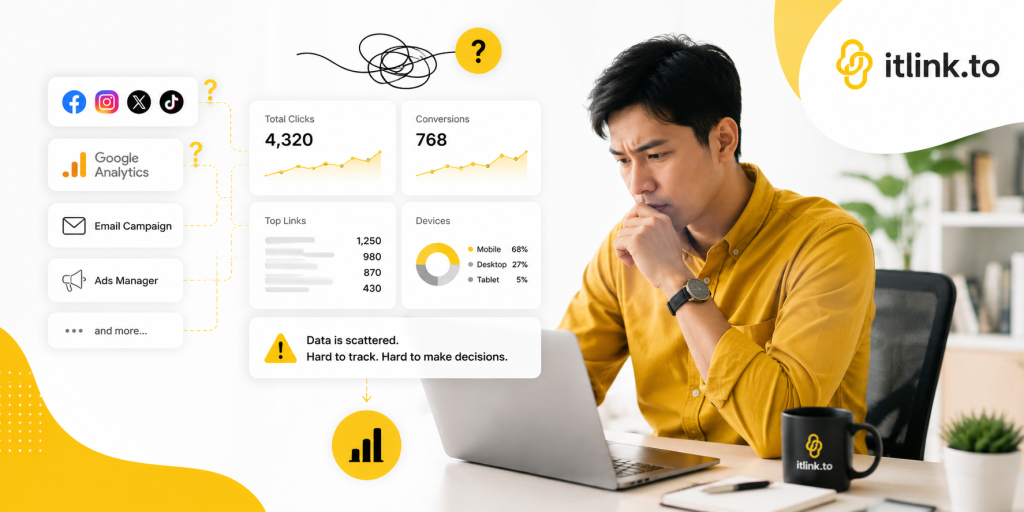
One of the most common marketing mistakes is using the same URL everywhere. When every campaign uses the same link, all click data gets combined.
Instead, create separate short links for each channel.
Campaign
Example Link
Instagram Bio
yourlink/instagram
TikTok Profile
yourlink/tiktok
Newsletter
yourlink/email
QR Code
yourlink/event
Influencer Campaign
yourlink/creator-name
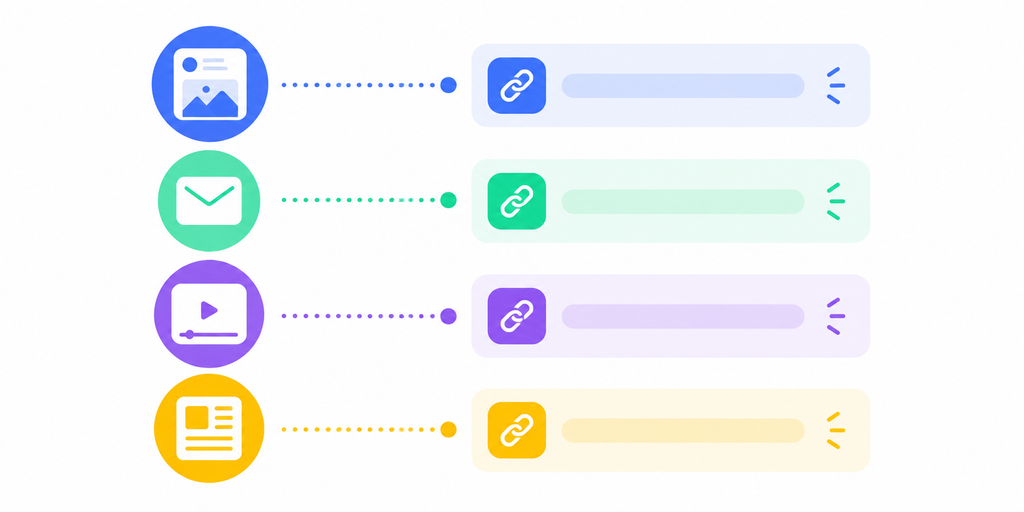
This simple approach instantly improves reporting. Instead of guessing where traffic came from, you can compare channels directly.
Why Click Counts Tell a Bigger Story
Many marketers focus on clicks alone. While click volume is useful, the real insight comes from comparing campaigns against each other.
Imagine one Instagram campaign generates 5,000 clicks while another generates 800. At first glance, the first campaign looks better. However, if the smaller campaign leads to more purchases, signups, or app downloads, it may actually be more valuable.
Short link analytics help reveal these patterns. They allow marketers to identify which campaigns create attention and which campaigns create action.
QR Codes Make Short Links Even More Useful
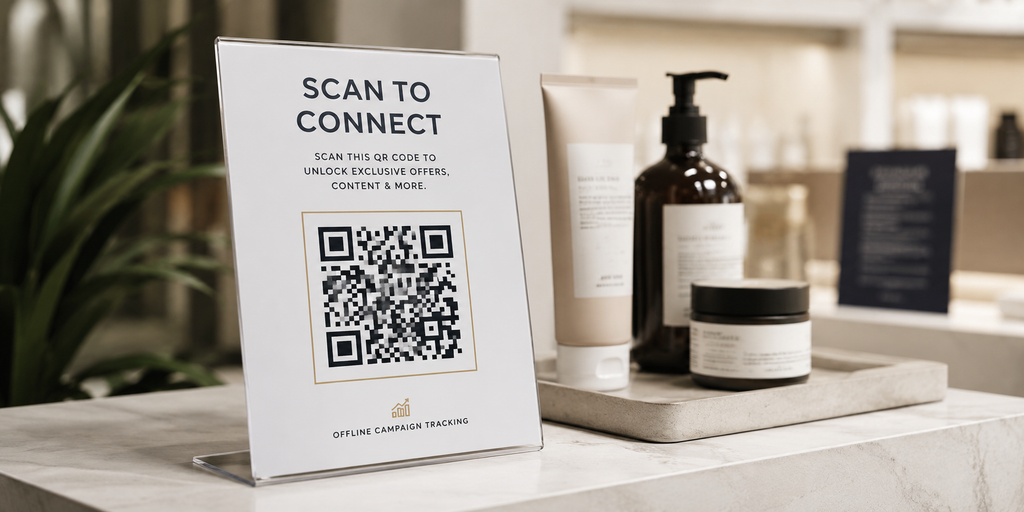
QR codes have become a major part of modern marketing. They appear on packaging, flyers, posters, business cards, event booths, restaurant menus, and product displays.
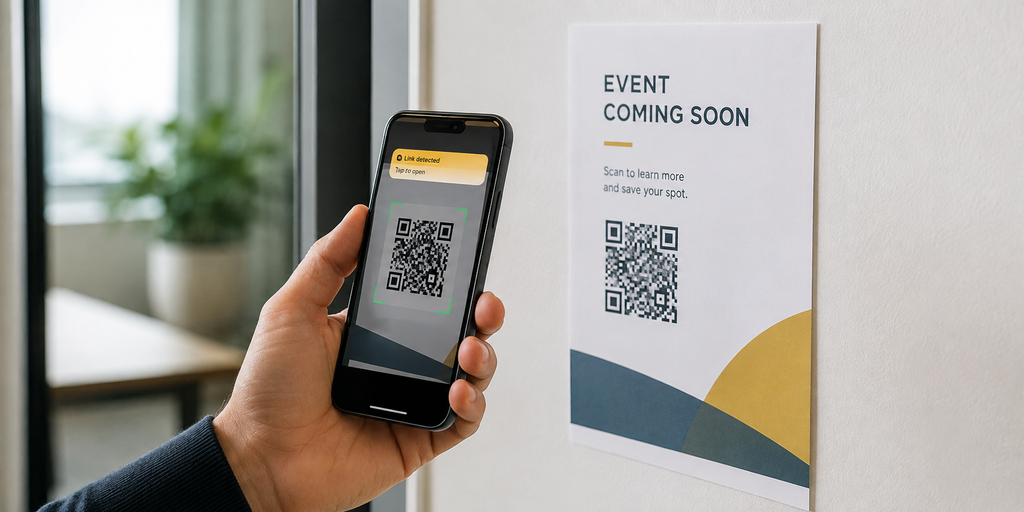
A short URL behind a QR code creates measurable offline marketing. Instead of wondering whether people interacted with a printed campaign, marketers can see exactly how many clicks the QR code generated.
This turns traditional marketing channels into trackable digital campaigns.
Free Doesn’t Have to Mean Limited
Many businesses assume that link tracking requires expensive marketing software. In reality, a simple URL shortener often provides enough data to improve campaign performance significantly.
For small businesses, creators, startups, app developers, and ecommerce brands, the most important requirement is visibility. They need to know what people click, when they click, and where they came from.
This is why free tools remain popular. They remove barriers to tracking while still providing actionable insights.
How itlink.to Helps Marketing Teams Track Campaigns
itlink.to provides free short links designed for marketers who want simple campaign tracking without unnecessary complexity. Instead of sharing long URLs across multiple channels, you can create dedicated short links for each campaign and measure performance separately.
For example, you can create one short link for Instagram, another for TikTok, another for email, and another for an influencer partnership. Because each link is unique, it becomes easier to compare results and identify which campaigns are generating interest.
For businesses running app campaigns, itlink.to also offers OneRoute for smart app store routing. For creators and brands managing multiple destinations, HubLink provides a link-in-bio solution. Together, these tools allow marketers to track traffic while maintaining a clean user experience.
Choosing the Best URL Shortener for Marketing Campaigns
The best URL shortener for marketing campaigns is not necessarily the one with the most features. It is the one that helps you answer important questions about your marketing performance.
Can you see where clicks come from? Can you compare campaigns easily? Can you separate traffic sources? Can you track QR code performance? Can you share links that look professional and are easy to manage?
If the answer is yes, you have everything needed to make smarter marketing decisions.
For marketers looking for a free solution, itlink.to offers short links, click tracking, QR code support, HubLink pages, and OneRoute app routing without adding unnecessary complexity. Instead of guessing which campaign worked, you can start measuring what people actually click.
Create your free short links today and start tracking marketing campaigns with itlink.to: https://itlink.to/#short-link
References
Google Analytics Campaign URL Builder: Official tool for appending custom UTM parameters to URLs to track custom marketing campaign performance across channels.
Google Analytics Help Center: Comprehensive platform documentation offering guides on configuring traffic source tracking, custom dimensions, and report analysis.
Meta Business Help Center: Technical resource hub detailing business profile management, ad setup, and conversion tracking across Facebook and Instagram.
HubSpot Marketing Analytics Research: Industry research and benchmarks covering digital marketing metrics, campaign attribution, and channel ROI trends.
UTM parameters with short links help marketers solve two problems at the same time. UTM parameters make campaigns easier to track, while short links make long tracking URLs easier to share.
A normal campaign URL can become messy very quickly. Once you add source, medium, campaign name, content, and term values, the link may look too long for social media, emails, QR codes, printed material, or influencer captions. A short link hides that complexity behind a clean URL while still sending users to the tracked destination.
The important part is using both correctly. If your UTM structure is messy, a short link will only hide the mess. If your short links are not organized, your analytics can become harder to read. The best setup combines clean UTM naming, readable short links, and consistent campaign tracking.
UTM Parameters With Short Links: Quick Answer
UTM parameters are tracking tags added to the end of a URL. They help analytics tools understand where traffic came from.
A short link is a cleaner URL that redirects users to the full destination link.
For example, your full tracked URL might look like this:
The user sees the clean short link, but the final destination still includes the UTM parameters. This lets your team track performance without sharing a long, ugly campaign URL.
What Each UTM Parameter Means
There are five common UTM parameters, but most teams only need three for everyday campaign tracking.
utm_source identifies where the traffic came from. Examples include instagram, google, newsletter, tiktok, facebook, partner_name, or qr_poster.
utm_medium identifies the type of traffic. Examples include social, email, cpc, referral, qr, influencer, or offline.
utm_campaign identifies the specific campaign. Examples include app_launch, black_friday, summer_sale, new_feature, or hotel_qr_campaign.
utm_content helps separate different versions of the same campaign. For example, you may use bio_link, story_link, button_cta, image_ad, or footer_banner.
utm_term is usually used for paid search keywords. Many teams do not need it unless they are tracking search ads.
A clean UTM structure makes reports easier to understand later. The goal is not to add every possible parameter. The goal is to capture enough information to compare campaigns clearly.
Why Short Links Make UTM Tracking Easier
UTM links are useful, but they are not always shareable. A full UTM link can look unprofessional in a social caption, SMS message, QR code, or printed flyer.
Short links fix that presentation problem. Instead of showing a long tracking URL, you can share a clean branded link that redirects to the full UTM destination.
This is especially useful for:
Instagram bio links
TikTok captions
Influencer campaigns
QR codes
Email buttons
Offline posters
Event flyers
App download campaigns
Short links also make campaign links easier to update and manage. If your destination changes, you can update the redirect target without changing the public-facing link, depending on the short link tool you use.
For example, with itlink.to Short Link, you can create a clean campaign URL and keep your tracked destination behind it. That gives your campaign a more professional link while still keeping the tracking data you need.
How to Build a UTM Link Before Shortening It
Before creating a short link, build the full tracking URL first. This helps prevent broken analytics later.
Start with the final destination page. This could be your homepage, app download page, pricing page, product page, landing page, or booking page.
Then add the UTM values based on where the link will be shared.
After the full URL is ready, paste it into your short link tool and create a clean short URL.
UTM Naming Rules That Prevent Messy Reports
Most UTM problems happen because teams use inconsistent names. One person uses Instagram, another uses instagram, and another uses ig. Analytics tools may treat these as different sources.
Create a simple naming system before launching campaigns.
Use lowercase letters. Choose instagram, not Instagram.
Use underscores instead of spaces. Choose summer_launch, not summer launch.
Keep names short but clear. Choose app_launch, not new_mobile_app_download_campaign_june_2026.
Use the same source names every time. If you use newsletter, do not also use email_list.
Separate source and medium clearly. For example, utm_source=instagram and utm_medium=social is cleaner than putting both into one field.
Document your naming rules in a simple spreadsheet or team note. This may feel small, but it prevents reporting problems later.
Short Link Examples for Different Campaigns
Here are practical examples of how UTM parameters and short links work together.
For an app download campaign, the tracked destination might be:
The visible link stays simple. The hidden destination keeps the tracking data.
Common Mistakes When Using UTM Parameters With Short Links
The first mistake is shortening a link before checking the UTM values. If the original URL has a typo, the short link will redirect to a broken or badly tracked destination.
The second mistake is using different UTM names for the same channel. For example, facebook, fb, and Facebook may split your reporting.
The third mistake is adding too many parameters. A simple campaign often needs only source, medium, campaign, and content.
The fourth mistake is forgetting where each short link was used. If you create many short links without clear names, your dashboard becomes confusing.
The fifth mistake is using one short link for every campaign. If Instagram, email, QR codes, and influencer posts all use the same link, you lose useful channel-level data.
Short links should simplify sharing, not destroy tracking detail.
Should You Create One Short Link or Many?
Use one short link when the campaign has one source and one purpose.
For example, one Instagram bio link can use one short link with:
utm_source=instagram
utm_medium=social
utm_campaign=app_launch
Use multiple short links when you need to compare channels or placements.
For example, an app launch may need separate short links for:
Instagram bio
Instagram story
TikTok creator video
Email button
Event QR code
Partner website
Paid ad
Each link should have different UTM values. This lets you compare performance clearly.
If everything uses the same short link, you may get total clicks, but you will not know what actually worked.
How to Check If Your Tracking Works
Before publishing your short link, test it.
Click the short link and confirm that it redirects to the correct destination. Check whether the UTM parameters are still present after redirecting. If the destination removes the parameters, your analytics may not capture the campaign correctly.
Then open your analytics tool and check real-time traffic if available. Look for the source, medium, and campaign values you used.
Also test the link from mobile and desktop. This is important for app campaigns, QR codes, and smart routing. A link that works on desktop may behave differently on mobile.
If you are using short links for QR codes, scan the QR code before printing. A small test can prevent a large offline campaign mistake.
Final Checklist Before Launching
Before launching a tracked short link campaign, check these items:
The final destination URL works
UTM source is clear
UTM medium matches the channel type
UTM campaign name is consistent
UTM content identifies the placement or creative
The short link slug is readable
The short link redirects correctly
Analytics records the campaign values
Mobile and desktop behavior are tested
QR codes are scanned before printing
This checklist is simple, but it prevents most tracking mistakes.
Final Answer: How to Use UTM Parameters With Short Links
Using UTM parameters with short links is one of the easiest ways to make campaign tracking cleaner. UTM parameters help your analytics tool understand where traffic came from. Short links make those tracked URLs easier to share across social media, email, QR codes, influencer campaigns, and offline material.
The best workflow is simple. Build the full UTM link first. Use consistent naming. Test the destination. Then create a clean short link that redirects to the tracked URL.
Do not use short links to hide poor tracking structure. Use them to make good tracking easier to share.
Create a cleaner tracked campaign link with itlink.to Short Link and make your UTM URLs easier to share, manage, and measure.
References
Google Analytics Help & Campaign Builder: Official guides and tool suite for constructing custom UTM parameters to measure campaign performance and map incoming web traffic.
Google Analytics Traffic Source Documentation: Technical reference detailing how GA processes, attributes, and visualizes source, medium, and campaign data dimensions.
itlink.to Short Link Product Page: Product documentation highlighting link-shortening capabilities, custom domain options, and click-tracking analytics for shared URLs.
Custom short links vs generic short links is not just a design choice. It affects how people see your brand, whether they trust the link, how easy the URL is to remember, and how well your team can manage campaigns.
A generic short link can make a long URL shorter. That is useful. But a custom short link can do more than reduce length. It can make the link look cleaner, more intentional, and more connected to your brand or campaign.
This matters because links appear everywhere: Instagram bios, email campaigns, QR codes, paid ads, product packaging, YouTube descriptions, podcast notes, event banners, pitch decks, and sales messages. Before someone clicks, they see the link. That small moment can either build confidence or create doubt.
The Link Is Part of the Campaign, Not Just a Technical Detail
Many teams treat links as the final step before publishing. They finish the landing page, write the caption, create the email, design the flyer, and then quickly shorten the URL at the end. That creates weak links that feel disconnected from the campaign. A campaign link should be planned earlier because it affects trust, tracking, and user experience. If the link looks random, users may hesitate. If the slug is unclear, people may not understand where they are going. If every channel uses the same generic link, reporting becomes messy. A strong campaign link supports the message before the click and helps the team learn after the click. That is why custom short links are often better for serious marketing campaigns.
Generic Short Links Solve Speed, but Not Confidence
Generic short links are useful when speed matters. You paste a long URL, generate a shorter one, and share it quickly. For casual use, internal messages, temporary documents, test pages, or low-risk sharing, that may be enough. The problem starts when generic links are used in public-facing campaigns. A random-looking link can feel disposable or suspicious, especially when it asks someone to buy, book, download, register, subscribe, or enter personal information. The link may work perfectly, but it does not add confidence. It only hides the long URL. For a quick internal Slack message, that is fine. For a product launch, app campaign, QR code, or sales funnel, it may not be enough.
Custom Short Links Make the Click Feel Safer
A custom short link gives users a clearer signal before they click. The domain can match your brand, and the slug can match the campaign. Instead of seeing a random string, users see something that looks intentional. For example, a link like brand.link/demo feels clearer than short.ly/8xPq2. A link like brand.link/app feels better for an app campaign than a long app store URL or a random shortener link. This does not mean users analyze every URL deeply. Most people do not. But they still notice whether a link feels familiar, readable, and trustworthy. A custom short link removes one small reason not to click.
The Slug Is Where Clarity Wins or Fails
The slug is the part after the slash. It may look small, but it carries a lot of meaning. A good slug tells users what to expect. A bad slug creates confusion. For example, brand.link/pricing is clear. brand.link/q3-v2-final is not. brand.link/menu is easy to type from a table card. brand.link/3hfK91 is not. Strong slugs are short, readable, and written for humans. They should match the campaign promise, avoid internal jargon, and avoid random characters when the link is public. If the link will appear in a caption, QR code backup, video, podcast, flyer, or presentation, the slug should be easy to read and say out loud.
Branding Matters More When the Link Leaves Your Website
On your own website, users already know where they are. But campaign links often appear outside your website. They show up on social platforms, in emails, in creator posts, in QR codes, and in printed materials. In those places, the link becomes part of your brand presentation. A generic link gives the platform or shortener brand more visibility than your own. A custom short link keeps your brand closer to the click. This is especially useful for creators, startups, agencies, SaaS products, restaurants, event organizers, app teams, and ecommerce brands. When people see a link that matches the brand or campaign, the journey feels more consistent.
When Generic Short Links Are Still the Right Choice
Generic short links are not bad. They are just not always the right tool for public marketing. They are useful when the link is temporary, private, or low value. For example, you might use a generic short link when sending a quick document to a teammate, testing a landing page, sharing a draft internally, or sending a one-time support link. In these cases, speed is more important than branding. The audience already trusts the sender, and the link does not need to carry a campaign message. The mistake is using the same generic approach for high-intent moments where users are deciding whether to click, buy, register, download, or scan.
Public Campaigns Deserve Custom Links
A public campaign has a different standard. If the link appears in an ad, influencer post, Instagram bio, product launch, email campaign, QR code, YouTube description, event poster, or printed flyer, the link should look clean and intentional. These are moments where the audience may not personally know you yet. The link needs to support trust quickly. A custom short link also helps when the campaign is shared beyond the original channel. Someone may copy it into a group chat. Someone may say it during a podcast. Someone may type it from a slide. A readable custom short link travels better than a random generic one.
QR Codes Need Custom Short Links More Than Most Teams Think
QR codes are scanned, but the short link behind them still matters. First, the link should be editable whenever possible because printed QR codes are difficult to change after launch. If the destination changes, you need to update the link behind the QR code instead of reprinting everything. Second, many good QR campaigns show a short URL under the QR code as a backup. If scanning fails, users can type the link manually. A custom short link like brand.link/menu or brand.link/event is much easier to type than a random generic URL. For restaurants, events, packaging, real estate signs, flyers, and retail displays, custom links make QR campaigns safer and cleaner.
Campaign Tracking Becomes Easier With a Naming System
Custom short links are not only better for users. They are also better for teams. When links are named clearly, reporting becomes easier. Instead of looking at a dashboard full of random links, your team can identify each link by campaign and channel. For example, brand.link/launch-email, brand.link/launch-qr, and brand.link/launch-instagram are easy to understand. You can see which link belongs to which placement without opening every record. This matters when campaigns grow. A naming system helps teams avoid duplicate links, old links, unclear tracking, and messy reports. Good link naming turns short links into organized campaign assets.
Do Not Put Your Whole Tracking System in the Public URL
A common mistake is putting too much information into the visible slug. A team may create a link like brand.link/summer-sale-instagram-story-paid-v3. That may help internally, but it looks messy publicly. The better approach is to keep the visible slug clean and use your dashboard or UTM parameters for deeper tracking. For example, the public link could be brand.link/summer-sale, while the internal campaign name identifies the channel and placement. The visible link should be easy for users. The hidden tracking should be useful for the team. Do not make the customer read your analytics structure.
Custom Links Help Teams Avoid Link Sprawl
Link sprawl happens when everyone creates links differently. One person uses a generic shortener. Another person uses raw URLs. Another person adds UTM parameters manually. Another creates a QR code that points directly to a final page. After a few months, nobody knows which links are current, which links are tracked, or which links should be replaced. Custom short links reduce this problem when they are part of a simple system. The team can agree on naming rules, campaign structure, and which links should be evergreen. This makes links easier to manage over time, especially for startups, agencies, creators, and small marketing teams.
Evergreen Links and Campaign Links Should Be Named Differently
Not every custom short link has the same purpose. Some links are evergreen. They point to destinations that stay useful for a long time, such as brand.link/pricing, brand.link/demo, brand.link/newsletter, brand.link/app, or brand.link/contact. Other links are campaign-specific, such as brand.link/summer-sale, brand.link/webinar-july, or brand.link/product-launch. Mixing these can create confusion. If a temporary campaign uses a name that sounds evergreen, people may reuse it later by mistake. If an evergreen link includes a date, it may look outdated quickly. Naming links based on their lifespan helps your team manage them more cleanly.
Trust Is Especially Important for App Downloads and Payments
Some clicks require more trust than others. A user may casually click a blog post link, but they become more careful when the link asks them to download an app, enter payment details, submit an email, book a call, or scan a QR code from a public place. In these cases, a custom short link can reduce hesitation. For app campaigns, a clean link can route users to the right store while still looking branded. For payment or booking pages, a custom link makes the path feel more official. The link does not replace good security or a trustworthy landing page, but it supports the user’s confidence before they arrive.
Custom Short Links Work Better in Offline and Audio Channels
Not every campaign link is clicked. Sometimes it is spoken, printed, displayed, or remembered. This is where custom short links have a clear advantage. In a podcast, brand.link/start is easier to say than a random short URL. On a slide, brand.link/demo is easier to remember than a long landing page URL. On a flyer, brand.link/join is easier to type than a generic code. In offline and audio channels, a link needs to be short, readable, and memorable. Generic links may be technically short, but they are often not human-friendly.
The Comparison That Actually Matters
Here is the practical difference between custom short links and generic short links:
Generic short links are best for speed.
Custom short links are best for trust.
Generic short links are fine for private sharing.
Custom short links are better for public campaigns.
Generic short links often use random slugs.
Custom short links can use readable campaign names.
Generic short links may feel disposable.
Custom short links feel more intentional.
Generic short links solve length.
Custom short links solve length, clarity, and branding.
Generic short links are useful for quick tasks.
Custom short links are better for marketing systems.
This is not about customizing every link. It is about customizing the links that matter.
Choose Based on the Risk of Confusion
A simple way to decide is to ask: what happens if the user feels unsure? If the link is internal, temporary, or low stakes, a generic short link may be fine. If the link is public, customer-facing, printed, paid, or connected to revenue, a custom short link is safer. Confusion can cost clicks. A random URL may not destroy a campaign, but it can create unnecessary doubt. A clean custom link makes the next step easier to understand. The higher the value of the click, the more important link clarity becomes.
Final Verdict: Custom Short Links vs Generic Short Links
Custom short links vs generic short links comes down to purpose. Generic short links are useful when you need a quick, temporary, low-risk URL. Custom short links are better when the link represents your brand, campaign, product, app, event, offer, or content. For serious marketing, custom short links usually create a better experience because they look more trustworthy, are easier to remember, support cleaner tracking, and work better across QR codes, social posts, email, and offline channels. A short link should not only be short. It should be clear, clickable, and easy to manage. To create clean custom short links for campaigns, apps, QR codes, and creator pages, you can use itlink.to here: https://itlink.to/#short-link
References
Google Search Central — URL Structure Best Practices Architectural documentation detailing optimization principles for designing clean, descriptive, and logical directory structures to maximize algorithmic crawling efficiency and human readability.
Google Analytics — Campaign URL Builder Official production utility designed to systematically append custom UTM parameters to destination paths to isolate and isolate specific marketing attribution traffic.
A free custom URL shortener can make marketing campaigns easier to manage, easier to track, and easier to remember. While many people think URL shorteners are mainly for reducing character count, marketers often use them for a different reason: control. A custom short link allows you to create cleaner URLs, organize campaigns, and understand where traffic comes from without forcing users to click complicated links full of tracking parameters.
Whether you’re running social media promotions, email campaigns, influencer partnerships, QR code campaigns, or product launches, custom short links can make your marketing look more professional while providing useful analytics behind the scenes.
Why Generic URLs Make Campaigns Harder to Manage
Marketing campaigns often rely on URLs that were never designed to be shared publicly. Product pages, landing pages, signup forms, and ecommerce links frequently contain long tracking strings, referral IDs, and campaign parameters. While these details are useful for analytics platforms, they create URLs that are difficult to read and difficult to remember.
A custom short link solves this by replacing the complicated URL with something simple and recognizable. Instead of sharing a long campaign URL, you can create a link that clearly communicates its purpose.
The destination stays the same, but the experience improves.
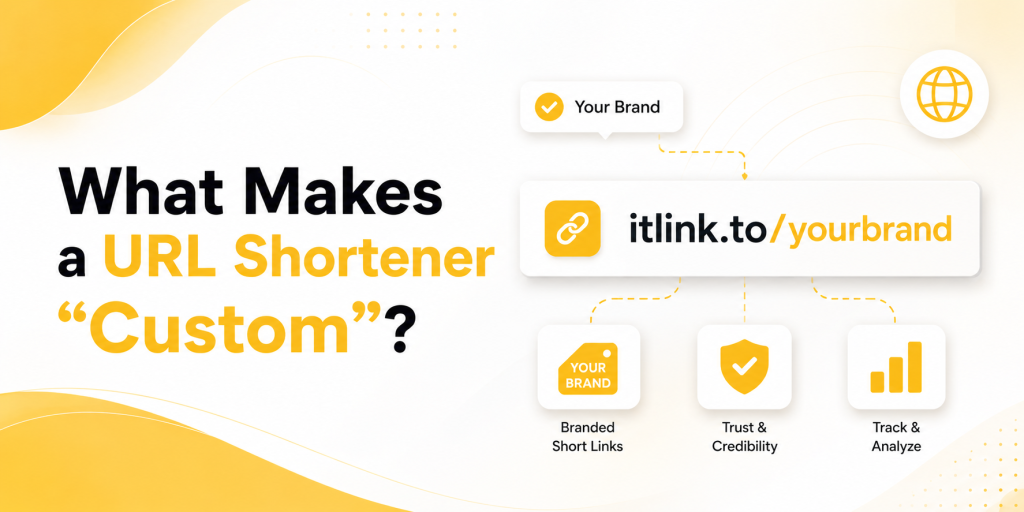
What Makes a URL Shortener “Custom”?
A custom URL shortener allows you to choose the alias at the end of the link rather than accepting a random string of characters. Instead of a link like:
itlink.to/a8j3k2
You can create:
itlink.to/summer-sale
or
itlink.to/app-launch
This makes the link easier to understand before someone clicks it. It also creates consistency across campaigns and helps people remember the URL when they see it again later.
Marketing Campaigns Benefit From Better Naming
Custom aliases are not just about branding. They also make campaign management easier.
Imagine running campaigns across Instagram, TikTok, LinkedIn, YouTube, newsletters, and influencer partnerships. If every link uses random characters, reporting quickly becomes confusing. If every link uses meaningful names, your analytics become easier to understand.
Campaign
Example Alias
Instagram Bio
instagram
TikTok Profile
tiktok
Product Launch
launch
Black Friday Sale
black-friday
Webinar Registration
webinar
Influencer Campaign
creator-jane
Good naming conventions save time when reviewing campaign results later.
Why Custom Short Links Work Better on Social Media
Social media users make decisions quickly. A clear link creates confidence. A random link creates uncertainty.
When someone sees a custom URL such as:
itlink.to/free-guide
they immediately understand what to expect.
When they see:
itlink.to/a8j3k2
they learn nothing.
This may seem minor, but social media is filled with small moments that influence whether people click or continue scrolling.
Create Different Links for Different Traffic Sources
One of the biggest advantages of a custom URL shortener is campaign separation.
Instead of using one link everywhere, marketers can create unique links for each traffic source while sending visitors to the same destination.
Traffic Source
Custom Link
Instagram
itlink.to/instagram
TikTok
itlink.to/tiktok
YouTube
itlink.to/youtube
Newsletter
itlink.to/email
QR Code
itlink.to/event
This approach creates cleaner reporting because you can immediately see where clicks originate.
Custom Links Make QR Codes More Useful
QR codes are often used in offline marketing campaigns. They appear on packaging, flyers, posters, event booths, menus, business cards, and product displays.
A custom short URL behind the QR code makes the destination easier to recognize and easier to update later if needed. Instead of printing a QR code that points directly to a temporary page, marketers can use a short link and change the destination whenever necessary.
This flexibility becomes valuable when campaigns evolve after launch.
Why Click Tracking Matters More Than Ever
Creating a shorter URL is useful. Understanding what happens after someone clicks is even more valuable.
A good custom URL shortener should provide visibility into campaign performance.
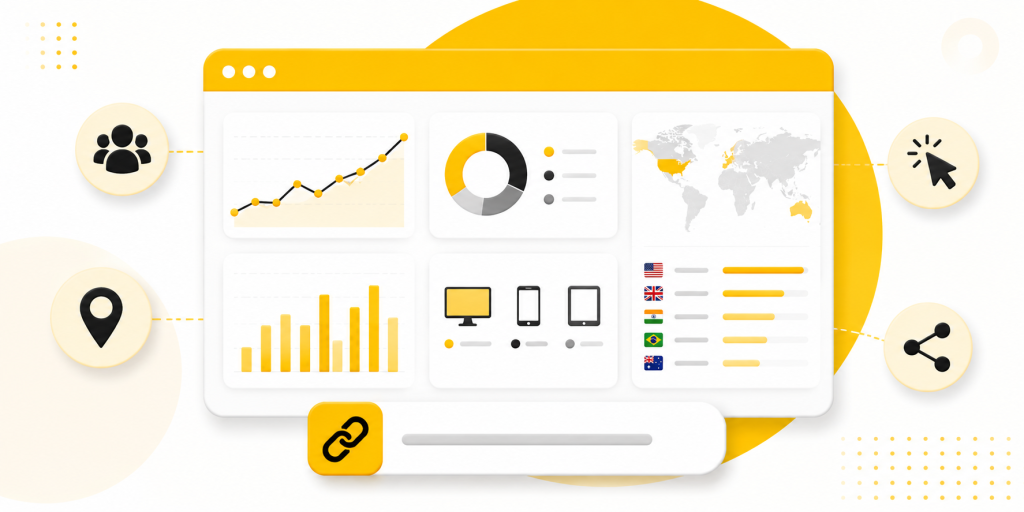
Useful metrics include:
Total clicks
Unique clicks
Countries
Devices
Referrers
Campaign-specific traffic
These insights help marketers identify which channels deserve more attention and which campaigns need improvement.
Free Tools Lower the Barrier to Better Marketing
Many small businesses, startups, creators, and ecommerce brands delay link tracking because they assume it requires expensive software.
In reality, a free custom URL shortener often provides enough visibility to improve campaigns significantly. A few well-organized links can reveal more about campaign performance than many marketers expect.
This makes custom short links one of the simplest upgrades available to almost any marketing workflow.
How itlink.to Helps Marketers Create Custom Links
itlink.to allows users to create free custom short links using aliases that match their campaigns. Instead of sharing long URLs, marketers can create clean, memorable links that are easier to manage and easier to track.
Because each campaign can use its own alias, businesses can separate traffic sources, compare performance, and organize reporting more effectively. Users can also access click analytics, making it easier to understand which campaigns generate interest.
For marketers who need more than short links, itlink.to also offers HubLink for link in bio pages and OneRoute for smart app download links.
Build Campaigns Around Links People Can Remember
The best marketing links are not necessarily the shortest. They are the clearest.
A free custom URL shortener helps transform complicated URLs into simple, memorable links that support both branding and analytics. Instead of sharing random strings of characters, you can create URLs that reflect the purpose of the campaign while making reporting easier.
Whether you’re running social campaigns, email promotions, influencer partnerships, QR code campaigns, or product launches, custom short links can help bring more organization to your marketing efforts.
Google Analytics — Campaign URL Builder Official production utility designed to systematically append custom UTM parameters to destination paths to isolate and track specific marketing attribution traffic.
Google Search Central — URL Structure Best Practices Architectural guidance from Google detailing how to design clean, logical, and descriptive URL paths to optimize crawl efficiency and improve human readability.
Meta Business Help Center — Ad Campaigns and Conversion Tracking Centralized operational repository providing technical configuration frameworks, pixel implementation rules, and attribution metrics for optimizing paid advertising performance across Meta technologies.
If you’ve ever needed a URL shortener, a smart app link, or a link in bio page, you’ve probably discovered that most tools only solve one of those problems. One platform shortens URLs, another handles app downloads, and another creates link in bio pages. itlink.to was built to bring those common use cases together in one place.
Whether you’re a creator sharing content, a business running campaigns, or an app developer trying to increase downloads, itlink.to gives you tools to create short links, smart links, and bio pages from a single account. At the moment, all features are available for free, making it easy to get started without worrying about usage limits.
Why Most People End Up Using Multiple Link Tools
Many people start with a simple need. Maybe they want a shorter URL for social media. Later they need a bio page for Instagram or TikTok. Then they launch a mobile app and need one link that sends iPhone users to the App Store and Android users to Google Play. Instead of managing everything in one place, they often end up juggling several services. This creates unnecessary complexity and makes campaign tracking harder. itlink.to was designed to simplify that process by combining the most common link management tools into a single platform.
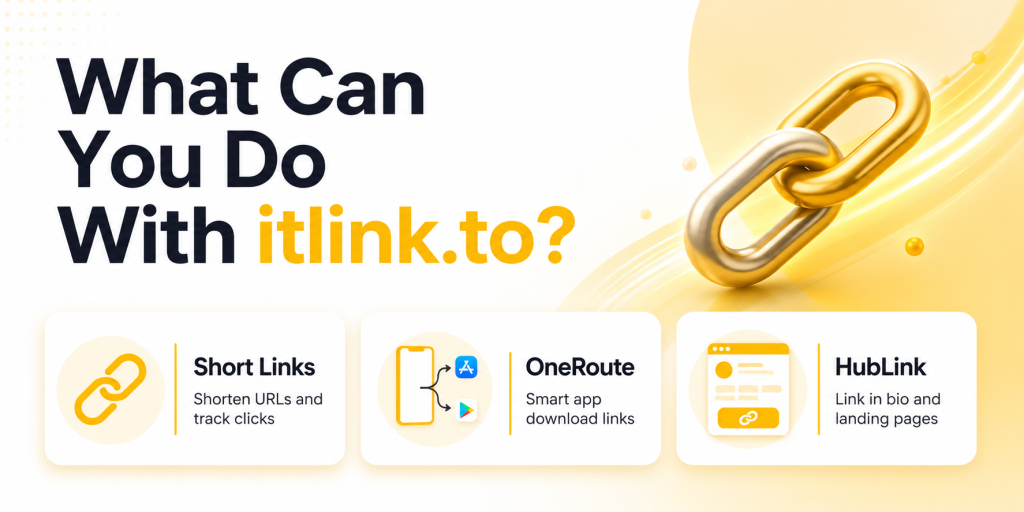
What Can You Do With itlink.to?
The platform currently focuses on three core products: Short Links, OneRoute Smart Links, and HubLink bio pages. Each tool solves a different problem, but they can also work together.
Product
Primary Use Case
Short Links
Shorten URLs and track clicks
OneRoute
Smart app download links
HubLink
Link in bio and landing pages
Most users start with one feature and later discover that the others fit naturally into their marketing workflow.
How Short Links Work
Short Links turn long URLs into clean, shareable links. Instead of sending someone a URL filled with tracking parameters, referral codes, or campaign tags, you can create a simple link that’s easier to read and share. Every short link includes analytics, allowing you to track clicks, unique visitors, countries, devices, referrers, and campaign performance.
For example, instead of sharing a long ecommerce URL with multiple parameters, you can create a short branded link that looks cleaner in social media posts, WhatsApp messages, emails, QR codes, and marketing campaigns.
How OneRoute Smart Links Work
OneRoute was created for app marketers. The problem it solves is simple: iPhone users need the App Store, Android users need Google Play, and desktop visitors often need a website or landing page. Sharing separate store links creates friction because users must choose the correct destination themselves.
OneRoute uses a single smart link. When someone clicks it, the platform automatically routes them to the correct destination based on their device.
Visitor Device
Destination
iPhone
Apple App Store
Android
Google Play Store
Desktop
Fallback website
Other Devices
Custom fallback page
This makes app promotion easier across social media, influencer campaigns, newsletters, QR codes, and paid advertising.
How HubLink Works
HubLink is itlink.to’s link in bio solution. Instead of choosing a single destination, you can create a page containing multiple links and share one URL everywhere. This is especially useful for creators, businesses, podcasts, ecommerce brands, and startups that need to send visitors to several different places.
You can add multiple links, choose your own page alias, customize your profile, and organize important destinations into a single page. Many users place their HubLink URL in Instagram, TikTok, YouTube, X, LinkedIn, and email signatures.
Which Product Should You Use?
The answer depends on your goal. If you simply need a shorter URL and click tracking, use Short Links. If you’re promoting a mobile app, use OneRoute. If you need one page containing multiple destinations, use HubLink.
Your Goal
Recommended Tool
Share a clean URL
Short Links
Promote a mobile app
OneRoute
Create a link in bio page
HubLink
Run influencer campaigns
Short Links or OneRoute
Manage multiple business links
HubLink
Many users eventually use all three products together.
Example: Mobile App Marketing
Imagine you’re launching a new app. You create a OneRoute link for app downloads. Then you create separate OneRoute links for Instagram, TikTok, YouTube, and influencer campaigns so you can compare traffic sources. Finally, you create a HubLink page containing your app download button, website, support page, and social channels. This setup gives you cleaner marketing campaigns while keeping everything organized.
Example: Creator or Influencer Setup
A creator might use HubLink as their main profile URL. Inside that page, they can add links to YouTube videos, affiliate products, newsletters, sponsors, and online courses. For individual campaigns, they can create Short Links to track clicks separately. This makes it easier to understand which content and promotions generate the most engagement.
Example: Small Business Setup
A local business could create a HubLink page containing booking links, menus, locations, contact information, and special offers. They can then create Short Links for email campaigns, QR codes, WhatsApp promotions, and seasonal marketing. If they launch an app in the future, OneRoute can handle app downloads without changing the rest of their setup.
What Analytics Are Available?
Every link should tell a story. That’s why itlink.to includes analytics across its products. Users can currently track total clicks, unique clicks, devices, countries, referrers, and campaign activity. This helps marketers understand where visitors come from and which campaigns generate the most interest.
Analytics Available
Total Clicks
Unique Clicks
Devices
Countries
Referrers
Campaign Performance
Good analytics make it easier to improve future campaigns instead of relying on guesswork.
Why Some Teams Use All Three Together
The products are designed to complement each other. A business might use HubLink as its main profile page, OneRoute for app downloads, and Short Links for campaign tracking. This creates a flexible setup without requiring multiple accounts across different platforms. Because everything lives under one service, managing links becomes simpler as campaigns grow.
Getting Started With itlink.to
The easiest way to understand itlink.to is to use it. Create an account, choose the tool that matches your goal, and start building links. Whether you need a URL shortener, a smart app link, or a link in bio page, the platform is designed to help you get started quickly.
At the time of writing, Short Links, OneRoute, HubLink, analytics, and custom aliases are available for free. That makes it a practical choice for creators, startups, marketers, app developers, and businesses that want professional link tools without upfront costs.
Meta Business Help Center — Ad Campaigns and Conversion Tracking Centralized operational repository providing technical configuration frameworks, pixel implementation rules, and attribution metrics for optimizing paid advertising performance across Meta technologies.
Apple Developer — Supporting Universal Links in Your App Core architectural guide outlining the configuration of Universal Links to securely route inbound web traffic directly to specific, deep-linked views within native iOS applications.
Android Developers — App Links Implementation Guide Google’s core platform documentation explaining how to build, verify, and deploy Android App Links to ensure reliable, non-ambiguous web-to-app routing behaviors.
Google Analytics — Campaign URL Builder Official production utility designed to systematically append custom UTM parameters to destination paths to isolate and track specific marketing attribution traffic.
A free short link generator for social media can solve a problem most creators, businesses, and marketers run into every day: ugly links. Social platforms are designed for fast scrolling. When someone sees a long URL filled with tracking parameters, random characters, and campaign codes, it immediately feels harder to trust and harder to click.
That may seem like a small detail, but social media is full of small decisions. A cleaner link can make your content look more professional, improve sharing, and help you understand which posts are actually generating traffic.
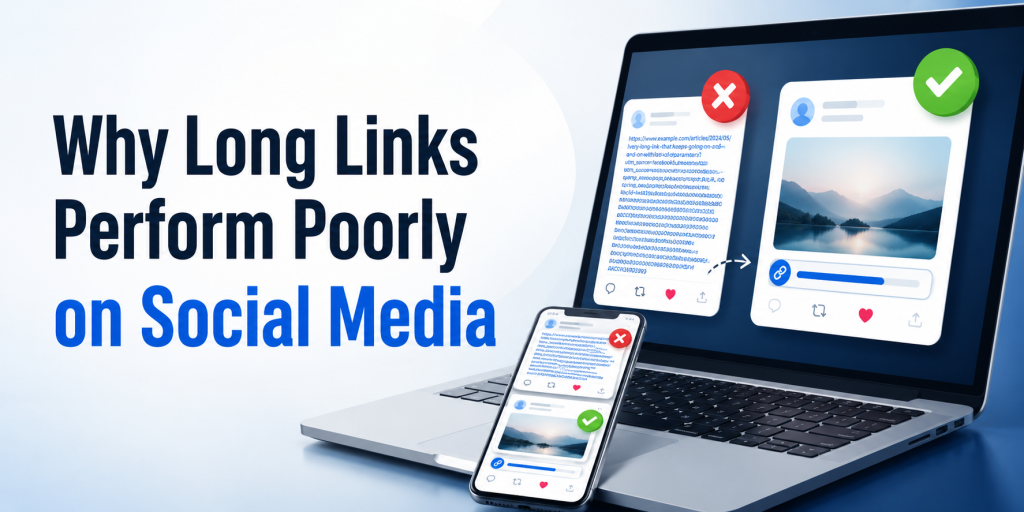
Why Long Links Perform Poorly on Social Media
Most marketing links become long because they contain tracking information. UTM parameters, affiliate codes, referral IDs, campaign tags, and analytics settings all add length to a URL. While useful for reporting, they create links that look cluttered in posts, bios, comments, messages, and profiles.
The destination is the same, but the second version looks cleaner and easier to share.
Social Media Users Decide Quickly
Most people do not carefully evaluate every link they see online. They make quick judgments. A confusing URL can create hesitation before the click even happens.
This is especially important on platforms like Instagram, TikTok, X, Threads, Facebook, LinkedIn, and YouTube. Users are moving quickly between content. Every unnecessary distraction increases the chance that they keep scrolling instead of visiting your page.
A short link removes visual clutter and makes the call to action feel more direct.
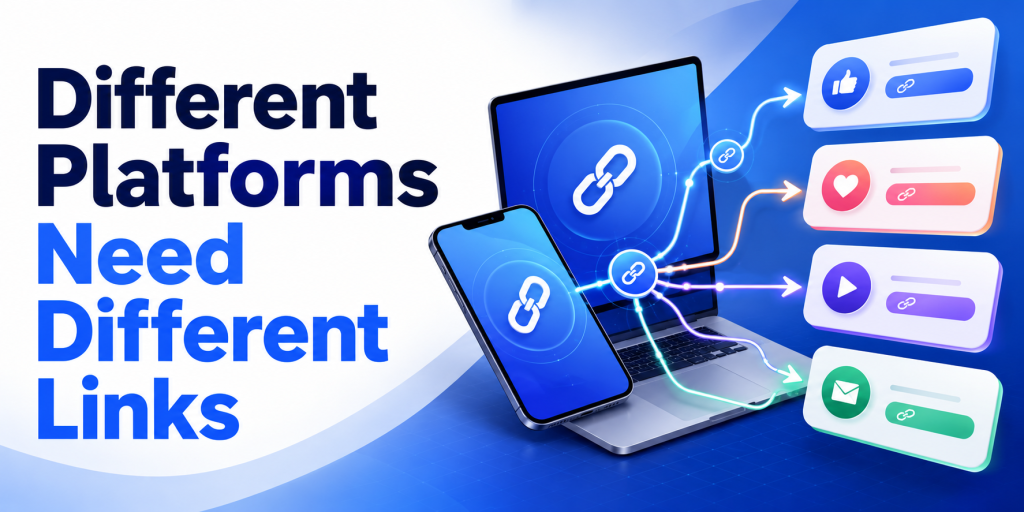
Different Platforms Need Different Links
One mistake many marketers make is using the same link everywhere. If Instagram, TikTok, YouTube, Facebook, and LinkedIn all use the same URL, campaign reporting becomes difficult.
Creating separate short links for each platform makes it easier to understand where traffic originates.
Platform
Example Link
Instagram
your.link/instagram
TikTok
your.link/tiktok
YouTube
your.link/youtube
Facebook
your.link/facebook
LinkedIn
your.link/linkedin
This simple setup provides cleaner analytics without changing the user experience.
Short Links Are More Than Just Shorter URLs
Many people think URL shorteners only make links look better. In reality, the biggest advantage is often tracking.
A short link acts as a measurement point between the user and the destination page. Instead of only seeing website traffic, you can understand how many people clicked the link itself.
This becomes useful when comparing campaigns, influencers, social platforms, newsletters, QR codes, and promotional activities.
Social Media Campaigns Become Easier to Measure
Imagine promoting the same product on Instagram, TikTok, and YouTube.
Without separate short links, you may know that the product page received traffic, but you may not know which platform generated it.
With separate short links, you can compare performance directly.
Campaign
Clicks
Instagram
1,850
TikTok
2,420
YouTube
790
Now you have a clearer understanding of where audience interest is coming from.
Short Links Work Well With Link in Bio Pages
Many creators use a link in bio page as their primary social media destination. A short link can still play an important role.
For example, a creator might use a HubLink page as their main profile URL while creating separate short links for campaigns, sponsors, affiliate promotions, product launches, or content series.
This creates a cleaner marketing setup while keeping analytics organized.
QR Codes and Social Media Often Work Together
Short links are also useful when online and offline campaigns overlap. A QR code on packaging, an event banner, a flyer, or a business card often leads people to a social profile, landing page, or promotion.
Because short URLs are shorter, they usually create cleaner QR codes. They are easier to manage and easier to update if destinations change in the future.
This flexibility becomes valuable when campaigns continue generating traffic long after launch.
Why Free Tools Matter for Creators and Small Businesses
Not every creator or business has a marketing budget dedicated to analytics software. Many simply need a reliable way to shorten links, track clicks, and organize campaigns.
A free short link generator lowers the barrier to entry. Instead of investing in complex marketing tools, users can begin tracking social media traffic immediately.
For many businesses, understanding where clicks come from is enough to make better content and advertising decisions.
How itlink.to Helps Social Media Marketers
itlink.to provides a free short link generator designed for creators, businesses, marketers, and app developers. Users can create short URLs, track clicks, and organize campaigns without paying for basic functionality.
Because each campaign can have its own short link, it becomes easier to compare traffic sources across Instagram, TikTok, YouTube, LinkedIn, Facebook, newsletters, influencer campaigns, and QR codes.
For users who need more than a simple short link, itlink.to also offers HubLink for link in bio pages and OneRoute for smart app download links.
Start With One Link and Learn From the Data
The best reason to use a free short link generator for social media is not that the links look cleaner. It is that they help you understand what people actually click.
Instead of guessing which platform performs best, you can create separate links, compare results, and improve future campaigns based on real behavior.
If you post regularly on social media, a short link is one of the simplest tools you can add to your workflow. It takes only a few seconds to create but can provide valuable insights long after the post is published.
Google Analytics — Campaign URL Builder Official production utility designed to systematically append custom UTM parameters to destination paths to isolate specific marketing attribution traffic.
Meta Business Help Center — Ad Campaigns and Conversion Tracking Centralized operational repository providing technical configuration frameworks, pixel implementation rules, and attribution metrics for optimizing paid advertising performance across Meta technologies.
A URL shortener for app marketing should not only make your link shorter. It should help the right user reach the right place without extra thinking. That sounds simple, but app campaigns often break in small ways. An iPhone user lands on a generic website. An Android user sees an App Store button first. A QR code points to an old landing page. A creator campaign gets clicks, but nobody knows which creator actually drove installs.
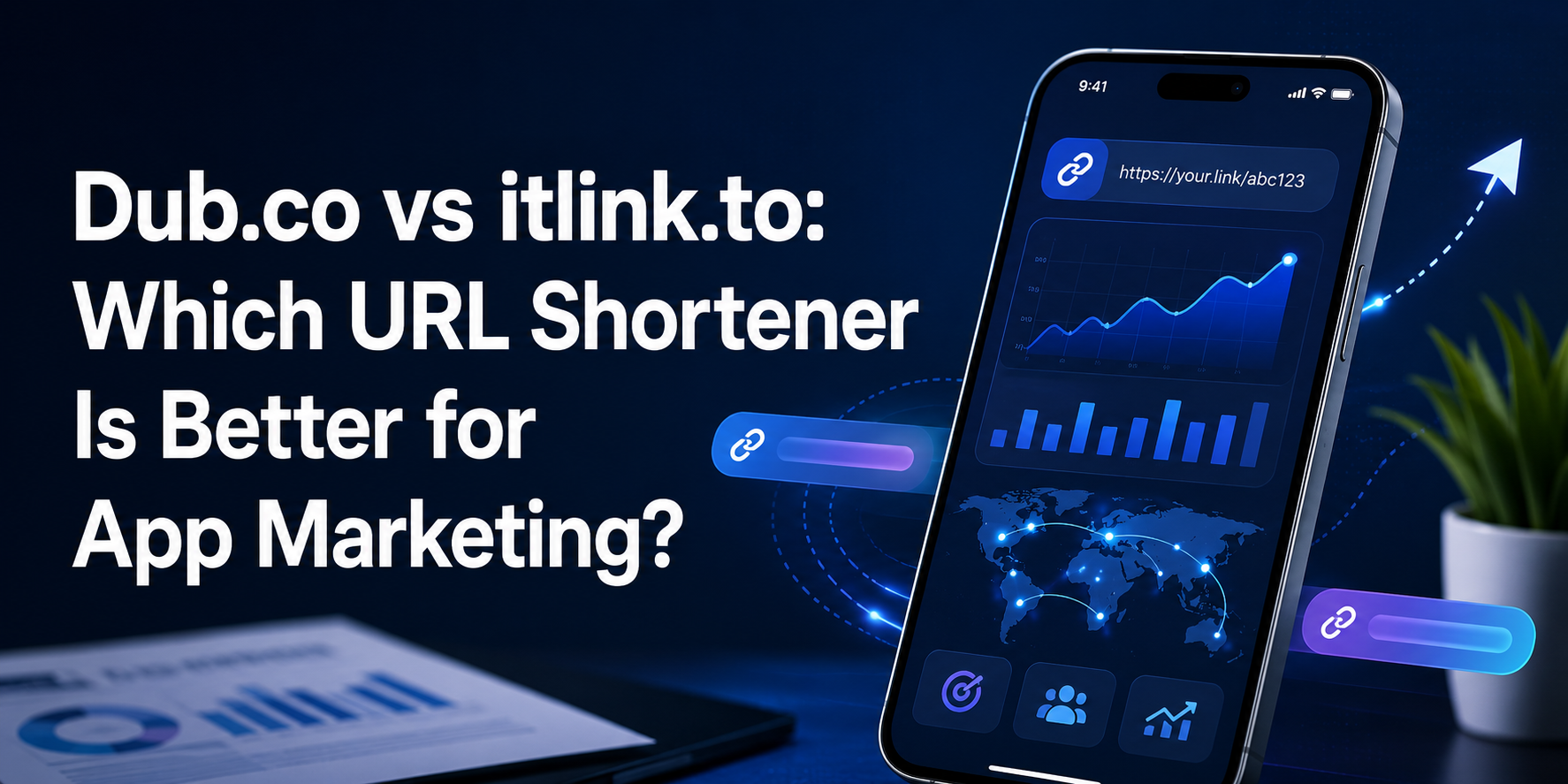
That is the real reason teams compare Dub.co vs itlink.to. They are not only asking which tool makes cleaner links. They are asking which one helps an app campaign perform better after someone clicks.
Dub.co is strong when your team needs advanced link management, attribution, conversion tracking, deep links, A/B testing, and partner campaign workflows. itlink.to is more practical for teams that want short links, QR codes, app store routing, hub links, and simple analytics in one place. Both can be useful, but they solve different levels of the same problem.
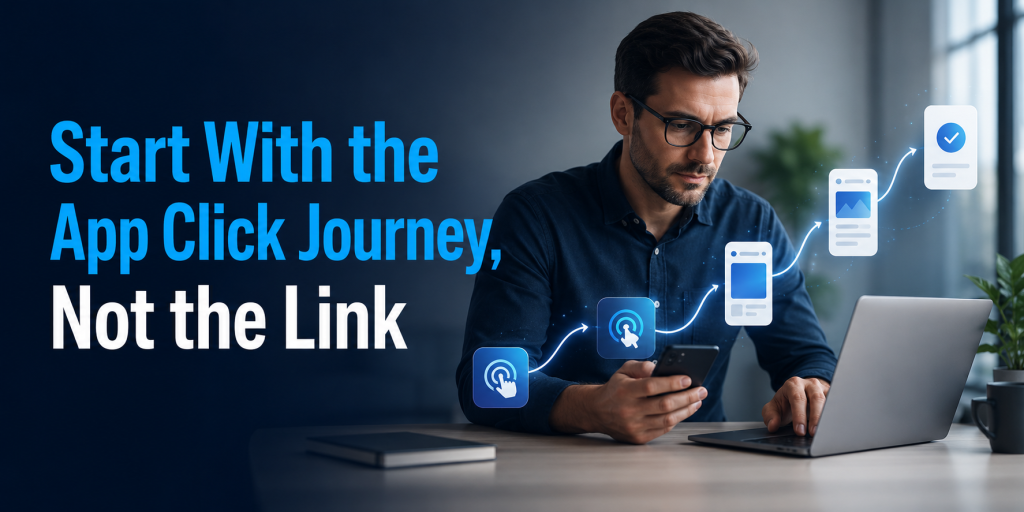
Start With the App Click Journey, Not the Link
The biggest mistake in app marketing is treating the short link as the campaign. A short link is only the door. The real question is what happens after someone opens it.
Imagine someone sees your app on TikTok. They tap the link from your bio. If they are on iPhone, they expect the App Store. If they are on Android, they expect Google Play. If they are on desktop, they may need a web page, email capture, or QR code to continue later on mobile.
A basic short link can make the URL look better, but it may still send everyone to the same destination. That creates unnecessary friction. Users may need to choose their device, scroll through a landing page, or search for the right button. Every extra step gives them a reason to stop.
For app marketing, the better short link is not always the shortest one. It is the one that keeps the user moving. If the link understands the campaign context, the device, and the destination, it becomes part of the conversion journey instead of just a neat-looking URL.
Dub.co vs itlink.to for URL Shortener for App Marketing
When comparing Dub.co vs itlink.to for a URL shortener for app marketing, the main difference is complexity. Dub.co is built for teams that want more control over link performance. It is a good fit when clicks need to connect with conversions, customers, partners, or revenue.
itlink.to is built for teams that want to launch cleaner app marketing links without building a complicated tracking system first. It works well when your campaign needs short links, QR codes, app store routing, bio links, and analytics, but your team still wants the workflow to feel simple.
For example, a growth team running paid partnerships may prefer Dub.co because attribution depth matters. They may need to know which creator drove signups, which link created revenue, or which campaign version performed better.
A smaller app team may care about a different problem. They may need one clean campaign link for Instagram, one QR code for print material, one app download link for paid ads, and one link page for a bio. In that situation, itlink.to may feel more direct because the everyday link jobs are easier to manage together.
The right choice depends less on brand name and more on campaign maturity. If your app marketing is already attribution-heavy, Dub.co makes sense. If your app marketing still needs cleaner links and smoother routing, itlink.to may be the more useful starting point.
Where Dub.co Is Strong
Dub.co is strongest when links are part of a serious growth system. If your team already tracks campaigns deeply, tests landing pages, manages partners, or connects clicks to conversions, Dub.co gives you more advanced tools.
This matters for apps with multiple acquisition channels. A SaaS app may run paid ads, influencer campaigns, newsletter sponsorships, product launches, and referral programs at the same time. In that case, the team may not only ask, “How many clicks did we get?” They may ask, “Which link drove signups?” or “Which partner created paying users?”
Dub.co is also useful for teams with technical resources. Developers and technical marketers can use more advanced link workflows, custom domains, APIs, and deeper tracking setups. That flexibility can be valuable when link creation is part of a larger marketing system.
But this strength can also be too much for some teams. If you only need clean app campaign links, simple click data, QR codes, and device routing, a larger attribution setup may feel heavier than necessary. The tool is powerful, but power only matters if your team will actually use it.
Where itlink.to Fits Better
itlink.to fits teams that want links to be practical, fast, and easy to understand. This is especially useful for app teams that do not want to manage one tool for short links, another for QR codes, another for app routing, and another for a link-in-bio page.
A common app campaign may need several link types at once. You might need a short link for social ads, a QR code for a booth poster, a one-link app download route for iOS and Android users, and a hub page for people who want to explore before downloading. itlink.to makes sense when these are everyday needs, not advanced side cases.
The value is in reducing tool switching. A marketer should not need a technical setup every time they want to promote a new feature, app update, launch campaign, or seasonal offer. They should be able to create the link, share it, update it if needed, and check the results.
That is why itlink.to Short Link works well as a soft starting point for app campaigns. You can create a clean, trackable campaign URL, then connect it with app routing, QR code sharing, or a hub link when the campaign needs more context.
The App Download Problem Most Teams Ignore
Many app teams think the download journey is obvious. Put the App Store button and Google Play button on a page, then send people there. But users do not always behave that neatly.
Someone on Instagram may not want to read a landing page. They may just want the store. Someone scanning a QR code from a poster may be standing in a busy place. Someone clicking from an email on desktop may not be ready to install immediately, but they might scan a QR code or send the link to their phone.
This is where one destination is rarely enough. A strong app marketing link should handle different situations without making the campaign messy. It should help mobile users get to the right store and help desktop users continue the journey in a useful way.
Dub.co can support more advanced link behavior depending on setup. itlink.to is easier to understand for this specific app download use case because One Route is built around sending users to the right destination based on device. That is a practical advantage for teams that care more about reducing download friction than building a complex attribution model.
If your campaign loses users between click and store visit, improving the route may matter more than adding another analytics dashboard.
What App Marketers Should Compare Before Choosing
Do not compare Dub.co and itlink.to only by counting features. Compare them by the moments where your app campaign can lose users or lose data.
Device routing: Can iOS, Android, and desktop users land in the right place without extra steps?
QR code usage: Can you create and track QR codes for offline campaigns, events, flyers, packaging, or table cards?
Editable destinations: Can you change the destination after the link or QR code has already been shared?
Campaign analytics: Can you see enough data to understand which channel, device, or location is getting attention?
Branded links: Can your campaign use a clean domain and readable slug that looks trustworthy?
Team workflow: Can non-technical teammates create and manage links without asking a developer every time?
Advanced attribution: Do you need conversion tracking, partner tracking, affiliate links, or revenue-level reporting?
The last point is important. If you need attribution, Dub.co may be the stronger choice. If you need cleaner execution across short links, QR codes, app routing, and bio links, itlink.to may be easier to use day to day.
Practical Campaign Scenarios
For a simple app launch, itlink.to is often enough. You can create a clean short link for the launch announcement, use a QR code for offline material, and route users to the right app store. The team can check click performance without setting up a complicated system.
For an influencer campaign, the answer depends on depth. If you only need a different short link for each influencer and basic click tracking, itlink.to can work well. If you need to track conversions, reward partners, or connect each creator to revenue, Dub.co becomes more attractive.
For a restaurant, hotel, travel, fitness, or booking app, the link journey usually needs to be simple. People are often clicking from social media, scanning a QR code, or opening a message from a friend. In these cases, the best link is the one that gets them to the app or booking page quickly.
For a SaaS or fintech app, attribution may be more important. Teams may need to understand which campaign created signups, trials, subscriptions, or paid customers. In that case, Dub.co’s deeper marketing features can justify the extra setup.
For a printed QR code campaign, editable destinations are critical. If you print a QR code on posters, receipts, brochures, or packaging, you do not want to reprint everything when the app page changes. Both tools can support link management, but the better choice depends on whether you need simple updating or deeper attribution after the scan.
Common Mistakes That Make Short Links Underperform
A short link can still fail if the campaign behind it is weak. Many teams create clean links but forget to make the journey clear.
One mistake is using the same destination for every user. This is common in app campaigns. Everyone gets sent to the homepage, then users must find the correct store button. That may seem acceptable, but it adds friction at the exact moment when interest is highest.
Another mistake is creating campaign links with unclear names. A team may create links like /summer, /launch, /ad1, and /test without a naming system. After a few weeks, nobody remembers which link belongs to which campaign. Analytics becomes harder to trust.
Some teams also forget offline tracking. If your app is promoted at events, restaurants, retail locations, coworking spaces, or hotels, QR codes should not be treated as decoration. They should be tracked like any other campaign link.
The biggest mistake is choosing the wrong level of tool. A small app team may buy a complex attribution platform and use only basic short links. A larger growth team may stay with a basic shortener and miss conversion data. Both situations create waste. The right tool should match the team’s current marketing stage.
Which One Should You Choose?
Choose Dub.co if your team needs a more advanced link management system. It is the better fit when your app marketing depends on conversion tracking, affiliate campaigns, partner links, deep links, A/B testing, APIs, custom domains, and detailed attribution.
Choose itlink.to if your team needs a simpler way to manage practical app marketing links. It is the better fit when your main needs are clean short links, app store routing, QR codes, hub links, and clear click analytics in one dashboard.
Choose Dub.co when you need attribution depth.
Choose itlink.to when you need campaign simplicity.
Choose Dub.co when partner or affiliate tracking is central.
Choose itlink.to when short links, QR codes, and app routing are the daily workflow.
Choose Dub.co when your team has technical marketing resources.
Choose itlink.to when marketers, founders, or small teams need to move quickly.
The choice should come from your real bottleneck. If you already get plenty of clicks but cannot connect them to conversions, Dub.co may solve the bigger problem. If users are landing in the wrong place, your QR campaigns are hard to manage, or your app links are spread across too many tools, itlink.to may be the more practical answer.
Final Verdict: The Better URL Shortener for App Marketing
The better URL shortener for app marketing is the one that improves the full click journey, not just the appearance of the URL. Dub.co is a strong choice for advanced growth teams that need attribution, conversion tracking, partner workflows, deep links, and more technical control.
itlink.to is a strong choice for app teams that want cleaner campaign execution. It helps with the practical link problems app marketers face every day: short links that look better, QR codes that are easier to share, app routing that reduces friction, hub links that organize destinations, and analytics that are simple enough to use.
If your campaign is built around advanced attribution, Dub.co may be the better fit. If your campaign is built around getting users from click to download with less confusion, itlink.to may be the better fit.
Start with the problem closest to the user. If people click but do not reach the right destination, fix the route. If your team cannot understand which campaign is working, improve tracking. If your links are messy across social, ads, QR codes, and app stores, simplify the system.
Create a cleaner app campaign link with itlink.to Short Link and make every click easier to track, share, and route.
References
Dub.co — The Modern Link Attribution Platform Official corporate homepage detailing the platform’s unified architecture for enterprise link management, real-time analytics orchestration, and scalable affiliate attribution engine.
Dub.co — Advanced Link Management and Customization Docs Technical product blueprint exploring the functional capabilities of Dub Links, including programmatic link cloaking, dynamic device targeting, custom open-graph previews, and automated QR code synchronization.
ITLink.to — Centralized Intelligent Routing Engine Core product page explaining the platform’s infrastructure for micro-link compression, secure click-redirect pathways, and optimization across communication streams.
ITLink.to — One Route, Hub Links, and Dynamic QR Product Suites Dedicated features directory highlighting the implementation of intelligent geo-routing filters (One Route), biolink aggregator configurations (Hub Links), and high-resolution matrix analytics modules.
A free link tracking tool helps marketers answer one of the most important campaign questions: which links are actually working? Not which page received traffic. Not which platform looked busy. Not which post got likes. The real question is which link made someone interested enough to click.
This matters because many marketing reports look clear at first, but become confusing when you look closer. A campaign may get traffic from email, LinkedIn, Instagram, paid ads, QR codes, partners, and creators at the same time. If every channel uses the same destination link, your report cannot clearly show what created the result.
A free link tracking tool solves this by giving each campaign placement its own measurable link. Instead of guessing whether a newsletter, ad, QR code, or social post worked, you can compare click performance directly. This helps you improve campaigns faster, spend budget more carefully, and avoid repeating weak marketing ideas.
Your campaign report is often wrong before anyone visits the website
Most marketers check analytics after traffic reaches the website. That is useful, but it does not show the full campaign story. A user made a decision before landing on your page. They saw a link somewhere and decided whether it looked worth clicking.
That click may have started from a newsletter button, a LinkedIn post, a TikTok bio, a QR code on a flyer, a partner article, or a paid ad. If all of those placements use the same URL, your analytics may show traffic, but the source story becomes incomplete.
This creates a reporting problem. The campaign looks like it generated traffic, but you cannot clearly say which link created attention. You may think the campaign worked because total visits increased. In reality, one channel may have carried the whole campaign while the others did almost nothing.
Link tracking fixes this earlier in the journey. It measures the click before the visitor reaches the destination. That gives your team a cleaner view of channel performance and campaign interest.
Free link tracking tool for cleaner campaign attribution
A free link tracking tool is useful because it separates campaign performance by link, not just by landing page. This is important when several channels send traffic to the same destination.
For example, your team may promote one landing page through five channels. Email may use one tracked link. LinkedIn may use another. A QR code may use a third. An influencer may use a fourth. Paid ads may use a fifth. All links can point to the same page, but each one produces separate click data.
This makes attribution easier to understand. You can see which placement attracted attention, which channel underperformed, and which message deserves another test. You are no longer relying only on one combined traffic number.
The goal is not to create complicated reports. The goal is to make campaign data easier to trust. When each important placement has its own link, your team can review performance without guessing where clicks came from.
The mistake of using one link across every channel
One of the biggest campaign tracking mistakes is using the same link everywhere. It feels simple at first. One destination, one link, one campaign. But this simplicity creates weak reporting.
Imagine you promote a new offer through email, Instagram, LinkedIn, a paid ad, and a QR code. If every channel uses the same link, your total click number may look fine. But you will not know which channel created those clicks. That means you cannot confidently improve the next campaign.
This can lead to bad decisions. You may keep posting on a channel that did not drive clicks. You may reduce budget from a channel that quietly performed well. You may assume a message was strong when only one placement created interest.
A better approach is to create a separate tracked link for each meaningful channel. The destination can stay the same, but the link data should be separate. This gives you a clearer view of campaign performance without changing the landing page.
What link tracking can show before conversion data is ready
Conversion data is important, but it is not always available quickly. Some campaigns need time before users sign up, book a demo, buy, or download an app. Link tracking gives you earlier signals.
A click does not prove success, but it shows interest. If a campaign gets very few clicks, the problem may be the message, offer, channel, audience, or placement. If a link gets many clicks but few conversions, the landing page or offer may need work.
This distinction is useful. Without link-level data, teams often blame the wrong part of the campaign. They may rewrite the landing page when the real problem was that no one clicked the post. Or they may change the ad creative when the real problem was a weak signup page.
Link tracking helps separate attention problems from conversion problems. First, did people click? Then, did they continue after landing? These are different questions, and they need different fixes.
Campaign links worth tracking separately
Not every link needs its own report. The best links to track are the ones that help you make better campaign decisions. Focus on links tied to channels, audiences, messages, or placements you may want to compare.
Email newsletter link: Track clicks from each email campaign or CTA.
Social post link: Compare LinkedIn, Instagram, X, Facebook, TikTok, or Threads.
QR code link: Measure offline interest from events, flyers, packaging, menus, or posters.
Influencer link: Give each creator a separate tracked link.
Partner link: Track each newsletter, blog post, community, or affiliate mention.
Paid ad link: Separate campaigns, ad groups, creatives, or offers.
Webinar link: Compare registration clicks from email, social, ads, and partners.
App campaign link: Track app download interest from different channels and devices.
The rule is simple. If you will use the data to compare performance, create a separate tracked link. If the data will not change any decision, do not overcomplicate it.
Why clicks can be useful and misleading at the same time
Clicks are helpful, but they can be misleading when viewed alone. A campaign with many clicks may still perform poorly if those visitors do not take action. A campaign with fewer clicks may be more valuable if those visitors convert at a higher rate.
For example, a viral social post may drive many curious clicks but few signups. A small partner newsletter may drive fewer clicks but stronger leads. If your team only celebrates total clicks, you may reward the wrong campaign.
This is why link tracking should be read together with landing page data. Use link tracking to understand where attention came from. Use website analytics to understand what happened after the click. Use conversion data to judge business impact.
The best marketing reports do not stop at “this link got clicks.” They ask better questions. Did the right audience click? Did those users continue? Did the channel bring meaningful traffic? Should we repeat this campaign, change the message, or stop using that placement?
UTM tracking and short links should work together
UTM parameters are useful because they help analytics tools identify campaign traffic. They can show source, medium, campaign name, content, and other details. The problem is that UTM links often look long and messy when shared publicly.
A campaign URL with full UTM tracking may be useful for analytics, but poor for user experience. It can look confusing in social posts, emails, SMS messages, and printed materials. Users do not need to see the tracking structure. They only need a clear link that feels safe to click.
This is where tracked short links help. The public link can stay clean, while the final destination still includes UTM parameters. Your users see a simple link. Your analytics still receive campaign data.
This setup gives marketers the best of both sides. Short tracked links improve clarity before the click. UTM parameters improve reporting after the click. Together, they create a cleaner campaign workflow.
How to organize links so reports stay readable
Link tracking only works well when links are organized. If every team member names links differently, the data becomes messy again. A simple naming system can prevent this.
Use link names that describe the campaign and channel. For example, a launch campaign could use separate links for /launch-email, /launch-linkedin, /launch-qr, and /launch-partner. This makes the report easier to understand later.
Keep evergreen links separate from campaign links. Evergreen links are used often, such as /demo, /pricing, /app, or /contact. Campaign links are tied to a specific promotion, event, launch, or test. Mixing both together makes your link library harder to manage.
Also assign ownership. Someone should know why the link exists, where it points, and whether it should be updated later. This is especially important for QR codes, old emails, and partner campaigns because those links can continue receiving clicks long after the campaign ends.
Good link organization is not about being strict. It is about making future reports easier to read.
Where a free link tracking tool fits in the marketing workflow
A free link tracking tool should fit between campaign planning and campaign reporting. Before launching, create links for the channels you want to measure. During the campaign, watch early click signals. After the campaign, compare link performance with website and conversion data.
This workflow helps teams move from vague reporting to clearer decisions. Instead of saying, “The campaign got traffic,” you can say, “Email drove the most clicks, LinkedIn had the strongest early response, the QR code was weak, and the partner link brought fewer but higher-quality visitors.”
For small teams, this can make campaign review much more practical. You do not need a complex analytics setup to start learning. You need clean tracked links that answer real campaign questions.
For teams that want to create cleaner marketing links, track clicks, and manage campaign destinations more easily, itlink.to can be used as a practical link tracking option for campaign workflows: https://itlink.to/#hub-link
The main value is not only shortening the link. It is making every campaign link easier to measure and easier to improve.
Free link tracking tool conclusion for smarter campaign decisions
A free link tracking tool helps marketers stop guessing which campaign links are working. It gives each important channel, placement, or message its own measurable link, so your team can compare performance with more confidence.
The strongest campaign reports start before the website visit. They show where the click came from, which link created interest, and which placements deserve more attention. This makes it easier to find weak channels, improve messages, and avoid wasting budget on campaigns that only look successful on the surface.
Clicks are not the full story, but they are an important first signal. When you combine link tracking with UTM data, website analytics, and conversion results, your campaign reports become much clearer.
A good campaign should not end with “we got traffic.” It should end with a better understanding of what worked, what failed, and what to test next.
References
Google Analytics — Campaign URL Builder Official production utility designed to systematically append custom UTM parameters to destination paths to isolate specific marketing attribution traffic.
Bitly — Enterprise URL Shortener Product Matrix Dedicated product documentation detailing advanced link manipulation, back-half customization mechanics, campaign-level tag grouping, and tracking workflows.
Android Developers — App Links Implementation Guide Google’s core platform documentation explaining how to build, verify, and handle Android App Links to ensure reliable, non-ambiguous web-to-app deep linking behavior.
Bitly vs itlink.to is not only a question about which tool makes shorter links. For marketers, creators, startups, and app teams, the better question is which tool makes campaigns easier to launch, track, and improve.
A short link is often the first step in a marketing journey. It may appear in an Instagram bio, email campaign, paid ad, QR code, product launch post, YouTube description, podcast note, or app download page. If that link is hard to manage, hard to edit, or hard to measure, the campaign becomes harder to improve.
Bitly is a well-known URL shortener with a large platform around links, QR codes, analytics, and landing pages. itlink.to is a simpler option for teams that want clean short links, smart links, and practical campaign routing without making link management feel heavy.
The Wrong Question: “Which One Shortens Links Better?”
Both Bitly and itlink.to can help turn long URLs into cleaner short links. That part is not the real decision.
The real decision is about workflow.
A marketer does not only need a short link. They need to know where the link will be shared, whether it can be edited later, how traffic will be measured, and whether the team can understand the results without digging through a complicated dashboard.
If your only goal is to shorten one random URL, many tools can do that. But if the link supports a campaign, the tool needs to do more than hide a long address.
A marketing link should help answer three questions: Where should this click go? Can we change it later? Did the campaign work?
When Bitly Makes Sense
Bitly makes sense for teams that want a mature, widely known link management platform. It is especially useful when a company needs link shortening, QR codes, landing pages, redirects, analytics, branded links, and team workflows inside one larger platform.
This can be a good fit for larger marketing teams, enterprises, agencies, and companies that already need structured link operations.
If your team wants advanced reporting, higher link volume, custom domains, integrations, and a familiar brand name, Bitly may be the safer choice. It has been in the market for a long time, and many marketers already understand what a Bitly link is.
The tradeoff is that not every small team needs that much platform depth. A stronger tool can still feel bigger than the job when the job is simply creating clean, editable campaign links.
When itlink.to Feels More Practical
itlink.to is a better fit when the main goal is speed and simplicity.
A founder launching a product does not always want to configure a large link management system. A creator promoting a new offer does not want to spend too much time building tracking logic. An app team sharing a download campaign may only need a clean short link that routes users clearly.
This is where a lighter workflow helps.
itlink.to is useful when you want short links, smart links, creator links, app routing, and simple campaign destinations in one clean setup. The tool is not trying to make every link feel like a complex attribution project.
That matters because many teams do not fail because they lack link features. They fail because their link workflow becomes messy, inconsistent, or too slow to use every day.
The Campaign Link That Gets Shared Everywhere
A single marketing link rarely stays in one place.
You may create one launch link and share it across Instagram, TikTok, LinkedIn, email, QR codes, YouTube, communities, and paid ads. The problem starts when every channel needs a slightly different version.
For example, Instagram traffic may need a mobile-first landing page. Email traffic may need a product page. QR code traffic may need an event-specific page. App users may need App Store or Google Play routing.
If every link is created manually with no system, reporting becomes messy fast.
Bitly gives teams more advanced link and QR management options. itlink.to is better for teams that want a simpler way to create marketing links without overbuilding the process.
The right choice depends on how complex your campaign actually is.
Editable Links Are Not a Bonus Feature
Editable links become important the moment a link is published somewhere difficult to change.
A social post can sometimes be edited. A QR code on printed material cannot. A podcast description may stay online for years. A PDF may be downloaded and shared many times. A newsletter link cannot be changed after the email is sent.
If the destination changes, the public link should not become useless.
This is why editable destinations matter for marketing. They give your campaign a second chance when a landing page changes, a promotion expires, or a product page moves.
For small teams, this is one of the most practical reasons to use a better URL shortener. It prevents small mistakes from becoming permanent campaign problems.
The Analytics Problem Most Marketers Actually Have
Many marketers do not need complicated analytics at the beginning. They need clear answers.
Which link got clicks? Which channel performed better? Did the QR code work? Did the social post drive traffic? Did the campaign improve after changing the destination?
Bitly is strong if your team wants more detailed analytics and reporting across a larger link ecosystem. itlink.to is stronger when you want a simpler way to understand link performance without turning every campaign into a reporting project.
The best analytics tool is not always the one with the most charts. It is the one your team checks regularly.
If the dashboard is too heavy, people stop using it. If the data is too thin, decisions become guesses. The right balance depends on your team size and campaign style.
Bitly vs itlink.to for Real Marketing Use Cases
Here is a practical comparison based on common marketing situations:
Marketing Need
Bitly
itlink.to
Basic short links
Strong
Strong
QR code campaigns
Strong
Useful for simple campaigns
Large team link management
Stronger fit
Better for smaller teams
Simple campaign links
Good
Strong
Advanced analytics
Stronger fit
Simpler tracking
Editable destinations
Available depending on setup
Useful for campaign flexibility
Creator and bio link use cases
Available through Bitly Pages
Strong fit
App routing and smart link use cases
More advanced setup may be needed
Strong fit
Fast setup for small teams
Can be more than needed
Strong
Enterprise link operations
Stronger fit
Not the main use case
This is not a “Bitly is bad” comparison. Bitly is a powerful platform.
The point is simpler: not every marketing team needs a large platform to manage simple campaign links.
The Hidden Cost of Choosing the Heaviest Tool
A tool can be powerful and still create friction.
If your team only needs ten campaign links per month, an advanced platform may feel like too much. People may avoid it, create links inconsistently, or use raw URLs instead.
That creates link sprawl.
One person uses a short link. Another person uses the full landing page URL. Someone else adds UTM parameters manually. A designer creates a QR code with a static URL. Later, nobody knows which link performed best.
A simpler link workflow can prevent this. When link creation is fast and easy, the team is more likely to use the same process every time.
Consistency often matters more than feature depth.
The Better Choice Depends on Your Marketing Stage
Bitly is a strong choice if your team needs a mature platform for links, QR codes, branded domains, landing pages, integrations, and advanced reporting.
itlink.to is a strong choice if your team wants a simpler URL shortener for marketing links, smart links, creator links, app links, and campaign destinations without adding unnecessary complexity.
For early-stage startups, creators, solo marketers, and small teams, simplicity can be a real advantage. You can create links faster, test campaigns quickly, and avoid overbuilding your marketing stack.
For larger teams with strict reporting, brand governance, multiple users, and advanced analytics needs, Bitly may be the better fit.
The best URL shortener is the one that matches how your team actually works.
Final Verdict: Bitly vs itlink.to for Marketing
Bitly vs itlink.to comes down to depth versus simplicity.
Choose Bitly if you want a bigger, more established link management platform with advanced marketing infrastructure.
Choose itlink.to if you want a cleaner, simpler way to create short links and smart marketing links for campaigns, creators, products, apps, and landing pages.
For many marketing teams, the goal is not to manage links like a large enterprise. The goal is to publish faster, keep links editable, track performance clearly, and send people to the right place.
If that sounds like your workflow, try itlink.to’s short link tool here:
https://itlink.to/#short-link
Start with one campaign. Create separate links for your most important channels. Test the destinations. Share them. Then use the results to make your next campaign better.
References
Bitly — Official Connections Platform The foundational multi-tool digital suite used to generate custom short URLs, deploy dynamic QR codes, construct landing pages, manage structural redirects, and analyze audience engagement data.
Bitly — Platform Tier Options & Pricing Structure Comprehensive operational guide detailing service tier access, resource allocations, custom domain limitations, and feature caps across free and premium enterprise subscriptions.
Bitly — Enterprise URL Shortener Product Matrix Dedicated product documentation detailing advanced link manipulation, back-half customization mechanics, campaign-level tag grouping, and tracking workflows.
Google Analytics — Campaign URL Builder Official production utility designed to systematically append custom UTM tracking parameters to destination paths to isolate specific marketing attribution traffic.
A short URL is easy to share, but the real value starts after someone clicks. If you know how to track clicks on a short URL, you can see which campaigns get attention, which channels bring useful visitors, and which links are not worth promoting anymore.
The mistake many teams make is treating click count as the whole story. A link with 5,000 clicks may look successful, but those clicks may come from bots, the wrong country, repeat visitors, or people who leave immediately. Good click tracking helps you look past the big number and understand what is really happening.
Start With the Question You Want the Link to Answer
Before creating a short URL, decide what you want to learn from it. A short link for an Instagram bio should answer a different question than a short link on a QR code, email campaign, influencer post, or paid ad.
For example, an Instagram bio link might answer, “Are profile visitors clicking through to our offer?” A QR code might answer, “Did people at this event scan the poster?” An influencer link might answer, “Did this creator send real traffic or just views?”
When the goal is clear, the tracking setup becomes easier. You know what to name the link, where to place it, and which numbers matter.
How to Track Clicks on a Short URL
To track clicks on a short URL, create the link with a URL shortener that includes analytics. After the link is shared, the tool records click activity and shows you data such as total clicks, unique clicks, device type, country, referrer, and time of click.
The basic process is simple. Add your destination URL, create a short link, share it in your campaign, then review the click analytics. If you are running multiple campaigns, create separate tracked short URLs for each one.
This matters because one shared link across every platform creates unclear data. If Instagram, TikTok, email, and QR codes all use the same short URL, you may know the total clicks, but you will not know which channel caused them.
Total Clicks Are Useful, But Not Enough
Total clicks are the easiest number to understand. They show how many times the short URL was clicked. But total clicks can be misleading if you look at them alone.
A link may get many clicks because one person opened it repeatedly. It may get traffic from bots or preview crawlers. It may spike because a social app scanned the link before showing a preview. It may also get low-quality clicks from the wrong audience.
That does not mean click count is useless. It is a starting point. But you should compare it with unique clicks, referrers, devices, locations, and conversion behavior before deciding whether the campaign worked.
Track Each Channel Separately
If you want useful data, avoid using one short URL everywhere. Create different links for different channels, even if they all point to the same destination.
For example, create one short link for Instagram bio, one for TikTok profile, one for newsletter, one for QR posters, and one for each creator campaign. This gives you cleaner reporting.
A practical naming structure might look like this: campaign name, channel, placement, and date. You do not need a complicated system. You just need enough detail so you can understand the report later without guessing.
What Short URL Analytics Can Tell You
Good short URL tracking can reveal patterns that are easy to miss.
You may learn that:
Instagram gets more clicks, but email brings more serious visitors
QR codes perform well at events but poorly on printed flyers
Android users click more than iPhone users for a certain campaign
Most clicks happen within the first 24 hours after posting
A creator sends traffic, but most visitors never reach the final offer
One country is driving clicks even though the campaign targets another market
These insights help you adjust campaigns while they are still active, not after the budget is gone.
Use UTM Parameters for Deeper Tracking
Short URL analytics tells you what happened at the link level. UTM parameters help your website analytics understand where visitors came from after they arrive.
For example, you can add UTM tags for source, medium, campaign, and content. A short URL can hide the long UTM link, so users see a clean URL while your analytics still receives campaign data.
This is useful when you want to connect short link clicks with website behavior. You can compare clicks from the short URL tool with sessions, signups, purchases, app downloads, or form submissions inside your analytics platform.
Watch for Click Data That Looks Too Perfect
Not every click is a real person with real intent. Some clicks come from bots, security scanners, messaging app previews, social media crawlers, or internal team testing.
A sudden burst of clicks from one location, clicks with no follow-up behavior, or unusually high activity right after sending an email may need a closer look. The same applies when click numbers in your short URL tool do not match website analytics.
The goal is not to remove every strange click. That is rarely possible. The goal is to avoid making big decisions from one surface-level number.
Short Links Work Better When the Destination Matches the Click
Tracking is only useful if the destination makes sense. If someone clicks a short URL from an Instagram Story about a discount, they should not land on a generic homepage. If they scan a QR code at an event, they should not have to search for the page mentioned on the poster.
A good short URL connects the promise of the campaign to the right destination. That could be a product page, app download page, booking form, link in bio page, event page, or limited-time offer.
This also makes your analytics easier to read. If the link and destination are aligned, weak performance is easier to diagnose.
A Simple Click Tracking Setup for Real Campaigns
For a real campaign, start with one clear destination and create separate short URLs by placement. Add UTMs when the traffic goes to your website. Use clear names so you can compare results later.
For example, if you are launching a mobile app, you might create separate short links for Instagram bio, TikTok bio, creator posts, email newsletter, and QR posters. Each link can send users to the same download page, but the analytics will show which placement created the most interest.
With itlink.to, you can create trackable short links for campaigns and keep your URLs clean while still understanding how people click. This is useful when you want one simple link for users but better reporting for your marketing team.
Turn Short URL Clicks Into Better Decisions
When you track clicks on a short URL properly, you stop guessing. You can see which channels deserve more attention, which campaigns need better messaging, and which links are getting clicks without real follow-through.
The key is to create links with a purpose. Separate your channels, use UTMs when needed, check more than total clicks, and compare link data with real business outcomes.
Start with one campaign. Create a clean short URL, track the clicks, review the data, and improve the next campaign based on what people actually did.
References
Google Analytics — Campaign URL Builder Official production utility used to systematically append specific tracking syntax (UTM tags) to web addresses for channel isolation.
Apple Developer — App Store Connect Analytics Overview Platform resource outlining attribution metrics, detailing how external campaigns, referrer networks, and app store impressions translate into client conversions.