An app store redirect link is one smart link that sends each visitor to the correct app download destination. iPhone users can go to the App Store. Android users can go to Google Play. Desktop visitors can go to a landing page with both download options.
That sounds simple, but it solves one of the most common problems in app marketing. Most app campaigns use one public link, but the audience does not come from one device. People click from Instagram, TikTok, Product Hunt, email, QR codes, creator posts, paid ads, pitch decks, event booths, newsletters, and messaging apps.
A normal App Store link only works well for iPhone users. A normal Google Play link only works well for Android users. A homepage may work for everyone, but it adds unnecessary steps before the download. An app store redirect link gives your campaign one clean public URL while routing users to the right place behind the scenes.
One App Campaign Usually Has More Than One Type of User
A simple app campaign rarely has one simple audience. Even if your app is mobile-first, people may discover it from many places. Someone may click from an iPhone while scrolling Instagram. Someone else may click from Android after watching a creator video. A desktop user may find the app from Product Hunt, a blog post, an email newsletter, or a pitch deck. If your campaign only uses one raw store URL, part of the audience gets the wrong experience. The link may not look broken, but the journey is still weak. The user has to figure out what to do next, and many users will not bother. A redirect link removes that decision by sending each visitor to the most relevant destination.
The Wrong Store Page Is a Silent Install Killer
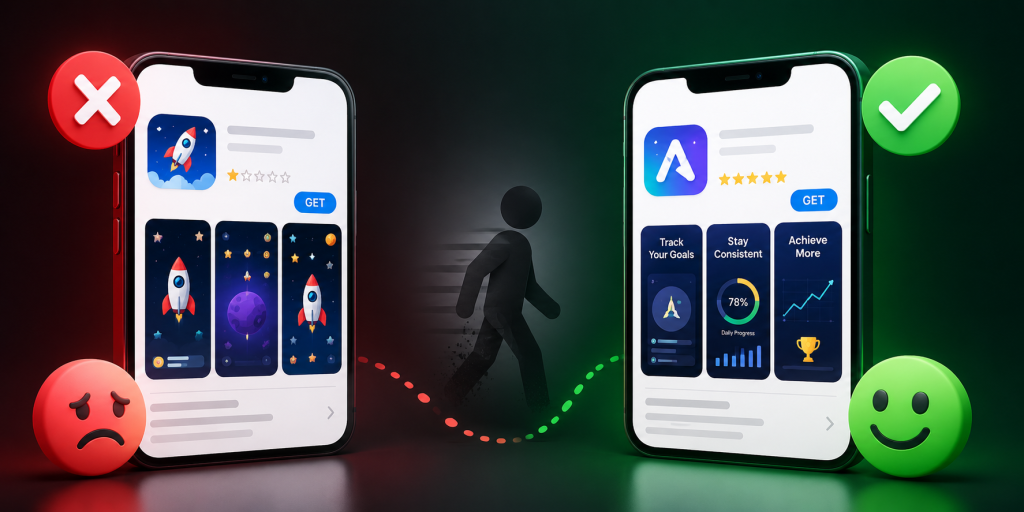
The wrong store page does not always create a visible error. That is what makes it dangerous. An Android user who lands on an App Store page may simply close the tab. An iPhone user who lands on Google Play may assume the app is unavailable for them. A desktop visitor who lands on a mobile store page may not know whether to send the link to their phone, search for the app manually, or give up. These are not dramatic failures. They are silent conversion leaks. A campaign may still get clicks, but fewer people complete the install path. An app store redirect link helps fix the leak before it happens.
A Short Link and an App Store Redirect Link Are Not the Same Thing
A short link makes a long URL cleaner. That is useful, but it does not automatically make the link smarter. If you shorten an App Store URL, Android users still go to the wrong place. If you shorten a Google Play URL, iPhone users still go to the wrong place. The link looks nicer, but the campaign problem remains. An app store redirect link is different because it can use routing logic. The public link can still be short, readable, and easy to share, but the destination can change depending on the user’s device or context. For app campaigns, the logic behind the link matters more than the length of the link.
The Desktop Fallback Should Not Be a Lazy Homepage
Desktop users are often treated as an afterthought in app campaigns. Many teams send them to a homepage and hope they find the download buttons. That creates unnecessary friction. A better desktop fallback should be built for app discovery. It should explain the app quickly, show clear App Store and Google Play buttons, and include a QR code so users can continue on mobile. It should match the campaign message that brought the visitor there. If the campaign says “Download the app,” the fallback page should not feel like a general company website. It should help the user finish the download journey from desktop to mobile.
QR Codes Make Redirect Links Even More Important
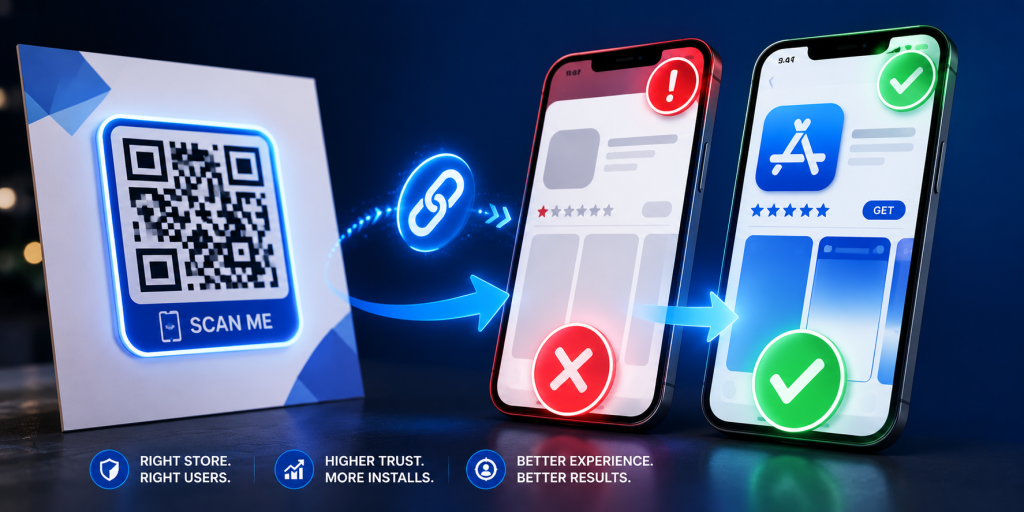
QR codes are one of the clearest reasons to use an app store redirect link. A QR code may appear on flyers, posters, event booths, product packaging, restaurant tables, badges, slide decks, brochures, or business cards. Once printed, the code is hard to change. If it points directly to the App Store, Android users are blocked. If it points directly to Google Play, iPhone users are blocked. If it points to a landing page that changes later, the printed material may become outdated. A better setup is to make the QR code point to an editable app store redirect link. The QR code stays the same, while the destination logic can still serve the right users.
The Link Must Work Inside Real Apps, Not Just Browsers
Many teams test their app download link in Safari or Chrome and assume it works. That is not enough. App campaign links are often opened inside Instagram, TikTok, YouTube, Gmail, LinkedIn, X, Facebook, Messenger, WhatsApp, Telegram, and QR scanner apps. These environments can behave differently from normal browsers. A link that works perfectly in Chrome may feel awkward inside an in-app browser. Before launching, test your redirect link from the places where users will actually click. If your campaign runs on Instagram, test the link inside Instagram. If it runs through email, test it from mobile email apps. If it uses QR codes, scan the code with real phones in realistic conditions.
Tracking Should Be Built Before the Campaign Goes Live
An app store redirect link should not only send users to the correct destination. It should also help you understand which channels worked. If you use the same untracked link everywhere, you may see total clicks, but you will not know which source performed best. A stronger setup creates separate trackable links for major channels such as Instagram bio, TikTok profile, email, QR posters, event booths, creator partners, paid ads, and launch pages. The final destination may be similar, but each campaign placement should be measurable. This helps you learn from the campaign instead of only counting clicks. Without clear tracking, your team may repeat weak channels and underinvest in strong ones.
App Store Redirect Links vs Deep Links
An app store redirect link and a deep link are related, but they solve different problems. An app store redirect link decides where the user should go during the download journey. It can send iPhone users to the App Store, Android users to Google Play, and desktop visitors to a fallback page. A deep link usually opens a specific screen inside an installed app. For example, a deep link may open a referral page, product page, workout plan, message thread, booking screen, or saved item. Many mature app campaigns use both, but the order matters. If users are landing on the wrong store, fix redirect routing first. If users already have the app and need to land on the right screen, deep links become more important.
When You Should Use an App Store Redirect Link
Use an app store redirect link when your app campaign will be seen by users on different devices. This includes launch pages, Product Hunt posts, social campaigns, influencer promotions, newsletters, QR codes, paid ads, event materials, podcast notes, pitch decks, and app landing pages. It is especially useful when you do not control the user’s device or platform. If people may click from iPhone, Android, and desktop, a redirect link prevents you from choosing one store URL and hoping for the best. It also makes your campaign easier to share because everyone can use the same public link.
Common Mistakes That Make App Download Links Weaker
Many app teams lose installs because the link setup is treated as a last-minute task.
- Sharing only the App Store link across every channel.
- Sharing only the Google Play link across every channel.
- Sending desktop visitors to a generic homepage.
- Using QR codes that point directly to one store.
- Using one campaign link everywhere with no source tracking.
- Not testing links inside Instagram, TikTok, Gmail, or QR scanner apps.
- Forgetting that the app may not be available in every country.
- Using a random short link that looks suspicious.
- Changing the landing page after launch without updating the link.
- Measuring clicks without checking whether users reached the right store.
These mistakes are easy to avoid when the link is planned before the campaign goes live.
Final Checklist Before Sharing Your App Store Redirect Link
Before publishing your campaign link, test the full journey from the user’s point of view.
- iPhone users should reach the correct App Store page.
- Android users should reach the correct Google Play page.
- Desktop users should reach a useful fallback page.
- The fallback page should include clear download buttons.
- QR codes should point to an editable redirect link.
- The public short link should look clean and trustworthy.
- Each important channel should have its own trackable link.
- The link should work inside the main social and email apps.
- Store listings should be live and accurate.
- The app should be available in your target countries.
- The CTA should match the destination after the click.
- Analytics should be ready before traffic starts.
A good app store redirect link should feel invisible to users. They should not notice the routing. They should only feel that the app download path worked.
Conclusion: One App Link Should Work for Every User
An app store redirect link helps one campaign serve many different users. Instead of forcing everyone through one store URL, it routes iPhone users, Android users, and desktop visitors to the right destination. That makes app launches, QR campaigns, creator promotions, social posts, paid campaigns, and event marketing easier to manage. It also reduces silent friction that can cost installs. For app teams, startups, creators, and marketers, one clean redirect link can make the first click much more reliable. To create clean short links and app store redirect links for campaigns, you can use itlink.to here
References
- Apple Developer — Supporting Universal Links in Your App Official technical documentation detailing how to configure iOS applications to securely intercept web URLs, launch native interfaces, and pass inbound activity data seamlessly into the application layer.
- Android Developers — Creating Deep Links to App Content Google’s core developer guide explaining how to set up intent filters within the app manifest to route incoming mobile traffic directly to specific contextual views.
- Google Analytics — Campaign URL Builder Official production utility designed to systematically append custom UTM parameters to destination paths to isolate specific marketing attribution traffic.
- Google Analytics Help — URL Builders and Campaign Tracking Foundational support documentation explaining the integration mechanics of custom campaign parameters and how data is categorized within analytics properties.